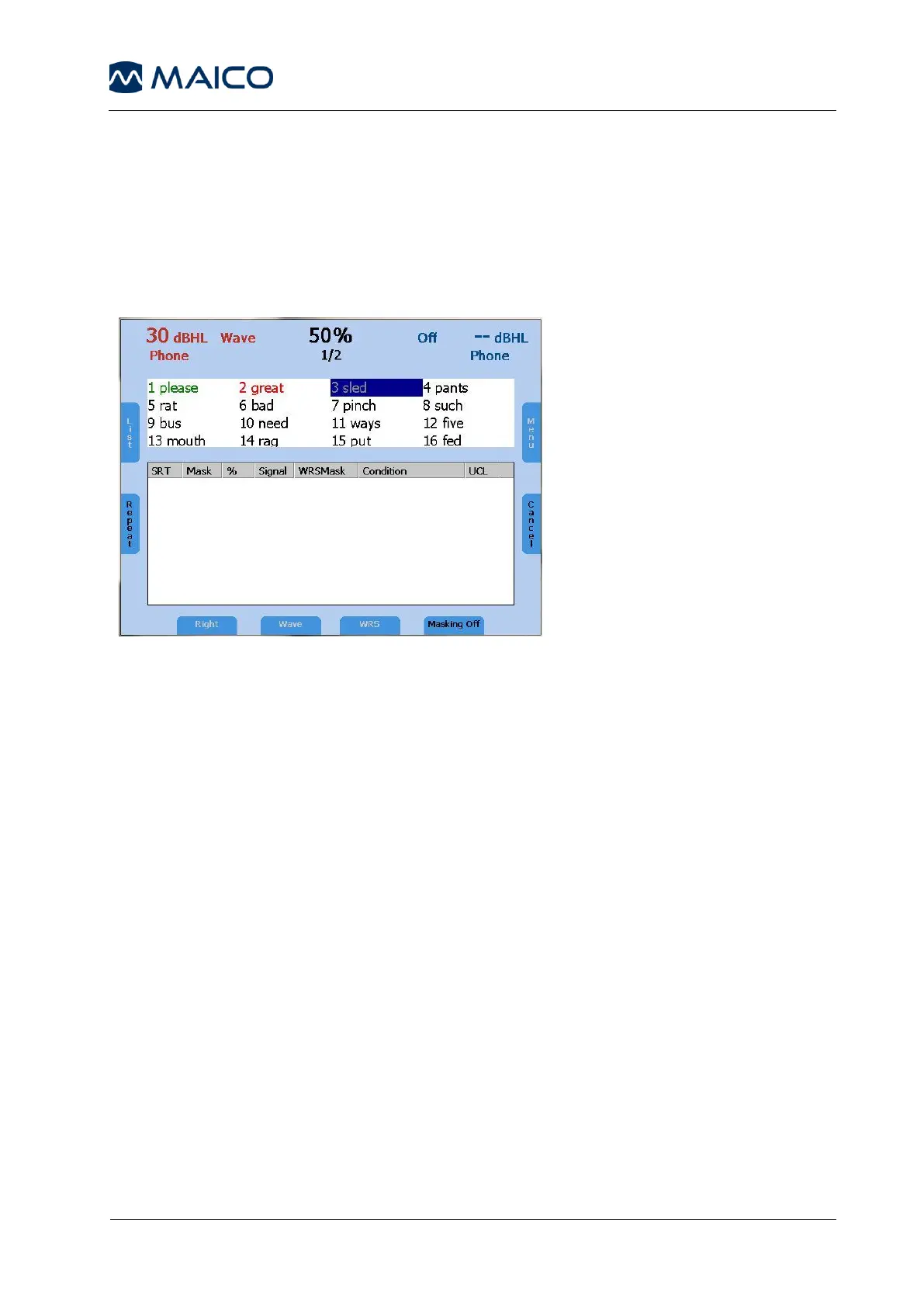
For the WRS test score, tally the correct words by pressing the frequency up (4)
key and the incorrect words by pressing the frequency down (5) key. The next
word will be played back automatically. The correct word is displayed green,
while incorrect word is displayed red. By pressing Repeat (7), the word will be
repeated. Once a wave file has been selected, the intensity cannot be changed.
Select the presentation level before selecting Play (7).
The percentage of the speech discrimination score will be displayed and stored
in the speech table or audiogram as soon as the Store button (3) is pressed.
Press the function button List (6) to load another word list.
UCL measurements are best performed with the Passage wave file include with
the device. Select the ear for testing (9). Press the function button Play (7) to
start the presentation to the patient. Rotate the attenuator wheel (1) to
increase the volume until the patient reports this is uncomfortable loud. Press
Store (3) to save the results.
6.2.5 Masking
Speech audiometry masking can be used in the same manner as described in
chapter 5.1.1.1 for pure tone audiometry. Instead of narrowband noise, speech
noise (SN) is applied when masking is turned on. Masking noise is activated in
the non-test ear by pressing the function button Masking On/Off (15). Adjust
the level of the masking channel by the corresponding level control (1) for
effective masking.
Figure 9 – Speech Audiometry with Wave Files



 To Next Page