19
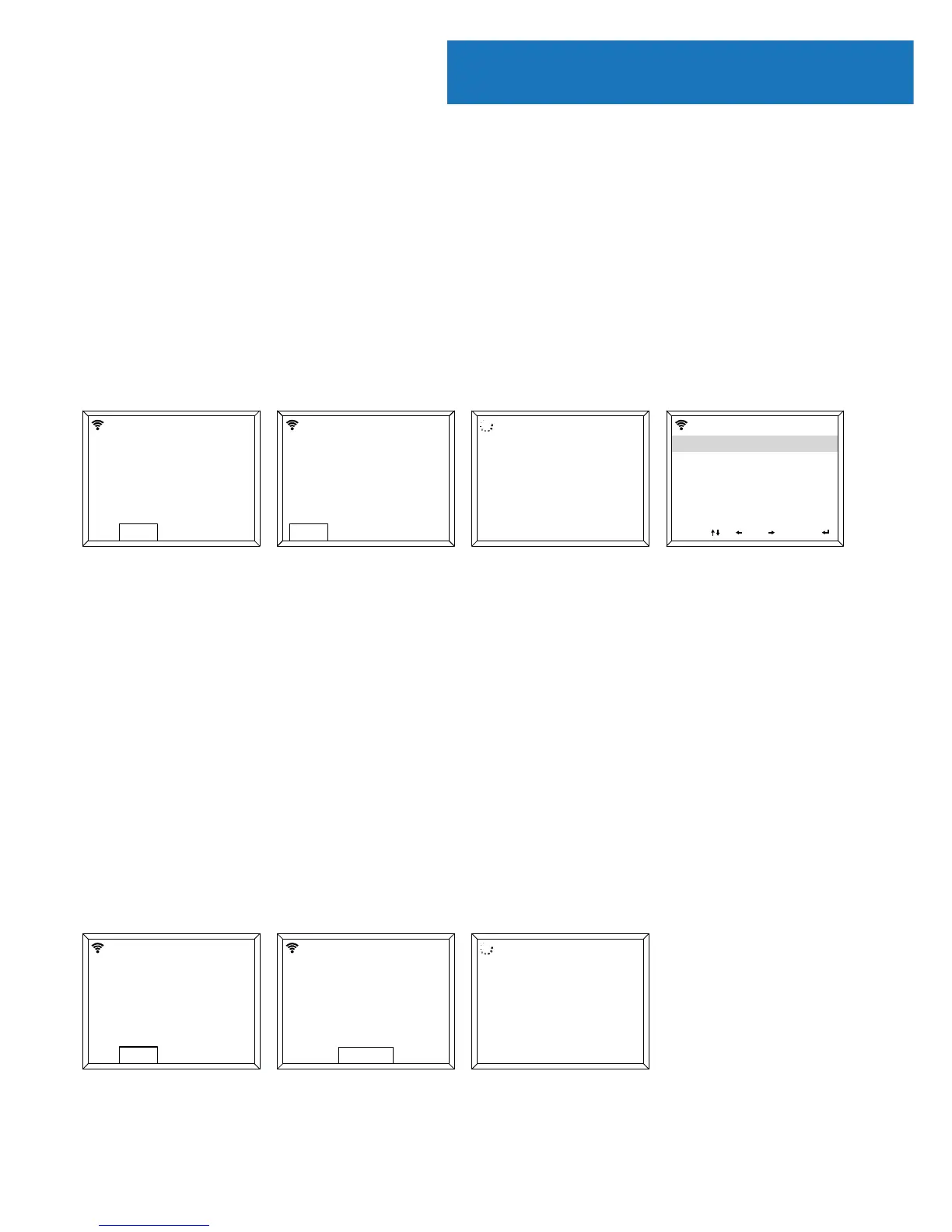
Manual WiFi Set-up
If you select YES, you will be able to select your chosen WiFi
network and enter WiFi password in the next display screen.
Type letters/numbers by scrolling with the Select dial (Ref.)
until the correct digit is displayed and click ‘>’ to go to the next
digit. Once nished, press down the Select dial to conrm.
Wireless Network (WPS PBC)
When at the “Would you like to congure network now?” stage,
if you select “YES (WPS)” your radio will begin to search for WiFi
connections.
Whilst this has been selected you will have 120 seconds to click
the WPS button on your WiFi modem. This will connect your WiFi
to your radio without manually writing in the passcode.
Sengs
Enable ‘Check Network when
Power On’?
NOYES
00:00
Would you like to congure
Network now?
Yes (WPS) NOYES
00:00
Please press the WPS button on
the router within 120 Secs.
00:00
Enable ‘Check Network when
Power On’?
NOYES
00:00
Would you like to
congure network now?
00:00
Yes (WPS) NOYES
00:00
Enter Password
1/1
00:00
Move OKInput
Scanning for
Wireless Network...
00:00















 To Next Page