31
EN
Instructions Guide
Alternatively,
1. Press the MENU button to display the function main menu. Press the
12
w
/
s
buttons to select Main menu, and then press the SELECT
button to conrm.
2. Press the
12
w
/
s
buttons to select Sleep, and then press the
SELECT button to conrm.
3. Press the
12
w
/
s
buttons to select sleep timer, and then press the
SELECT button to conrm.
Setting the Alarm
1. Press the ALARM button on the remote control, the display shows “Alarm (1
or 2): O [hh:mm]”.
2. Press the
12
w
/
s
buttons to select the Alarm number (1 or 2) and then
press the SELECT button to start the setting of the following parameters.
Press the
12
w
/
s
buttons to select then press the SELECT button to
conrm
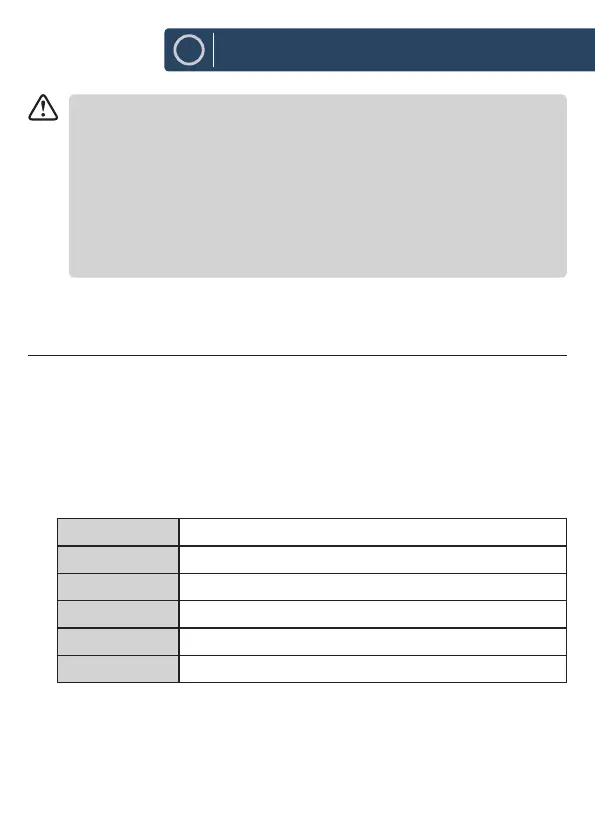
Enable O/ Daily/ Once/ Weekends/ Weekdays
Time (Alarm On time)
Mode Buzz/ Internet radio/ DAB/ FM
Preset Last Listened/ (Preset station)
Volume 0-32
Save Save and conrm the alarm setting
3. Finally, select “Save” and press the SELECT button to save the alarm setting.
The display will show Alarm Saved. When the alarm is set, the alarm icon will
appear on the display.













 To Next Page