35
EN
Specications and Warranty
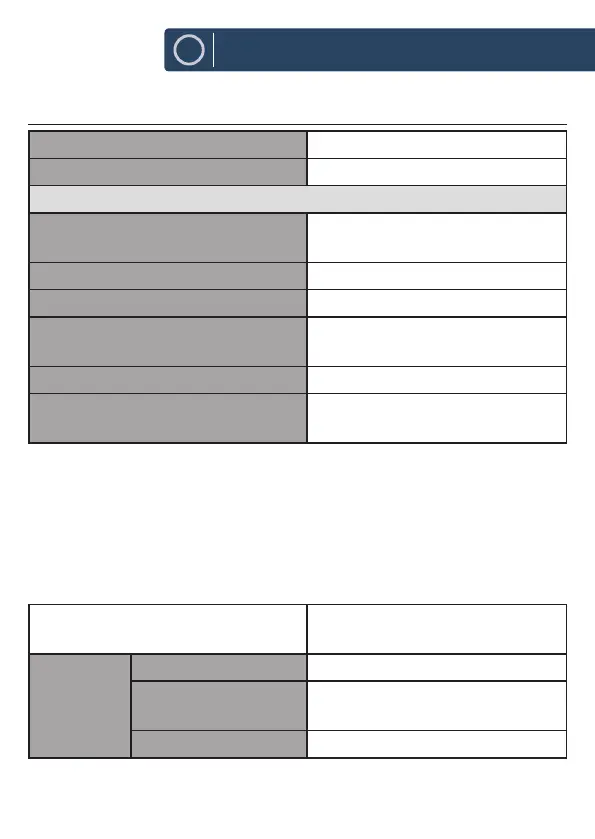
Specication
Brand Majority
Model Robinson 2IR
System Section
Power Supply Input: 100-240V ~ 50-60Hz 0.2A max.
Output: 5.9V/1.0A
Power Consumption 5.9 W
Working Environment - Temperature 0 ~ 35 °C
Net Weight Main unit: app. 185g
Adapter: app. 80g
Unit Dimension (W) × (D) × (H) 140 x 57 x 91mm
Radio Frequency FM 87.50 – 108.00MHz
DAB 174 - 240MHz
How to activate wireless network port:
●
Connect the unit with power
●
Switch to wireless mode (e.g. Internet)
How to deactivate wireless network port:
●
Go to Main menu - System settings - Network - Keep network connected.
Select No and then press SELECT button to keep network disconnected
Radio Frequency FM 87.50 – 108.00 MHz
DAB 174 - 240MHz
Bluetooth
version
Version V4.2(only support BR+EDR)
Maximum
transmitted power
5 dBm
Frequency band 2402 - 2480 MHz













 To Next Page