1.9. Forced USB All Device Write Mode
1.9.1. Actions
Mode used when this unit cannot be recovered.
Forcibly switches this unit to USB update mode.
1.9.2. Operations
Press the "
HDMI OUT
" and "
STATUS
" buttons simultaneously while inserting the AC plug to turn the power on.
1.9.2.Thermwareupdatenishes.
The normal status resumes after update is completed.
1.10. Update Procedure in the Event of a CY920 Error
d
1.10.1. Actions
Perform the following update procedure if "
CY920 Error
" appears in the display when the power is turned on after
replacing the DIGITAL PCB or the CY920.
1.10.2. Operations
(1) Remove the AC power plug and turn off the power.
(2) CopytheupdateletoaUSBmemorydeviceandinserttheUSBmemorydeviceintheUSBport.
(3) Insert the AC plug and turn on the power.
(4) The update starts automatically after "
CY920 Error
" appears in the display.
Display
FLD
L1
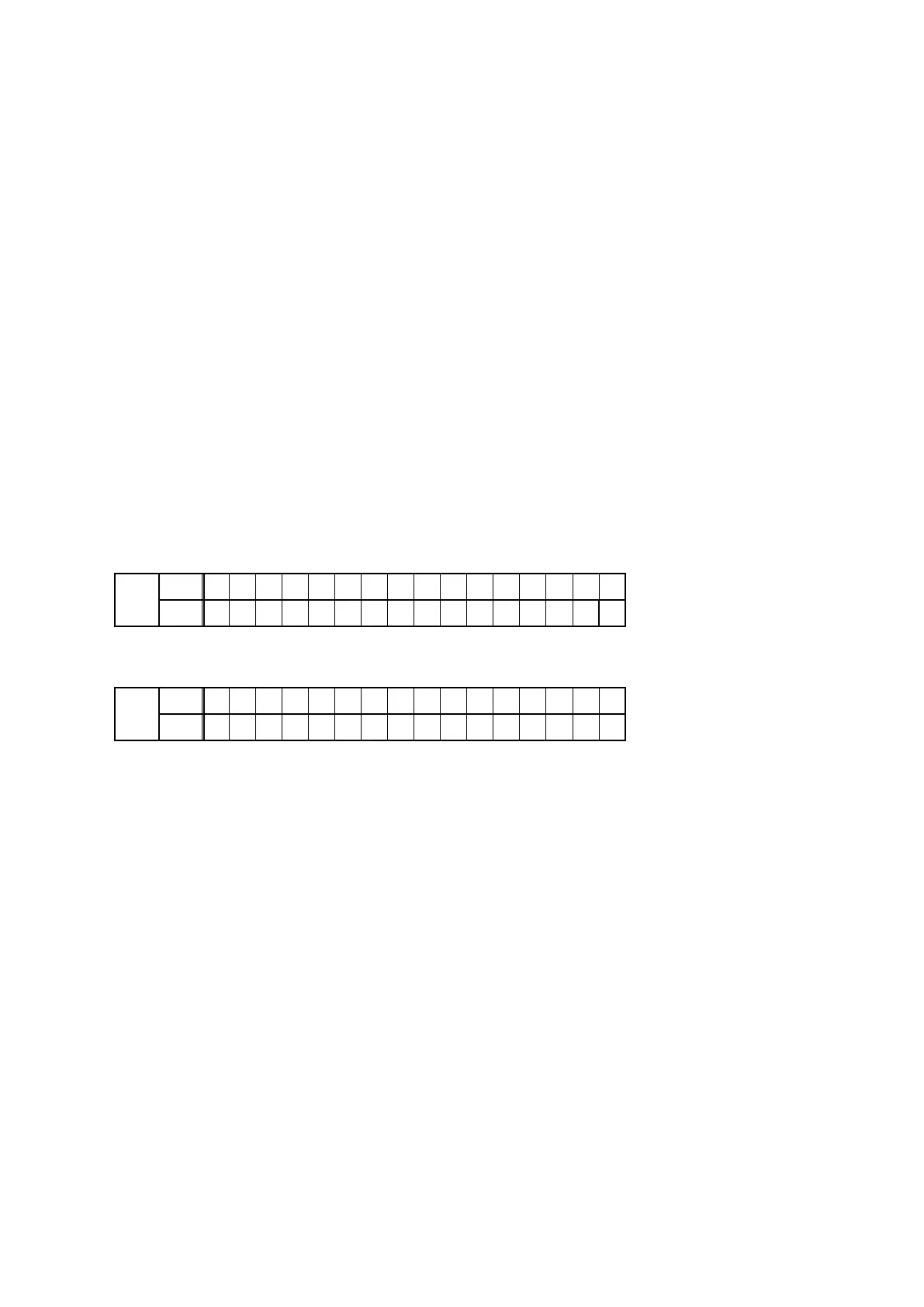
P l e a s e w a i t . . .
L2
U p d a t e F i l e C h e c k
(5) Thermwareupdatenishes.
Display
FLD
L1
F i r m U p d a t e
•
L2
U p d a t e C o m p l e t e
Theunitrestartsaftertheupdateisnished.
(6) After the update, check that "
CY920 Error
" is no longer displayed, and check the version of the new rmware.
See "1. Version Display Mode" (19 page ).
77



 To Next Page