1. Version Display Mode
1.1. Actions
Version information is displayed when the device is started in this mode.
1.2. Starting up
While holding down buttons the "
DISC/INPUT
" and "
1
" buttons simultaneously, insert the AC plug to
turn the power on.
Then press the "
8
/
6
" or "
7
/
9
" button to display the information in section "1.3." on the dis-
play.
1.3. Display Order
Version of System μ -com → Version of USB μ -com → Serial number ·····
Turn the power back on to cancel this mode.
Main μ -com :
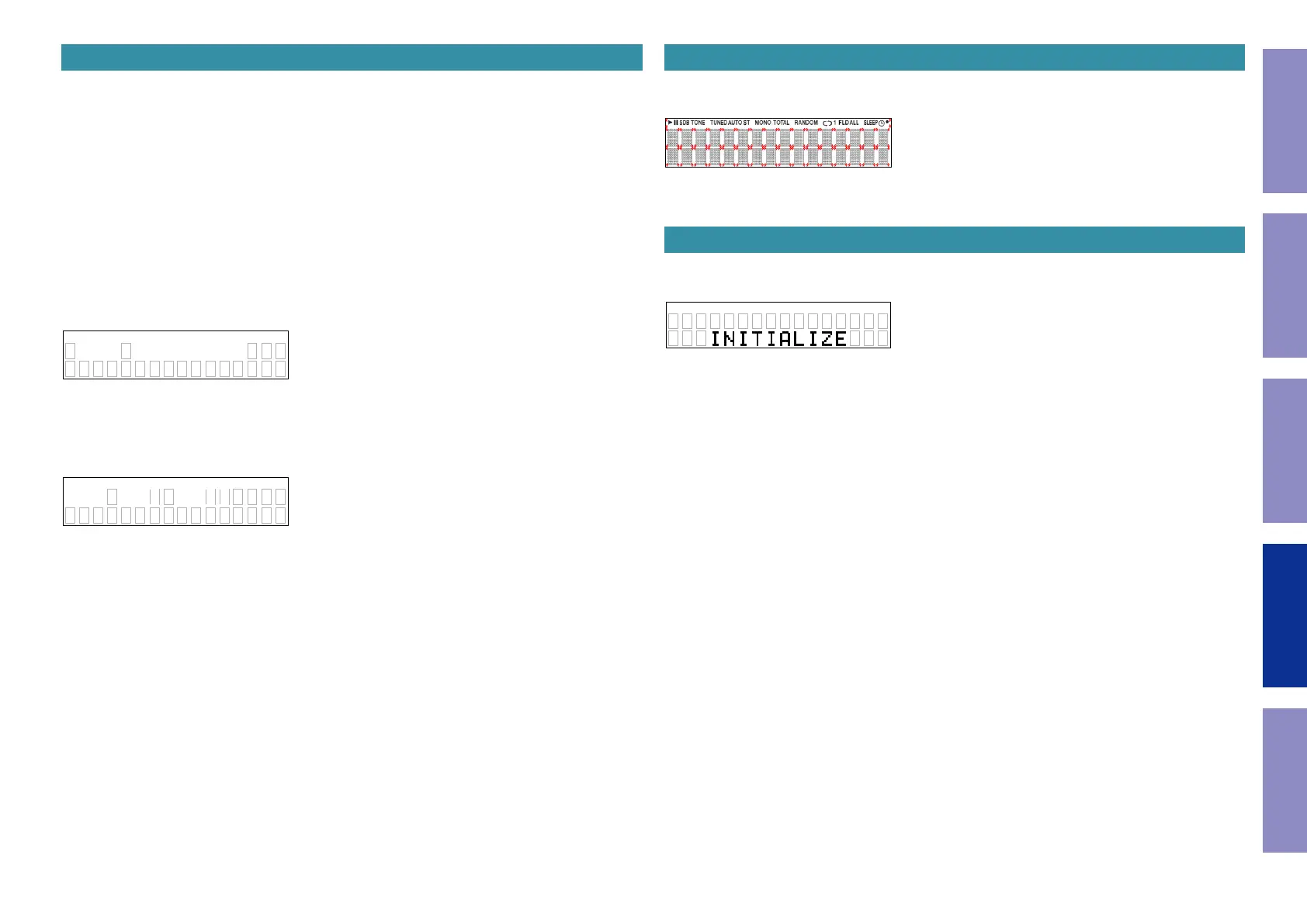
" _V e r_# # # # # # # # v * * "
########:Main μ -com version Display
**:region
USB μ -com :
" # # # # _ # # _ # # _ # # _ _ _ "
#### ## ## ##:USB μ -com version Display
13052801Ver
VER
USB 0085
2. Display check mode
While holding down buttons the "
DISC/INPUT
" and "
2
" buttons simultaneously, insert the AC plug to
turn the power on.
This mode is cancelled when the power is turned off.
All segments on the FL display ash in a 2 second cycle (1 second on, 1 second off).
3. Initialization (cold start)
While holding down buttons the "
DISC/INPUT
" and "
3
" buttons simultaneously, insert the AC plug to
turn the power on.
Returns to normal operation after "
INITIALIZING
" is displayed.
Initialized settings
DIMMER : 100%
DISC/USB : Disc
H/P AMP GAIN : LOW
Digital Out : On
Timer Play : Off
Playback Media : Disc
Resume Play : On
Quick Replay : 10 seconds
Auto Standby : On (N), Off (F, U, K)
iPod Mode : From iPod
z
"
Laser on time
" is not deleted.
z
"Initial value of laser current" is not deleted.
41
Caution in
servicing
Electrical Mechanical Repair Information Updating



 To Next Page