5. CD Heat run mode
• Insert a disc and press the "
8
/
6
" and "
2
" buttons together while inserting the AC plug and turn-
ing on the power.
• If an error occurs, an error display appears and the operation stops immediately.
The number of operations is saved at this time.
See "1.1. Actions" for details on the error.
• Pressing the "
2
" button clears the heat run count.
Press button "
5
" to cancel this mode and open the tray.
Details on CD heat run mode
No. Mode Button / Operation
1 Normal heat run mode
1
2 Chucking
2
3 Error display
8
/
6
or
7
/
9
(While button is pressed)
5.1. Normal heat run mode
• Press the "
1
" button after the CD heat run mode starts and TOC reading is completed.
The heat run repetition count is 0 at this time.
q
Play the disc from the rst track to the last track.
w
All tracks are played if the disc being used contains 20 tracks or less. If the disc contains 21 or more
tracks, the unit plays track 1 and then skips to the last track.
e
When playback of the disc is nished, move the pickup to the inner circumference and open the tray.
r
When the loader OPEN status is detected, close the tray again and start playing the disc from the rst
track after TOC has been loaded.
t
An increment is added to the heat run count when the tray is opened.
y
Repeat steps
q
~
t
.
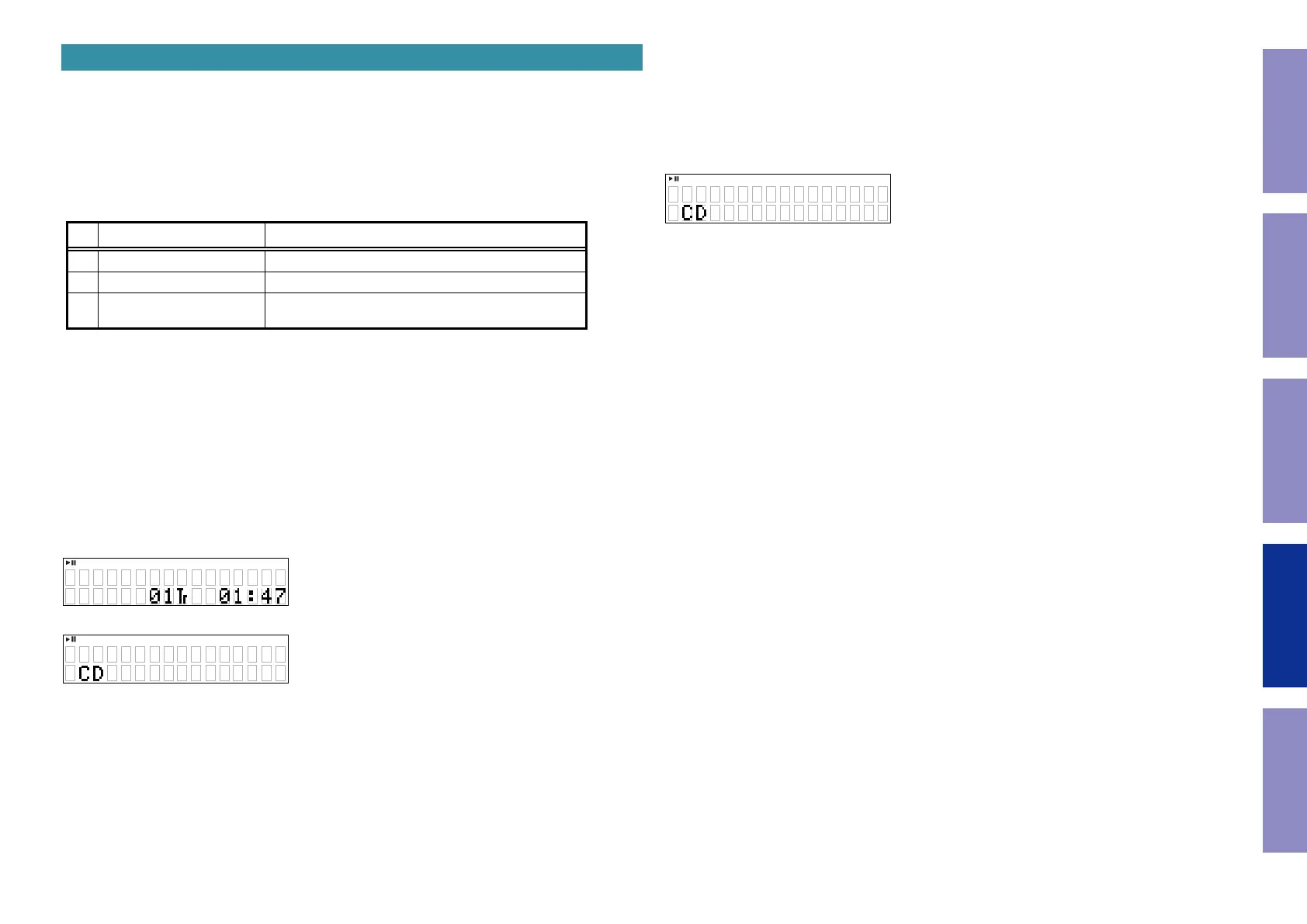
Displaying playback
q
,
w
e
z
XXXX: heat run repetition count
The display is the same as the normal playback display, except that "
1
" is lit.
X X XX
5.2. Chucking mode
Press the "
2
" button while stopped after CD heat run mode has started and TOC reading has been com-
pleted.
The stages below are repeated.
TOC reading
Search the rst track on the disc
Tray Close
• 1 is added to the heat run count after the tray is opened.
z
XXXX: heat run repetition count
The display is the same as the normal playback display, except that "
1
" is lit.
X X XX
44
Caution in
servicing
Electrical Mechanical Repair Information Updating



 To Next Page