F
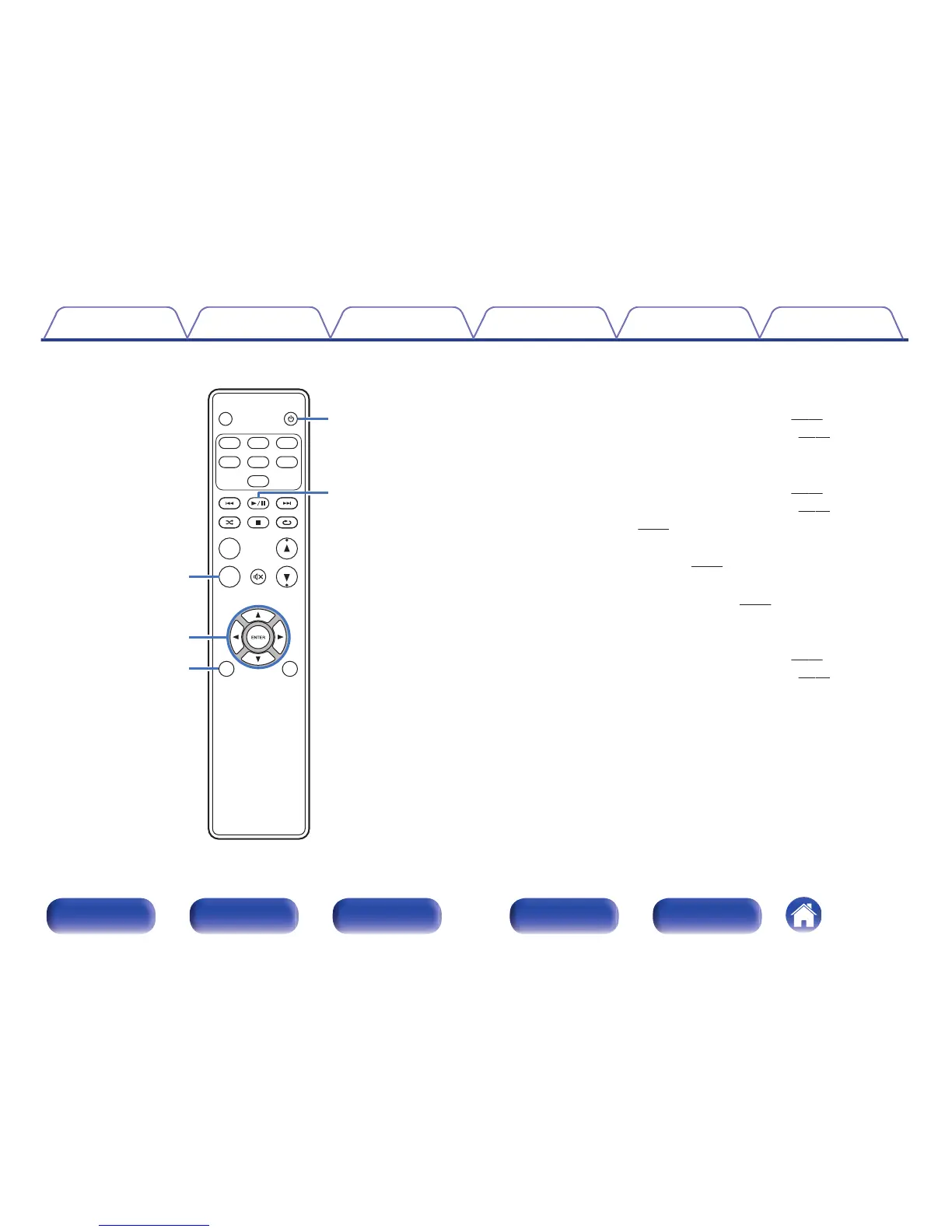
Information button (INFO)
This switches display items such as the album name and title name in the
playback screen.
0
“Setting operation mode (On-Display mode)” (v
p. 43)
0
“Playing files stored on USB memory devices” (v p. 47)
G
Cursor buttons (uio p)
These select items.
0
“Setting operation mode (On-Display mode)” (v
p. 43)
0
“Playing files stored on USB memory devices” (v p. 47)
0
“Menu operation” (v p. 51)
H
BACK button
Returns to the previous item. (v
p. 51)
I
POWER button (X)
This turns the power on/off (standby). (v p. 27)
J
Play/pause button (1/3)
Plays back or pauses a track.
0
“Setting operation mode (On-Display mode)” (v
p. 43)
0
“Playing files stored on USB memory devices” (v p. 47)



 To Next Page