28
Playback (Basic operation)
Settings (vpage21)
n Turning the power on (vpage28)
n Selecting the input source (vpage28)
n Adjusting the master volume (vpage29)
n Turning off the sound temporarily (vpage29)
n Playing a Blu-ray Disc player/DVD player
(vpage29)
n Playing a CD player (vpage29)
n Listening to FM/AM broadcasts (vpage30)
Selecting a listening mode (Sound Mode)
(vpage38)
Connections (Advanced connection) (vpage48)
Playback (Advanced operation) (vpage49)
Important information
Before starting playback, make the connections between the different
devices and the settings on the unit.
NOTE
Also refer to the operating instructions of the connected devices
when playing them.
Turning the power on
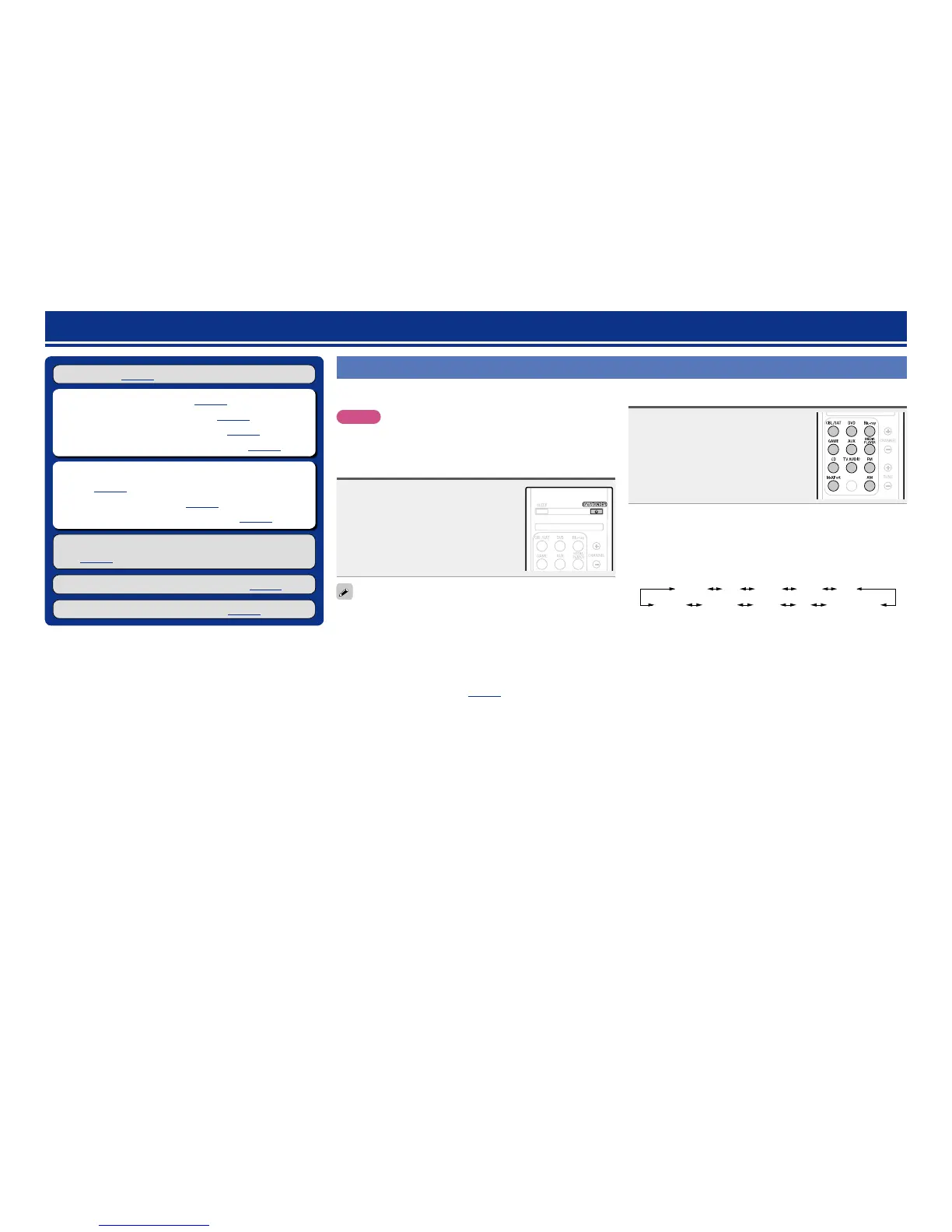
Press ON/STANDBY X to turn on
power to the unit.
The power turns on.
You can also switch the power to standby by pressing X ON/
STANDBY
on the main unit.
n When power is switched to standby
Press ON/STANDBY X.
GSTANDBY indicator status in standby modeH
•Normal standby : Red
•When “HDMI Control” (vpage65) is set to “On” : Orange
Selecting the input source
Press the input source select button
(CBL/SAT, DVD, Blu-ray, GAME,
AUX, MEDIA PLAYER, CD, TV AUDIO,
FM, M-XPort or AM) to be played
back.
The desired input source can be selected
directly.
You can also use the following operation to select an input
source.
n Using the button on the main unit
Turn INPUT SELECTOR.
•Turning INPUT SELECTOR switches the input source, as shown
below.
GAME AUX
MEDIA PLAYERCDTUNERTV AUDIOM-XPort
Blu-rayDVDCBL/SAT



 To Next Page