71
Speakers
Set when changing Audyssey
®
Setup settings.
•If you change the speaker settings after performing Audyssey
®
Setup, it will not be possible to set
Audyssey MultEQ
®
, Audyssey Dynamic EQ
®
and Audyssey Dynamic Volume
®
(vpage61).
•Can be used without changing the settings. Please set if necessary.
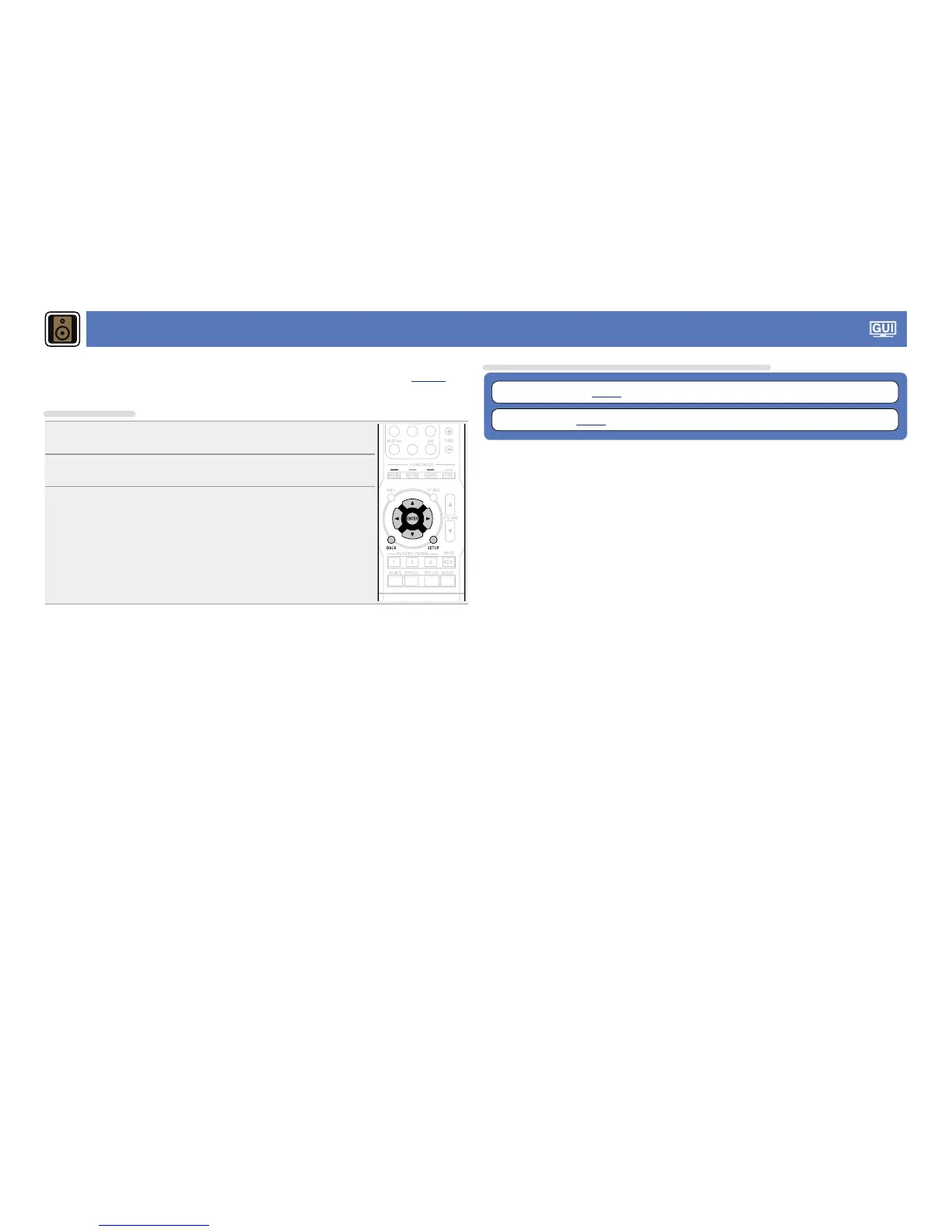
Menu operation
1
Press SETUP.
The menu is displayed on the TV screen.
2
Use ui to select the menu to be set or operated.
3
Press ENTER or p to enter the setting.
•To return to the previous item, press o or BACK.
•Exiting the Menu, press SETUP while the menu is displayed.
The menu display disappears.
Items that can be set with the “Speakers” procedure
Audyssey
®
Setup (vpage21)
Manual Setup (vpage72)



 To Next Page