55
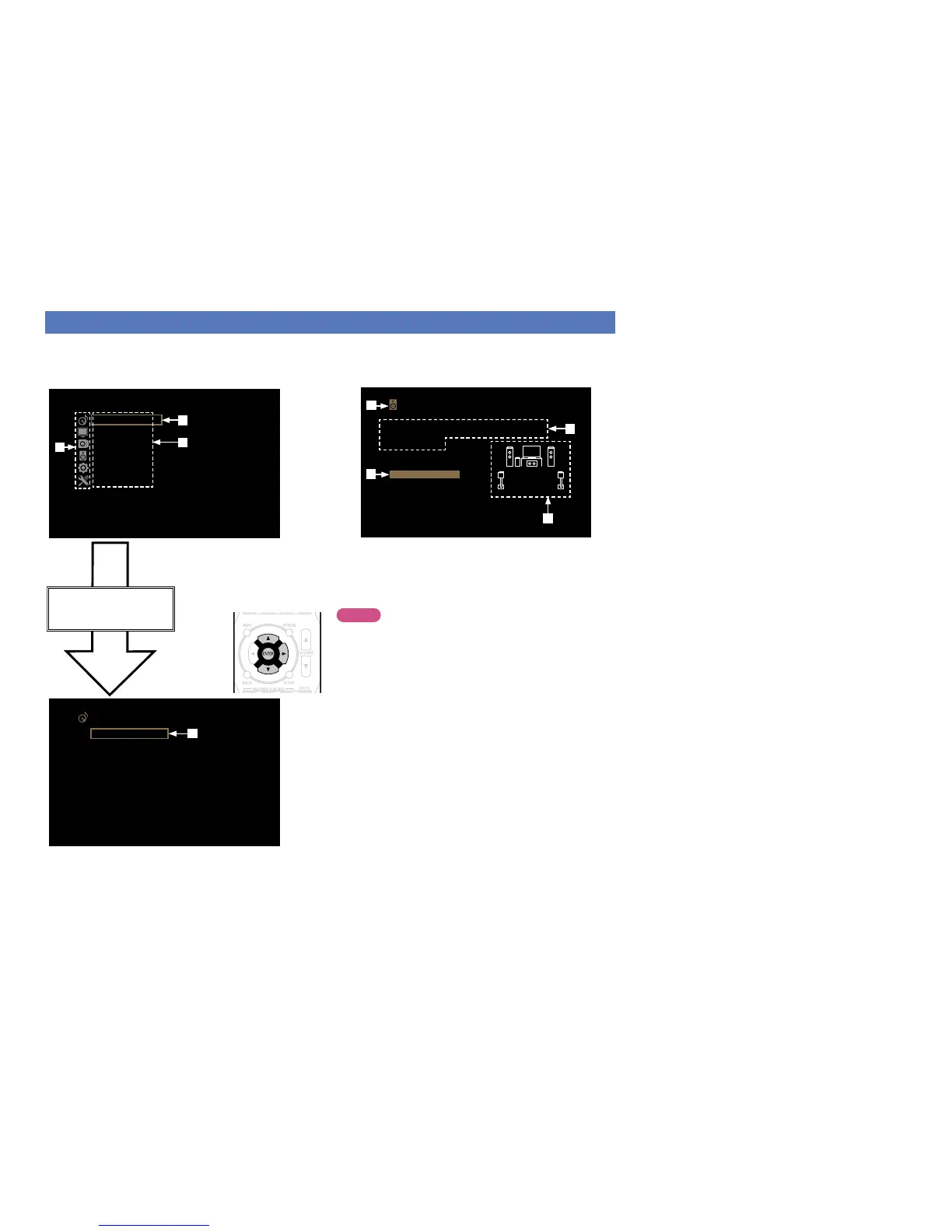
Examples of menu screen displays
Typical examples are described below.
GExample 1H
Menu selection screen (Top menu)
Surr. Parameter
Audio
Tone
Dialogue Level
Subwoofer Level
M-DAX
Audio Delay
Volume
Audyssey
Manual EQ
q List of GUI menu setup icons
w Currently selected setup item
e List of GUI menu setup items
Press ui to select
“Audio” and then press p.
(Or press ENTER.)
r
Setup Menu
Audio
Video
Inputs
Speakers
General
Setup Assistant
e
w
q
r Selected setup item
GExample 2H
Audyssey
®
Setup screen (with illustration)
Audyssey Setup
Your AVR can automatically measure the
acoustics of your room and the optimize
your speakers.
Start
i
u
y
t Currently selected setup icon
y Operation guidance text
u Illustration
i Selected setup item
t
NOTE
When the menu is operated on a computer’s resolution (e.g. VGA)
or during playback of certain 3D video content, the playback image
switches to the menu screen image.



 To Next Page