15
Getting started Basic connections Basic operation Troubleshooting Specifications IndexAdvanced operation Explanation terms
ENGLISH
Advanced connections
F.C.B.S. connection
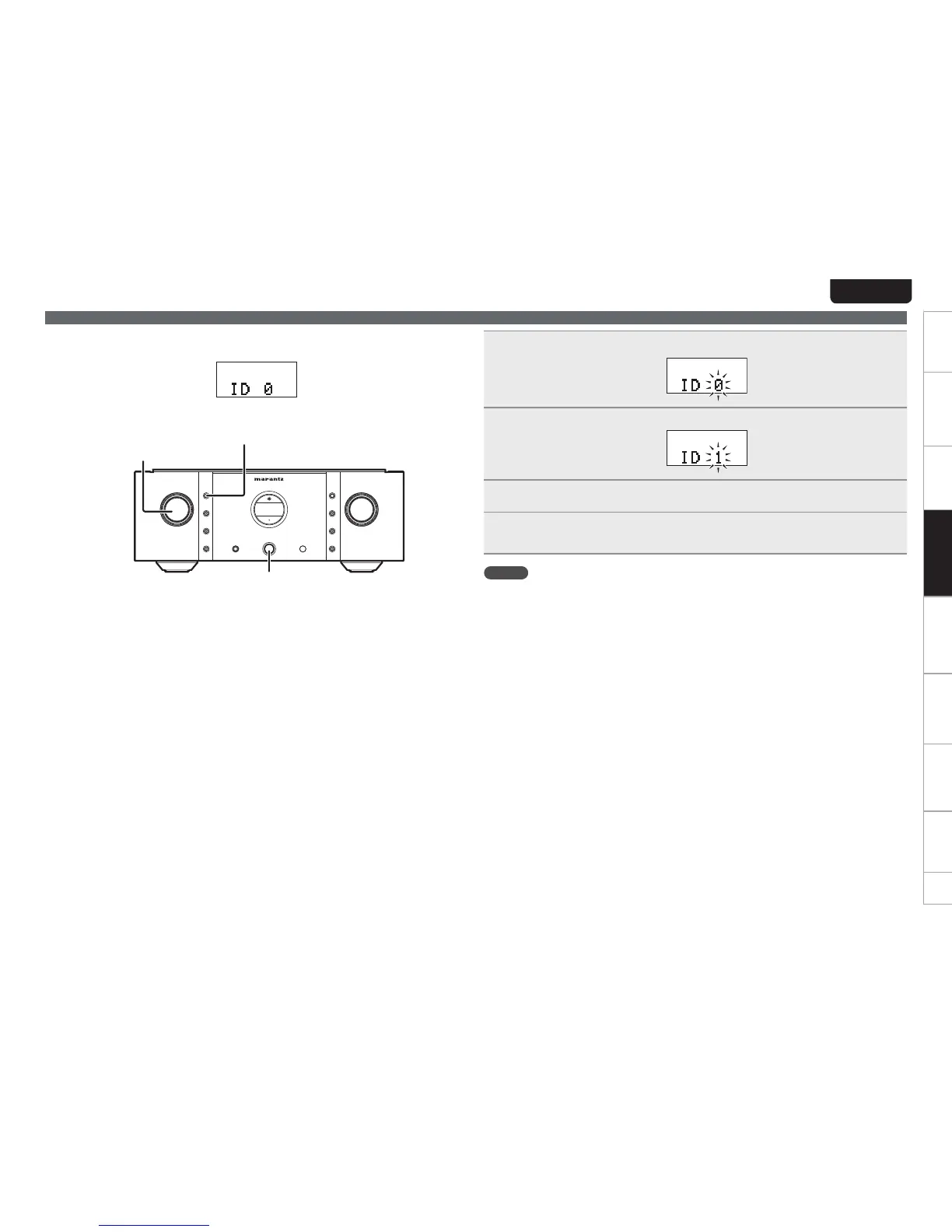
n How to set ID number for F.C.B.S.
When the unit is turned on, the display shows the ID number for three seconds.
For a master unit, ID number 1 needs to be assigned.
For a slave unit, set any of ID numbers 2 to 4.
X ON/OFF
PHONES
VOLUME
A
TONE
SPEAKERS
B
SPEAKERS
PRE OUT
ATT.
MC
STANDBY
PHONO
IN
P.DIRECT
DISPLAY
SELECTOR
INPUT
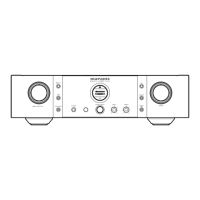
INTEGRARED AMPLIFIER PM-11S3
INPUT SELECTOR
DISPLAY
X
ON/OFF
1
While holding DISPLAY on the unit, press X ON/OFF.
2
Turn INPUT SELECTOR on the unit to select an ID number.
3
Turn the unit off.
4
Again turn the unit on.
tThe setting is saved.
tThe unit registered as a slave shows “SLAVE” on the display.
NOTE
tIf using this unit by itself as a stereo amplifier, set the ID number to “0” (Default setting is
“0”).
tIf the ID number is set to a number other than “0”, this unit cannot be used for standalone
operation.


 To Next Page