Connecting and playing back from a
digital device (Coaxial/Optical)
1
Connect digital device to this unit. (v p. 22)
2
Press the input source select button (COAXIAL or
OPTICAL) to switch the input source to COAXIAL,
OPTICAL 1 or OPTICAL 2.
The indicator of the selected input source lights in blue.
0
Pressing OPTICAL changes the input source to “OPTICAL 1” or “OPTICAL
2”.
3
Start playback of the digital device connected to this
unit.
0
The “COAXIAL”, “OPTICAL 1” or “OPTICAL 2” input indicator flashes in
blue if this unit cannot detect the sampling frequency of the input signal.
4
Use VOLUME df to adjust the volume.
o
Switching the filter characteristics
This unit is equipped with a sound quality adjusting function which
allows users to enjoy the desired playback sound quality. This function
only works when a digital audio signal is input.
1
Press FILTER 1・2.
This unit switches between Filter 1 and Filter 2 each time the button
is pressed.
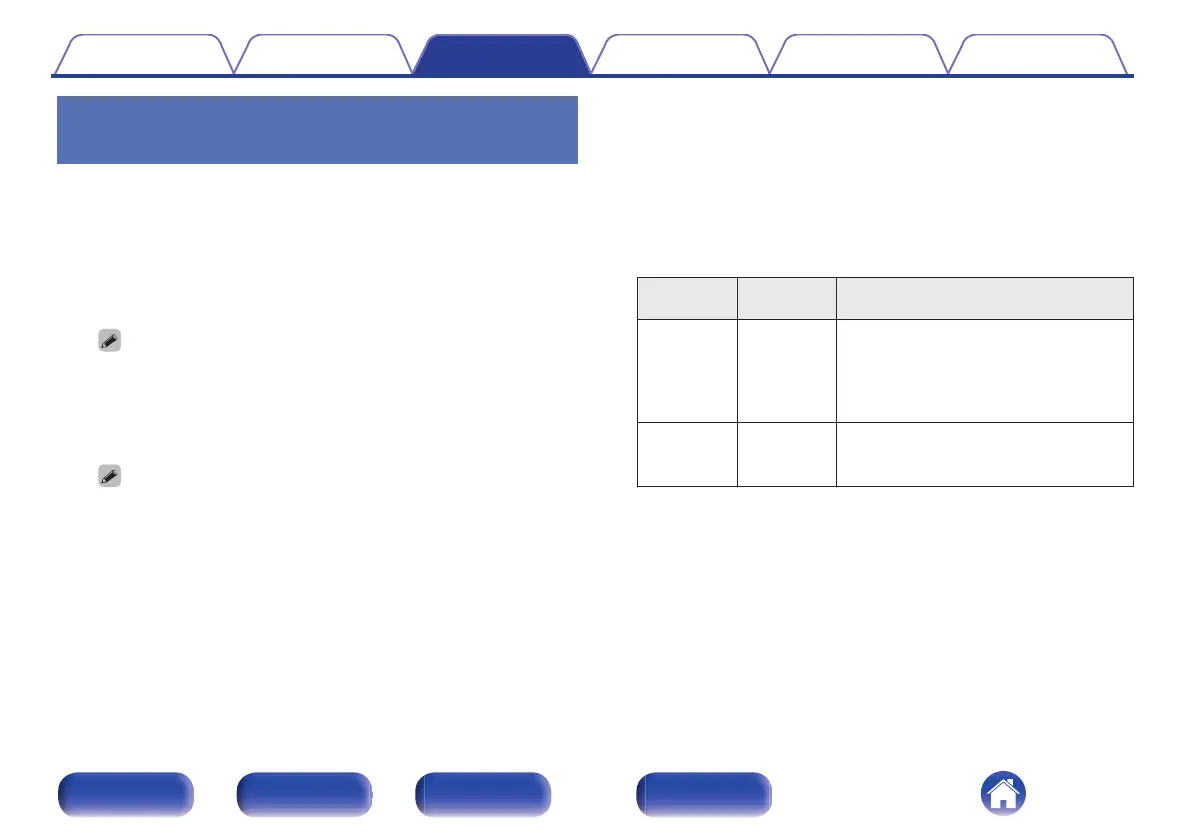
Filter Type
FILTER 1・2
indicator
Features
Filter 1
(Default)
Lights blue
Offers a short impulse response for both
pre-echo and post-echo. Large amount
of audio information clearly reproduces
deep stereo imaging and the relative
position of the sound source.
Filter 2 Lights purple
Both pre-echo and post-echo are slightly
longer. The sound characteristics is edge
and powerful.
Contents Connections Playback Settings Tips Appendix
29
Front panel Rear panel
Remote control
unit
Index



 To Next Page