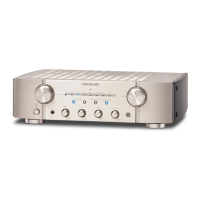
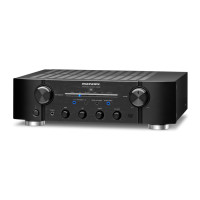
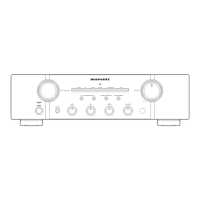
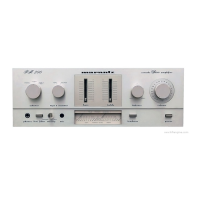
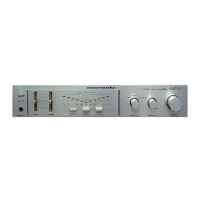
Press the 20. POWER ON/OFF button, and turn on the unit.
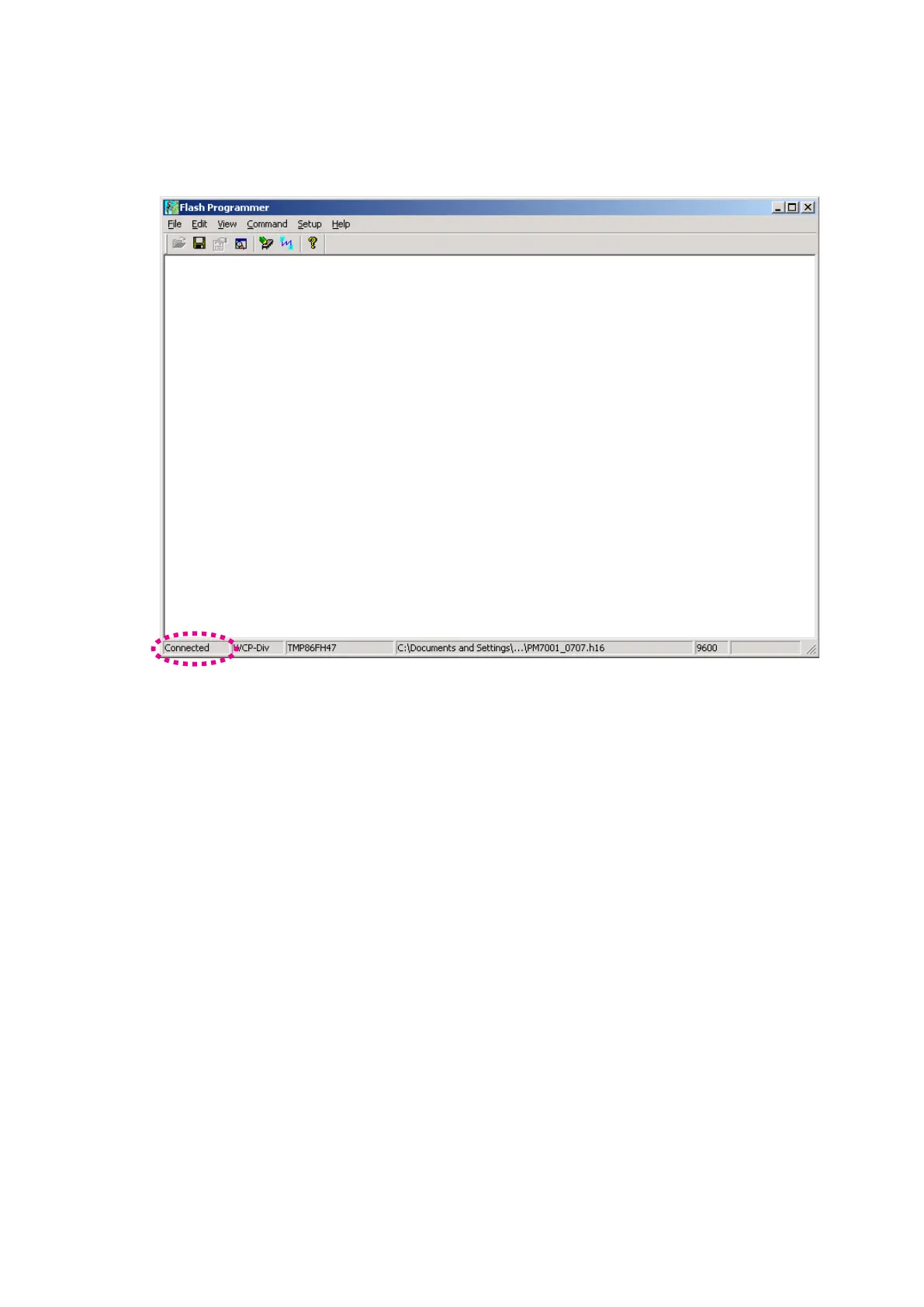
Status indication at lower left in Flash Programming
window is changed to "Connected" from "Connecting".
When it did not changed, check the connection of FPC or
RS-232C cable.
本機の電源スイッチをオンにします。20.
Flash Programming
ウィンドウの左下のステータスが
ConnectingからConnectedに変わります。もしConnected
に変わらないときは接続を確認してください。



 To Next Page