ENGLISH
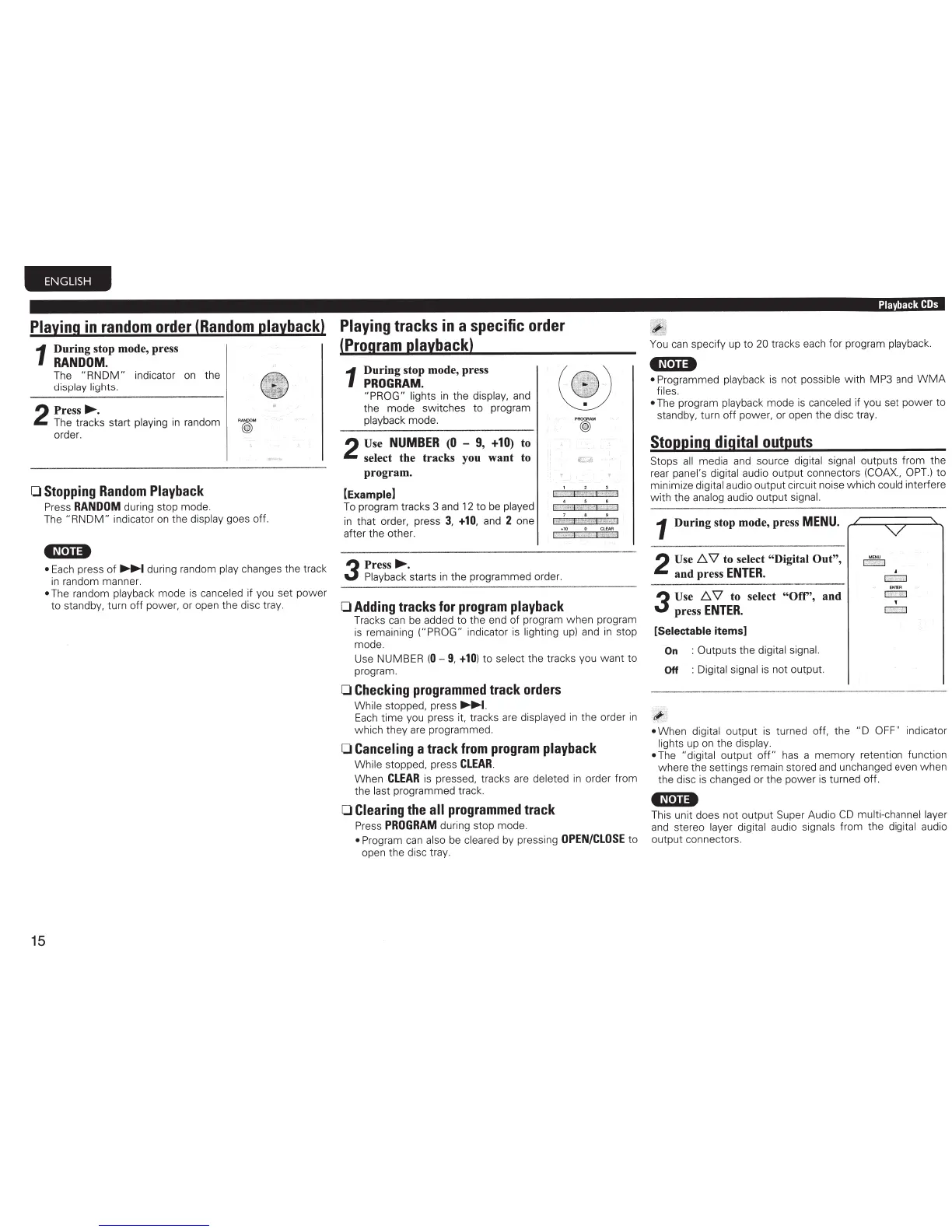
Playing
in
random
order
(Random
playback)
1
During
stop mode, press
RANDOM.
The
"RNDM"
indicator
on
the
display lights.
2
Press~.
The tracks start
playing
in
random
@
order.
0
Stopping
Random
Playback
Press
RANDOM
during stop mode.
15
The
"RNDM"
indicator
on
the
display
goes off.
•N·u•
•
Each
press of
~
during random
play changes the track
in
random manner.
•
The random
playback
mode
is
canceled
if you set power
to standby, turn off power,
or
open the disc tray.
Playing
tracks
in
a
specific
order
(Program
playback)
1
During
stop mode, press
PROGRAM.
"PROG" lights
in
the display,
and
the mode switches to program
playback
mode.
p@"'
2
Use
NUMBER
(0
-
9,
+10)
to
select
the
tracks
you
want
to
program.
[Example]
7 8 9
To
program tracks 3
and
12
to
be
played
in
that order, press
3,
+10,
and
2
one
after the other.
t
;
~
-
*~
art
it
4
-+
10 0
CLEAR
r;;;
z·J
e:•
•'*iw
iP
"1
3
Press~.
Playback
starts
in
the programmed order.
0
Adding
tracks
for
program
playback
Tracks
can
be added to the end of program when program
is
remaining
("PROG"
indicator
is
lighting
up)
and
in
stop
mode.
Use NUMBER
(0-
9,
+10)
to
select
the tracks you
want
to
program.
0
Checking
programmed
track
orders
While
stopped, press
~.
Each
time you press it, tracks
are
displayed
in
the order
in
which they are programmed.
0
Canceling
a
track
from
program
playback
While
stopped, press
CLEAR
.
When
CLEAR
is
pressed, tracks are
deleted
in
order from
the
last
programmed track.
0
Clearing
the
all
programmed
track
Press
PROGRAM
during stop mode.
•
Program
can
also
be
cleared
by
pressing
OPEN/CLOSE
to
open the disc tray.
Playback
COs
You
can
specify
up
to
20
tracks each for program
playback.
tN•u•
• Programmed
playback
is
not
possible with MP3
and
WMA
files.
•
The program
playback
mode
is
canceled
if you set power to
standby, turn off power, or open the disc tray.
Stopping
digital
outputs
Stops
all
media
and
source
digital signal
outputs from the
rear
panel's digital audio output connectors
(COAX.,
OPT.)
to
minimize
digital
audio output circuit noise which could
interfere
with the
analog
audio output
signal .
1
During
stop mode, press
MENU.
2
Use
1:J.
\1
to select "Digital
Out",
and
press
ENTER.
3
Use
1:J.
\1
to select
"Ofr',
and
press
ENTER.
[Selectable
items]
On
: Outputs the digital signal.
Off :
Digital signal
is
not output.
ENTER
r:=::::::J
T
~
•
When
digital
output
is
turned off, the
"D
OFF" indicator
lights
up
on
the
display.
•
The
"digital output
off"
has
a memory retention function
where the settings remain stored
and
unchanged even when
the disc
is
changed or the power
is
turned off.
•N•u•
This unit does not output Super Audio
CD
multi-channel layer
and
stereo
layer digital
audio
signals
from the
digital
audio
output connectors.



 To Next Page