6
Press X.
0
When the unit power is turned on, the PC automatically finds and
connects to the unit.
7
Press USB-DAC to switch the input source to “USB-
DAC”.
8
Checking the installed driver.
A
Open the “Control Panel” on the PC.
0
The control panel setting list is displayed.
B
Click “Sound”.
0
The sound menu window is displayed.
C
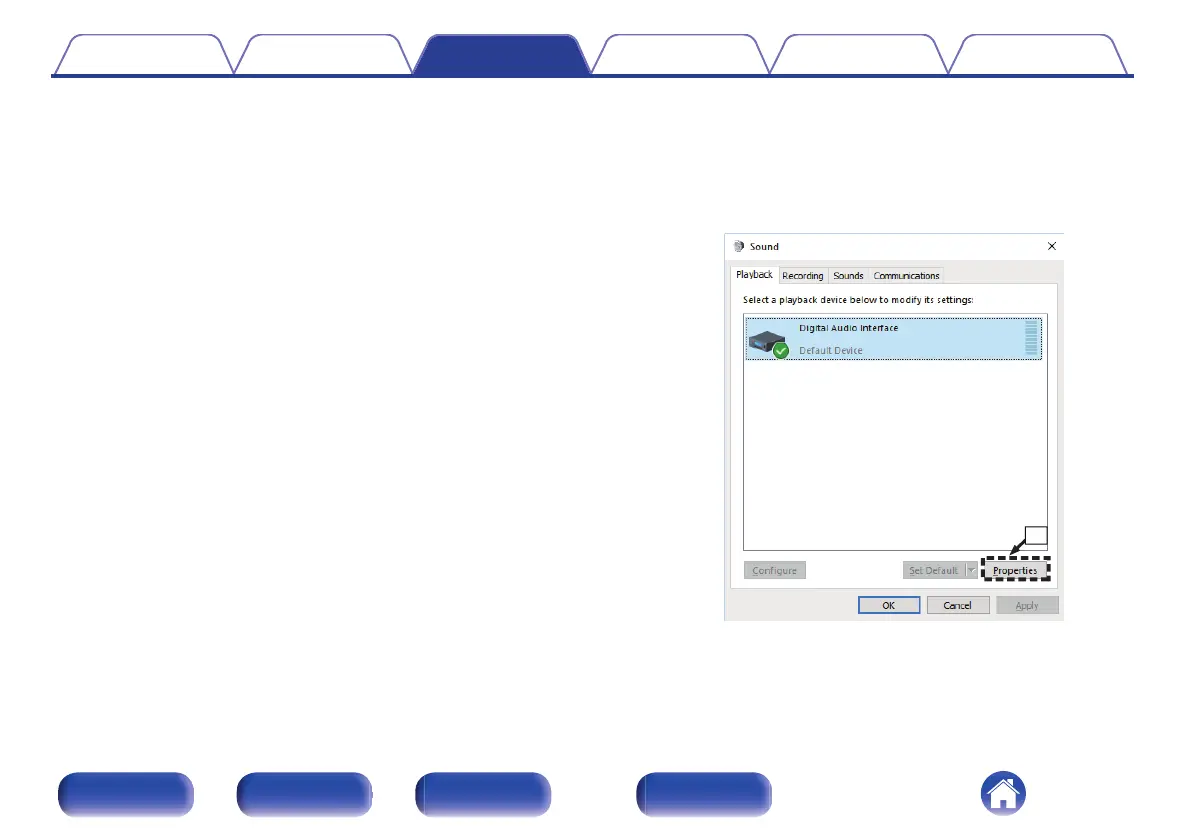
Check that there is a checkmark next to “Default Device” under in
“SACD 10” of the “Playback” tab.
0
When there is a checkmark for a different device, click “SACD
10” and “Set Default”.
9
Checking audio output.
Outputs a TEST signal from the PC and checks the audio output
from the USB-DAC function.
A
Select “SACD 10” and click “Properties”.
0
The Properties window is displayed.
Contents Connections Playback Settings Tips Appendix
48
Front panel Rear panel Remote control
unit
Index



 To Next Page