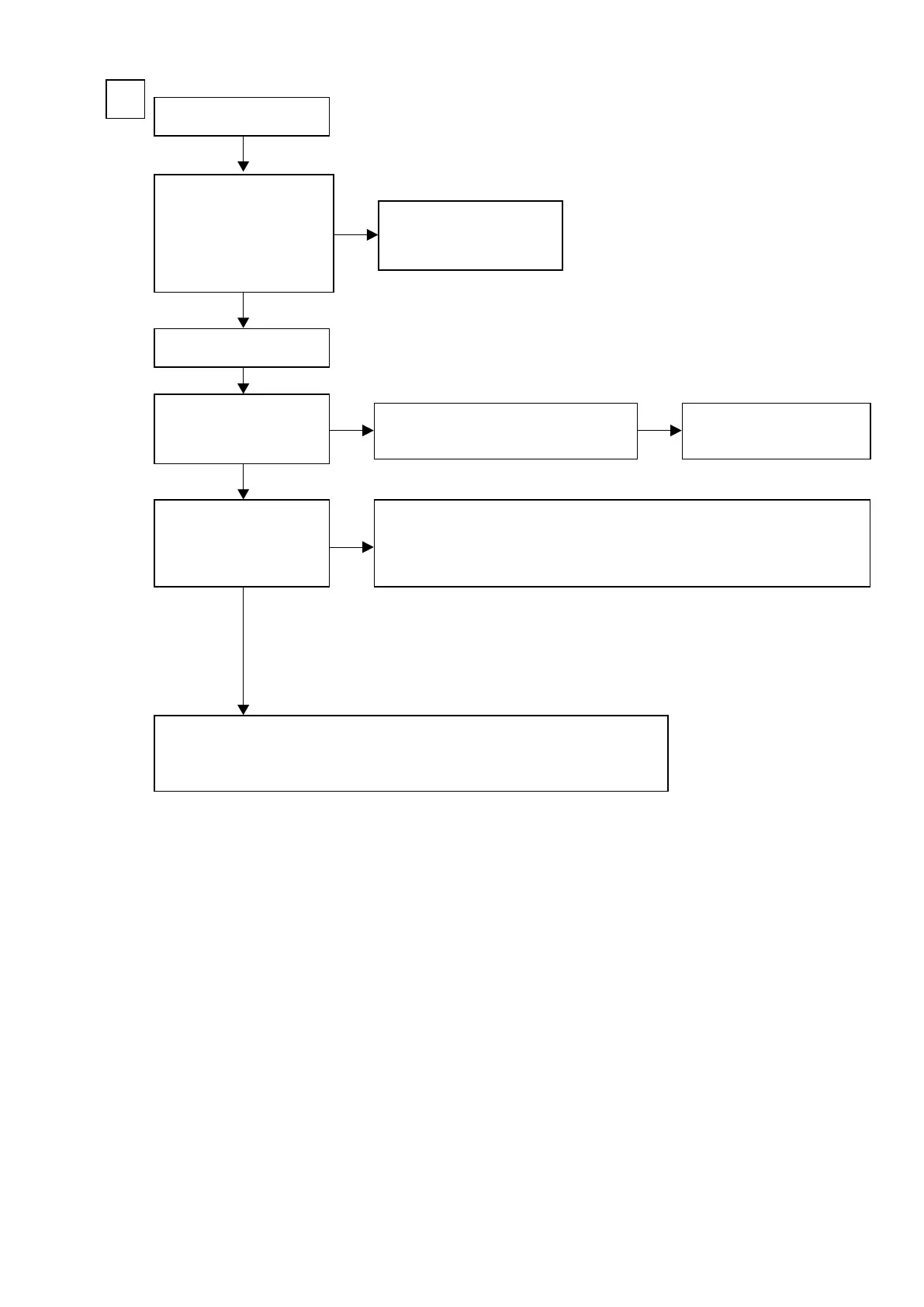
Input
COMPONENT
C
Check the settings of each IC.
Are the following voltages
set?
HDMI PCB
N1039 - 11 pin : Lo (0 V)
N1039 - 15 pin : Hi (3.3 V)
Is the power voltage being
output correctly?
V+5V : C5029 : + side
V-5V : C5031 : - side
Is a signal being output from
the video amplier?
COMP-Y : J5032
COMP-CB : J5033
COMP-CR : J5000
• Check the connection between the FRONT CONNECTOR PCB and the VIDEO PCB.
• Check the soldering of CP3401 and CP5000 on the FRONT CONNECTOR PCB.
• Check the soldering of CN5000 on the VIDEO PCB.
• Check the soldering of JACK5001 on the VIDEO PCB.
Extend the HDMI PCB using
the jig.
HDMI PCB faulty.
Check the connection between the FRONT
CONNECTOR PCB and the VIDEO PCB.
NO
NO NO
NO
YES
YES
YES
b
These instructions refer to the VIDEO PCB unless otherwise specied.
w
q
e
r
• Check the IC5002 power voltage and check the soldering of the surrounding circuits.
• The pattern between IC5002 and JACK5002, JACK5003 are faulty.
The regulator part of REG PCB is
faulty.
77



 To Next Page