EasyManua.ls Logo

Marantz SR7000 - On Screen Display Infomation

Marantz SR7000
40 pages
Print Icon
To Next Page IconTo Next Page
To Previous Page IconTo Previous Page
Loading...
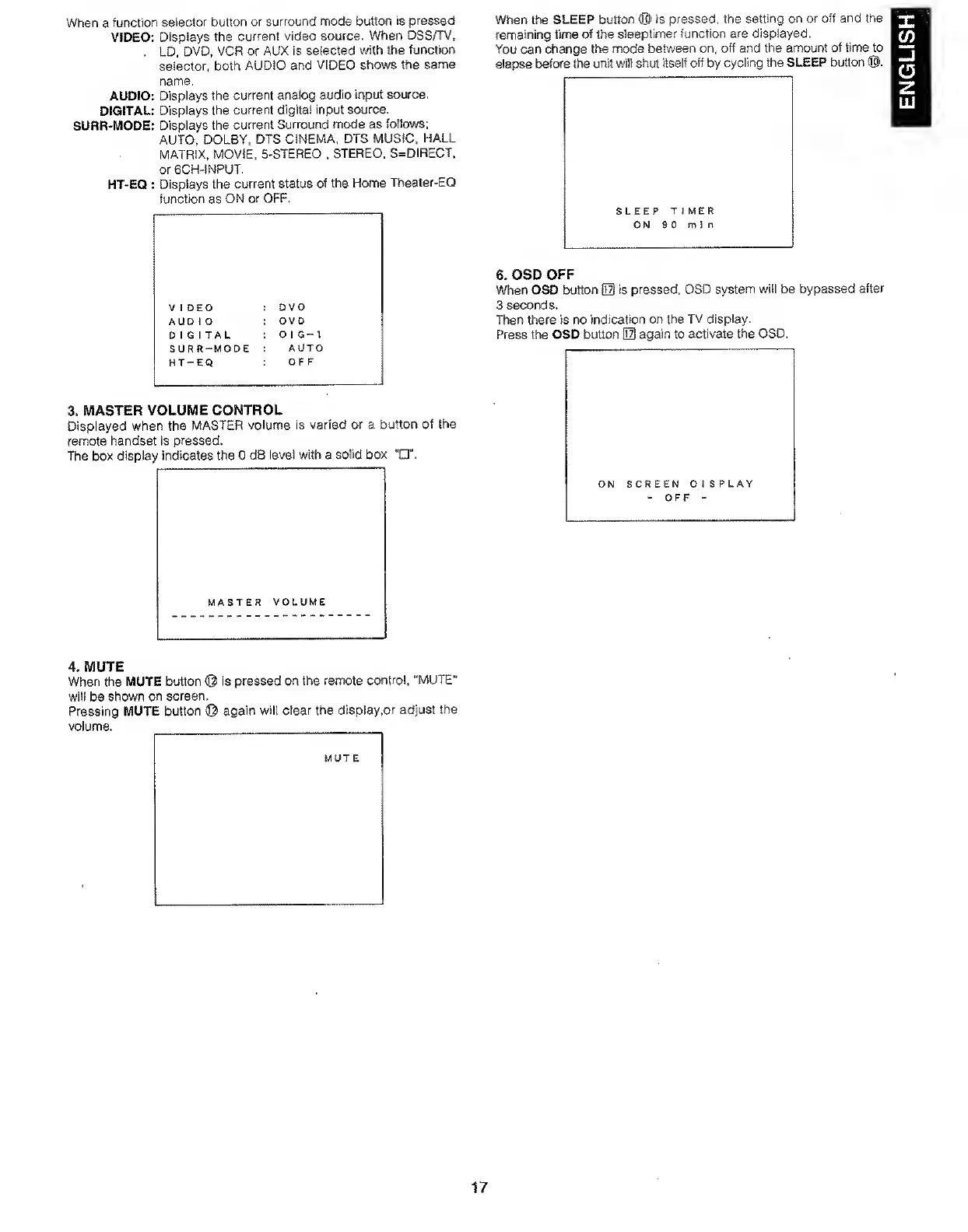
When
a
function
selector
button
or
surround
mode
buttCMi
is
pressed
VIDEO:
Displays
the
current
video
source.
When
DSS/TV,
.
LD,
DVD.
VCR
or
AUX
is
selected
with
the
function
selector,
both
AUDIO
and
VIDEO
shows
the
same
name,
AUDIO:
Displays
the
current
analog
audio
input
source.
DIGITAL:
Displays
the
current
digital
input
source.
SURR-MODE:
Displays
the
current
Surround
mode
as
follows:
AUTO.
DOLBY,
DTS
CINEMA.
DTS
MUSIC.
HALL
MATRIX.
MOVIE.
5-STEREO
.
STEREO.
S=DIRECT.
or
6CH-1NPUT,
HT-EQ
:
Displays
the
current
status
of
the
Home
Theater-EQ
function
as
ON
or
OFF,
VIDEO
DVD
AUDIO
DVD
DIGITAL
D
1
G-
1
SURR-MODE
AUTO
HT-EQ
OFF
3.
MASTER
VOLUME
CONTROL
Displayed
when
the
MASTER
volume
is
varied
or
a
button
of
the
remote
handset
is
pressed.
The
box
display
indicates
the
0
dB
level
with
a
solid
box
HT.
MASTER
VOLUME
When
the
SLEEP
button
®
is
pressed,
the
setting
on
or
off
and
the
remaining
time
of
the
sieeptimer
function
are
displayed.
You
can
change
the
mode
between
on.
off
and
the
amount
of
time
to
elapse
befwe
tf^
unit
will
shut
itself
off
by
cycling
the
SLEEP
button
®,
SLEEP
TIMER
ON
9
0
m
i
ti
6.
OSD
OFF
When
OSD
button
iI3
is
pressed,
OSD
system
will
be
bypassed
after
3
seconds.
TTien
there
is
no
indication
on
the
TV
display.
Press
the
OSD
button
Ezl
again
to
activate
the
OSD.
ON
SCREEN
DISPLAY
-
OFF
-
4.
MUTE
When
the
MUTE
button
is
pressed
on
the
remote
control.
“MUTE”
will
be
shown
on
screen,
Pressing
MUTE
button
©
again
will
clear
the
display
.or
adjust
the
volume.
__
MUT
E
17
ENGLISH

Other manuals for Marantz SR7000

Related product manuals