42
ENGLISH
3-4 NEO:6 PARAMETER
The DTS NEO:6 mode enables a maximum 6.1
channel output with just 2 channel input. (It also
supports 5.1 channel input.)
This mode expands the sound image from the
center channel.
1.
Select “3. SURROUND SETUP” from MAIN
MENU with the
or cursor buttons and
press the OK/ENTER button.
2.
Select “NEO:6 PARAMETER” with the or
cursor buttons.
3.
Press the OK/ENTER button to enter the
selection.
4.
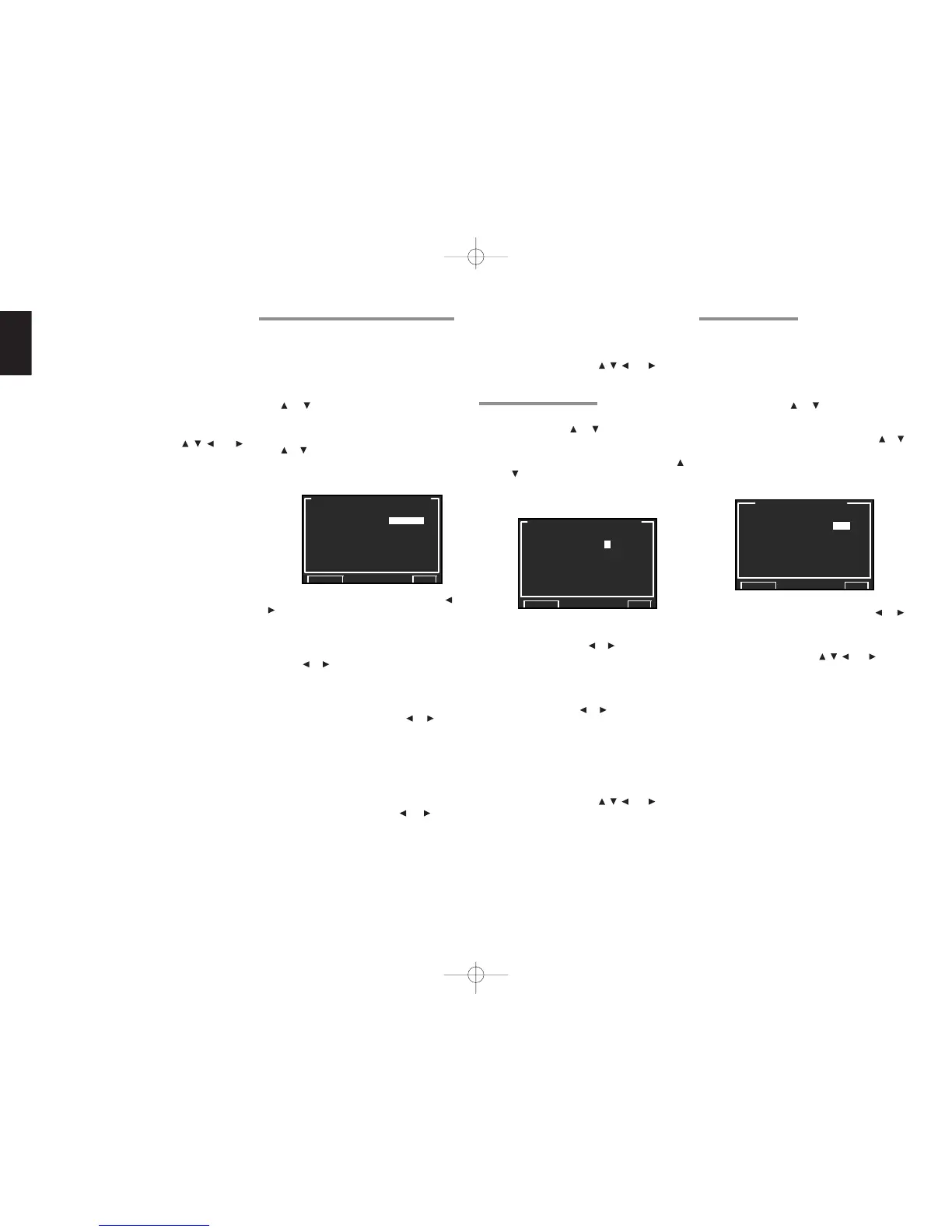
Set the CENTER GAIN level between 0.0 and
1.0 in 0.1 level
increments
with the or
cursor buttons.
After you complete this portion of the setup, move
cursor to “RETURN” with the , , and cursor
buttons and press the OK/ENTER button.
Notes:
• This parameter can only be set in the NEO:6-
Music mode.
• If “NONE” was selected for the center speaker
setting in the SPEAKER SIZE menu, this setting
is disabled.
SUB W LEVEL:
Set the effect level of the subwoofer speaker
between –18 and +12 level in 0.5 level interval .
• If “NONE” was selected for the subwoofer
speaker setting in the SPEAKER SIZE, then this
setting will not appear.
Note:
• Settingtoamodeotherthanmultichannelstereo
orCSIIwillaffectthespeakerlevelasexplained
in"2-2MANUALSETUP".
After you complete this portion of the setup, move
the cursor to “RETURN” with the
, , and
cursor buttons and press the OK/ENTER button to
go to the 3. SURR SETUP menu.
3-2 PL
II
x (PRO LOGIC
II
x) MUSIC PARAMETER
Pro LogicIIx-Music mode creates a rich and
enveloping surround ambience from stereo
sources such as CDs.
In this
mode, the SR9600 includes three controls
to fine-tune the sound field as follows.
1.
Select “3. SURR SETUP” in MAIN MENU with
or cursor buttons and press the OK/
ENTER button.
2.
Select “PLIIx MUSIC PARAMETER” with the
or cursor buttons.
3.
Press the OK/ENTER button to enter the
selection.
PARAMETER:
Select “DEFAULT” or “CUSTOM” with the or
cursor buttons.
If you select “CUSTOM”, you can adjust three
parameters as listed below.
PANORAMA:
Select the PANORAMA mode “ON” or “OFF”
with the
or cursor buttons.
Panorama wraps the sound of the front left and right
speakers around you, for an exciting perspective.
DIMENSION:
Set the DIMENSION level between –3 and +3
level in 1 level intervals with the or cursor
buttons.
Adjust the sound field either towards the front or
towards the rear.
This can be useful to help achieve a more
suitable balance from all the speakers with
certain recordings.
CENTER WIDTH:
Set the CENTER WIDTH level between 0 and 7
in 1 level intervals with the or cursor
buttons.
Center width allows you to gradually spread the
center channel sound into the front left and right
speakers.
At its widest setting, all the sound from the
center is mixed into the left and right speakers.
This control may help achieve a more spacious
sound or a better blend for the front image.
If “NONE” was selected for the center speaker
setting in the SPEAKER SIZE menu, this setting
cannot be selected.
After you complete this portion of the setup, move
cursor to “RETURN” with the
, , and cursor
buttons and press the OK/ENTER button.
3-3 CS
II
/TS XT PARAMETER
1.
Select “3. SURROUND SETUP” from MAIN
MENU with the
or cursor buttons and
press the OK/ENTER button.
2.
Select “CS II /TS XT PARAMETER” with the
or cursor buttons.
3.
Press the OK/ENTER button to enter the
selection.
TRUBASS:
Set the TRUBASS level between 0 and 6 in 1-
level increments with the or cursor buttons.
TRUBASS produced by the speakers are an
octave below the actual physical capabilities of the
speakers adding exciting, deeper bass effects.
SRS DIALOG:
Set the SRS DIALOG level between 0 and 6 in
1-
increments
with the or cursor buttons.
This can be popped out of the surround audio
effects, allowing the listener to easily discern what
the actors say.
If “NONE” was selected for the center speaker
setting in the SPEAKER SIZE menu, this setting
cannot be selected.
After you complete this portion of the setup, move
cursor to “RETURN” with the , , and cursor
buttons and press the OK/ENTER button.
Note:
• This parameter can only be set in the CSII and
Virtual (TruSurround XT) modes.



 To Next Page