45
ENGLISH
Note:
• This setting can be changed when the SURR B is
set to “NONE” in the SPEAKER SIZE menu and
“SPEAKER C” is in the OFF position on the rear
panel. When this setting is unavailable, “✽✽✽” is
displayed.
• If “VOLUME” is set to “FIXED”, the multiroom
output level cannot be adjusted from the A or B
room.
• SPKR cannot be on for both Room A and Room B
at the same time.
After you complete this portion of the setup, move
the cursor to “RETURN” with the
or cursor
buttons and press the OK/ENTER button.
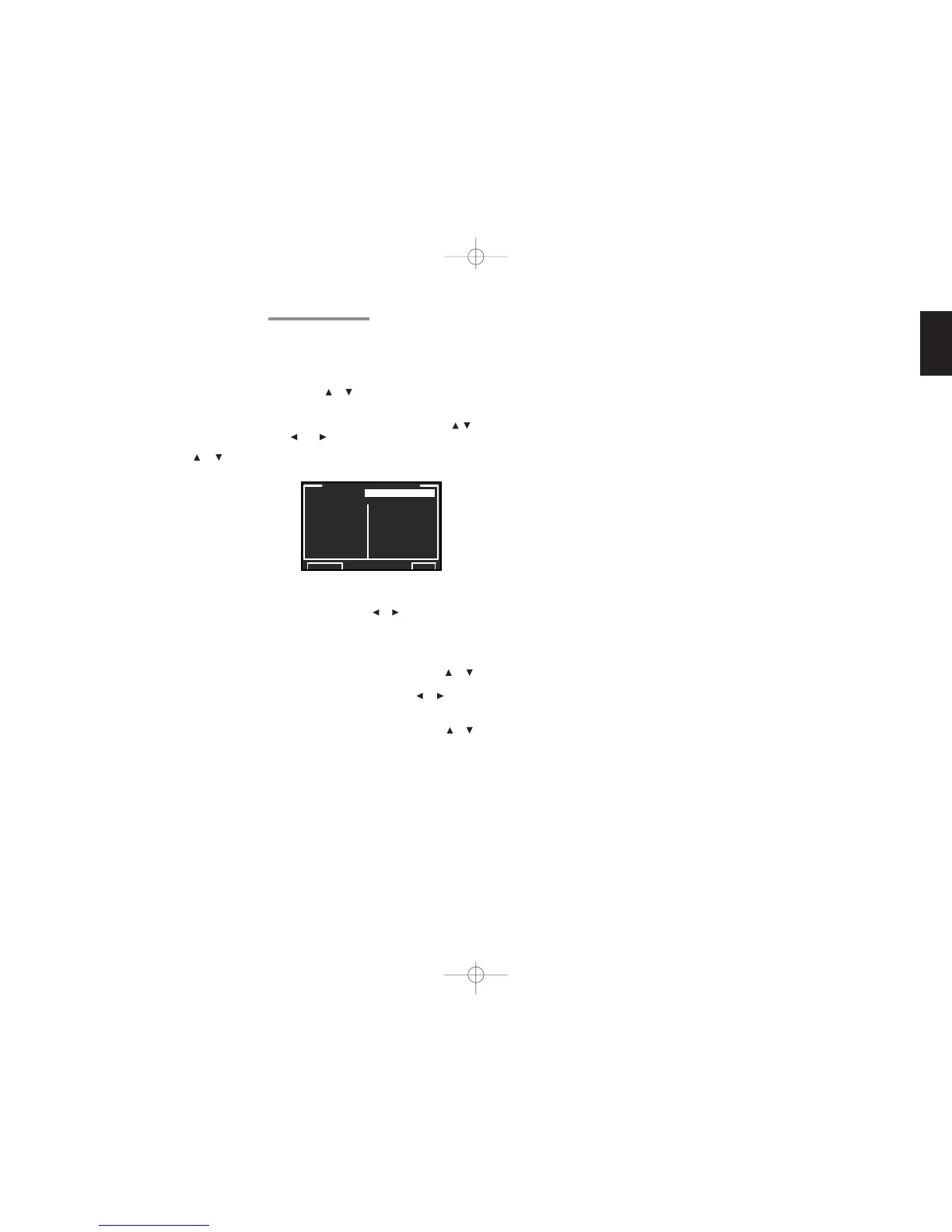
5-2 DC TRIGGER SETUP
This unit has 4 DC trigger control jacks, which can
be used to link with input functions for the main
room or multiroom.
Each trigger can be setup separately.
1.
Select “5. PREFERENCE” from MAIN MENU
with the or cursor buttons and press the
OK/ENTER button.
2.
Select “DC TRIGGER SETUP” with the , ,
, and cursor buttons.
3.
Press the OK/ENTER button to enter the
selection.
4.
You can select “MAIN ROOM”, “MULTI
ROOM A”, “MULTI ROOM B”, “REMOTE” or
“DISABLE” with the
or cursor buttons.
Note:
• When set to “REMOTE”, DC trigger output can
be controlled from RC3200B.
5.
Select desired input source with the or
cursor buttons.
6.
Set to “ON” or “OFF” with the or cursor
buttons.
7.
After you complete this portion of the setup,
move the cursor to “RETURN” with the or
cursor button and press the OK/ENTER button.
Note:
• When an input source that is on in the set room is
selected, voltage is output to the DC TRIGGER
output terminal.


 To Next Page