MT850 User’s Manual V1.3
13
Note:
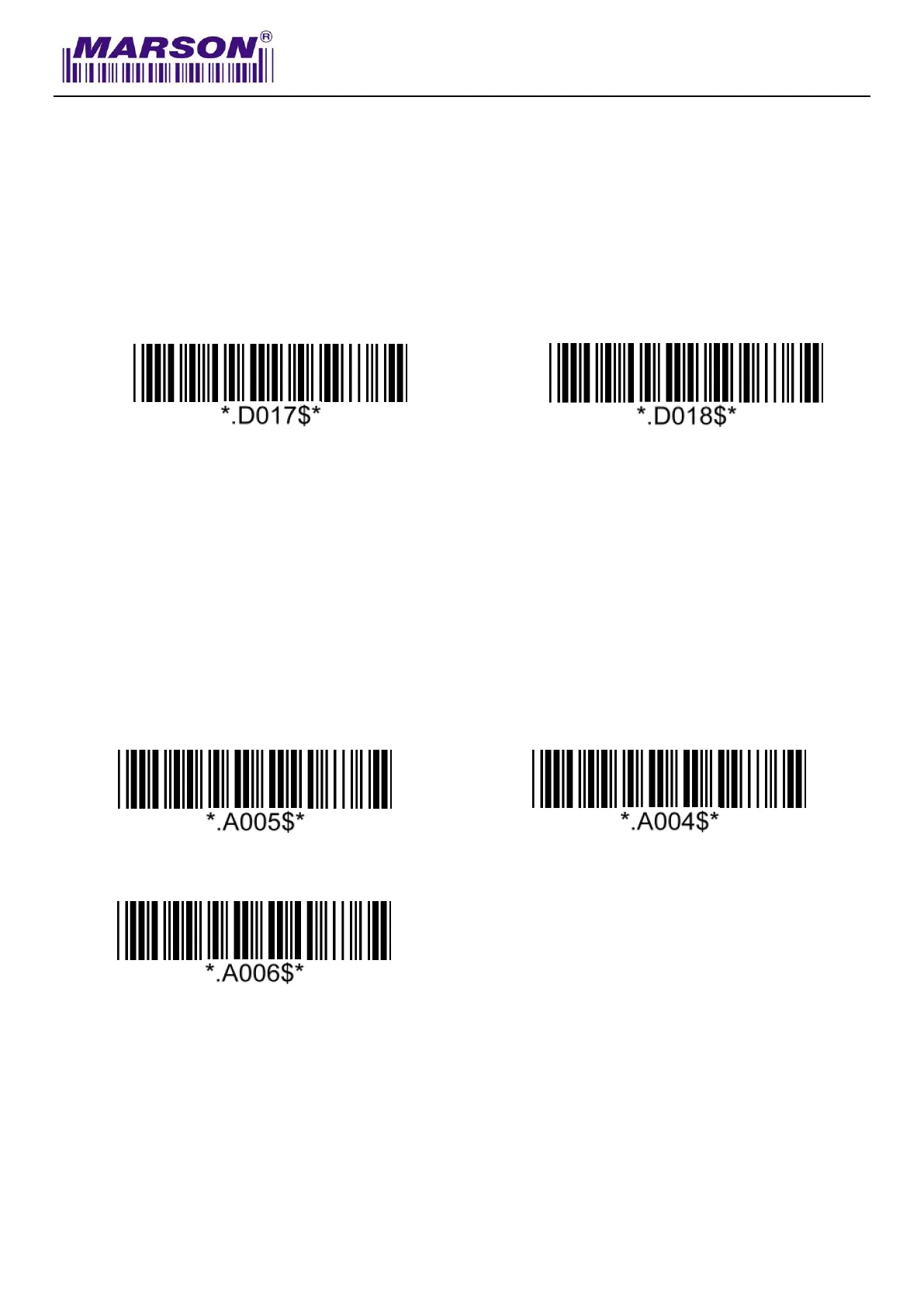
Once disabled, the scanner will output the original encoded data of the barcodes in Appendix –
Function/Navigation/Modifier Keys.
Numeric Key
Note:
1. By default, the alphanumeric key is used for 13ecommended13 digits. Scan NUMERIC KEY if
you want to use the keys on the numeric keypad.
2. If you select NUMERIC KEY, the Num Lock status of the physical keyboard should be ON.
Capslock Mode
Capslock Off*
Capslock On
Note:
When barcode scanner is set to Capslock Free mode, no matter keyboard Capslock LED indicator
is ON or OFF, output will be always the same as the Original barcode. In other words, what you see
is what output is.



 To Next Page