MT850 User’s Manual V1.3
23
General Bluetooth Settings
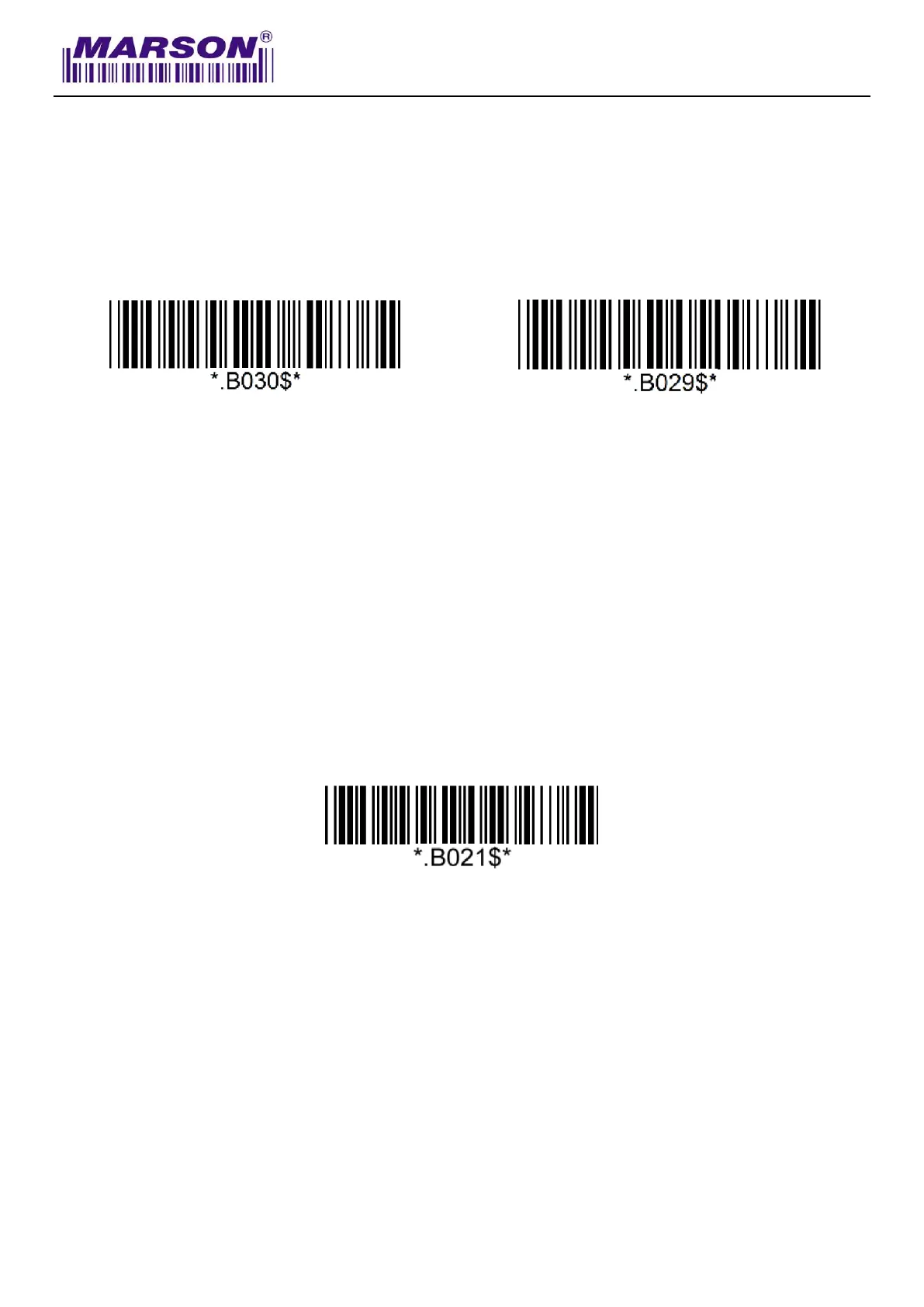
Power Off Timeout
The power off timeout is 3 minutes & 0 second by default. They are configurable from a minimum of
10 seconds (00:10) to a maximum of 60 minutes and 59 seconds (60:59)
Set Minute
(Default = 03)
Set Second
(Default = 00)
Example: Set Power Off Timeout to 5 minnutes and 30 seconds.
Step1: Scan “Set Minute”
Step2: Scan “0” “5” in Appendix – Numbers
Step3: Scan “Set Minute”
Step4: Scan “Set Second”
Step5: Scan “3” “0” in Appendix – Numbers
Step6: Scan “Set Second”
To disable Power Off Timeout (make scanner always on), scan below barcode:



 To Next Page