MT850 User’s Manual V1.3
28
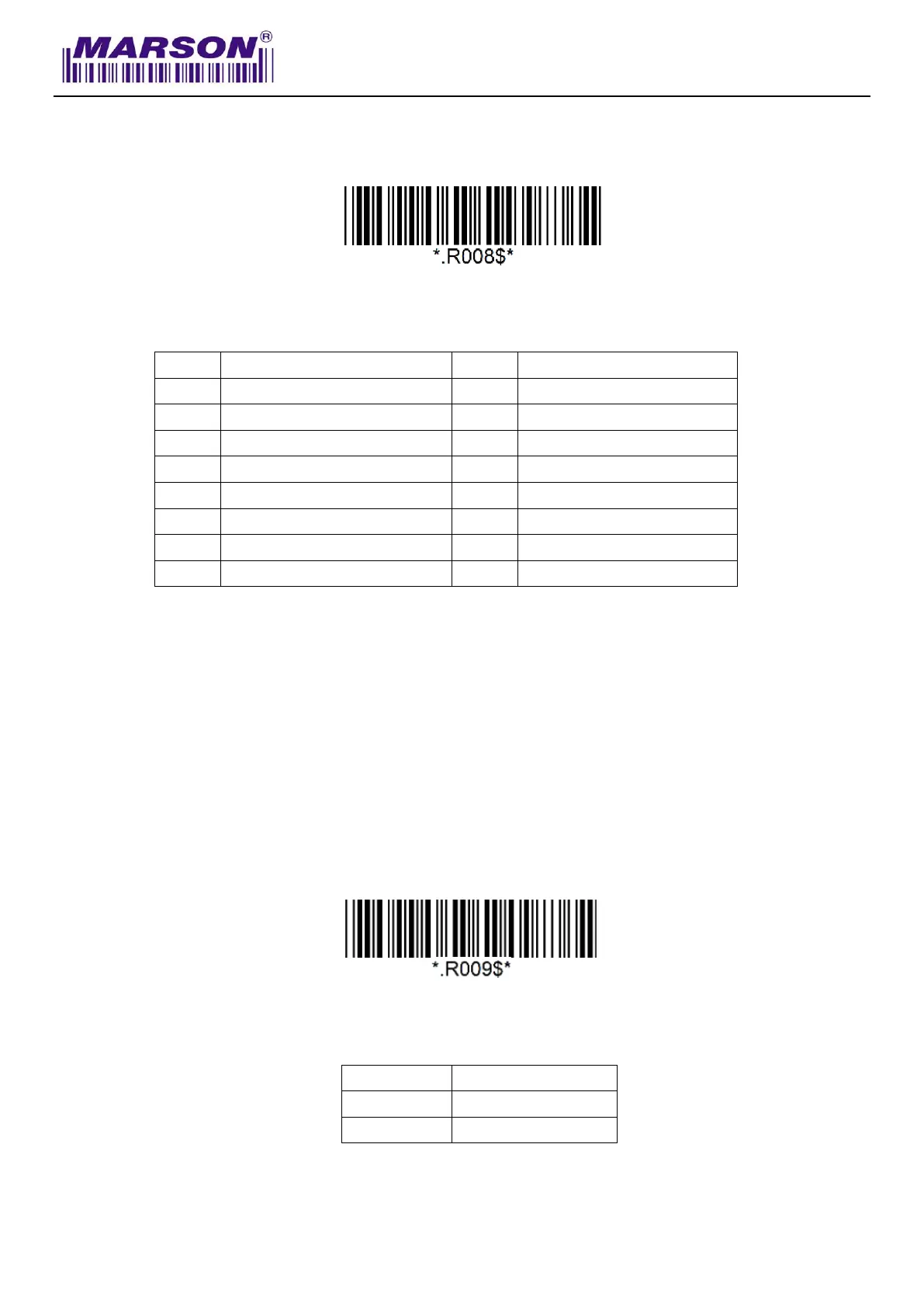
Date Format
The default Date Format is DD/MM/YYYY (Code = 09)
Below are available Date Format and their setup codes:
Example: Set Date Format as MM/DD/YY (Code = 12)
Step1: Scan “Date Format”
Step2: Scan “1” “2” respectively in Appendix – Numbers
Step3: Scan “Date Format”
Time Format
The default Time Format is HH:MM:SS (Code = 01)
Below are available Time Format and their setup codes:



 To Next Page