MT850 User’s Manual V1.3
21
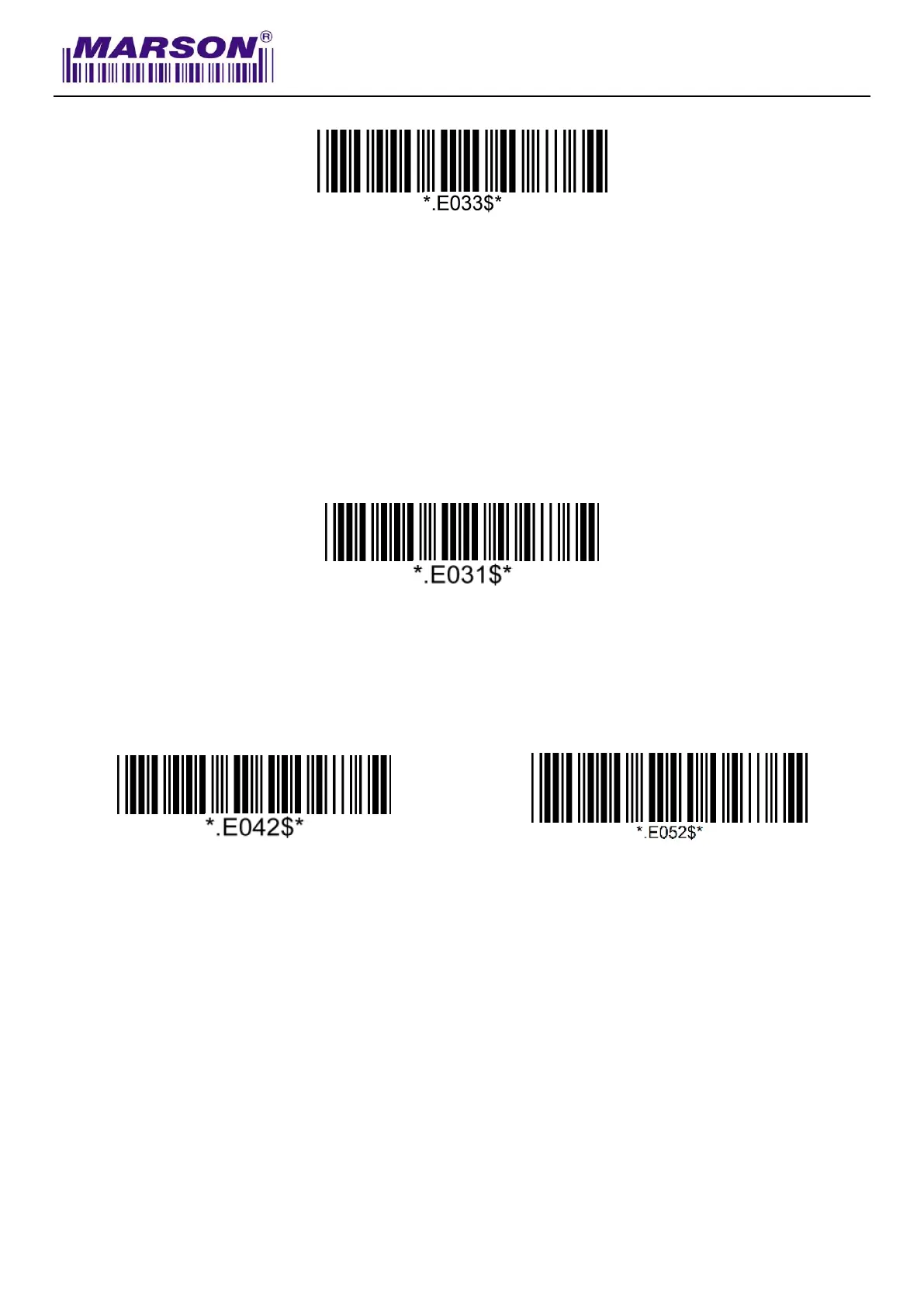
4. Scan “Pincode Stop”
BT SPP
Getting Connected
1. Press the scan button to power up the scanner.
2. Scan “Disconnect”, the scanner will emit two beeps.
3. Scan “BT SPP Master”(21ecommended) or “BT SPP Slave”, the scanner will emit two beeps. If
host can’t auto-reconnect, use BT SPP Master. If host can auto-reconnect, use BT SPP Slave
to avoid conflict.
BT SPP Master
(Auto-reconnect)
BT SPP Slave
(No Auto-reconnect)
4. Select “Wireless Scanner” from discovered device list.
5. If Bluetooth application prompts you to enter a pincode, enter “1234” from the host.
6. Enter serial communication software on your host and open the port occupied by the scanner.
7. The scanner will emit two beeps as indication that the Bluetooth connection has established
successfully.



 To Next Page