MT850 User’s Manual V1.3
24
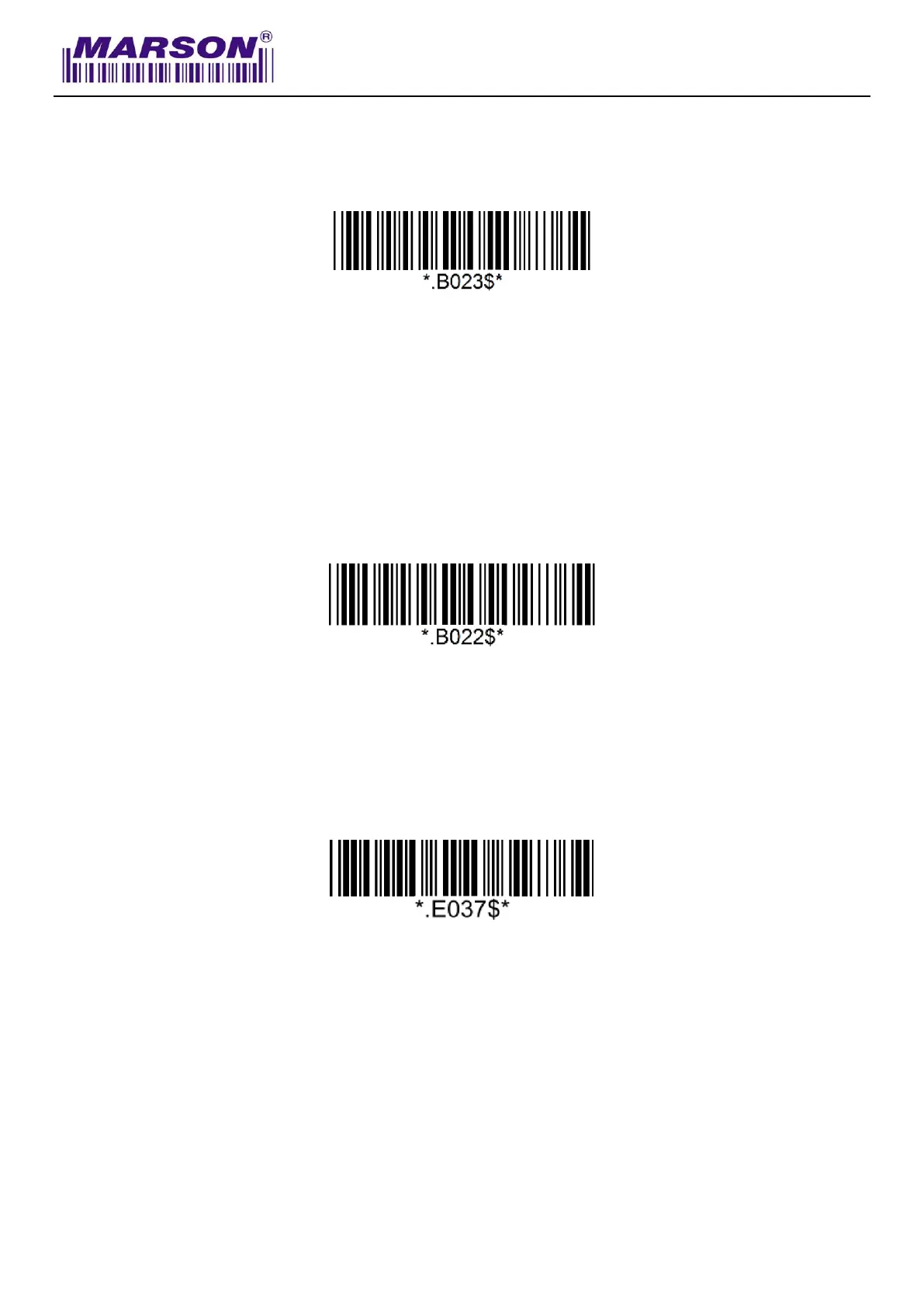
Set Bluetooth Device ID
Bluetooth device name is configurable up to 16 alphanumeric characters:
Example: Set XYZ123 as Bluetooth Device ID
Step 1: Scan “Set Bluetooth Device ID”
Step 2: Scan “X” “Y” “Z” “1” “2” “3” in Appendix – Upper Case Alphabets & Numbers
Step 3: Scan “Set Bluetooth Device ID”
To reset Bluetooth Device ID to “Wireless Scanner”, scan below barcode:
Reset Bluetooth Device ID
Check Bluetooth Firmware Version
Check Bluetooth Firmware Version



 To Next Page