MT850 User’s Manual V1.3
17
BCC (Binary Check Character)
Note:
Once enabled, a checksum will be added to the end of each data to conduct Xor calculation. For
Bluetooth SPP & USB VCP, the BCC is 1 byte. For Bluetooth HID & USB HID the BCC are 2 bytes.
Example:
The barcode data is “TEST” with terminator <CR><LF>
Chapter 1 BT SPP & USB VCP:
Data Format = <T> + <E> + <S> + <T> + <CR> + <LF> + <BCC>.
BCC = 54h ^ 45h ^ 53h ^ 54h ^ 0Dh ^ 0Ah = 11h
2. BT HID & USB HID:
Data Format = <T> + <E> + <S> + <T> + <Enter> + <BCC>
BCC = 54h ^ 45h ^ 53h ^ 54h ^ E7h = F1h
However, since control character cannot be displayed in Bluetooth HID & USB HID, BCC will be
converted into 2 bytes of characters.
As a result, the data will be: TEST + <Enter> + F + 1
Imaging Settings
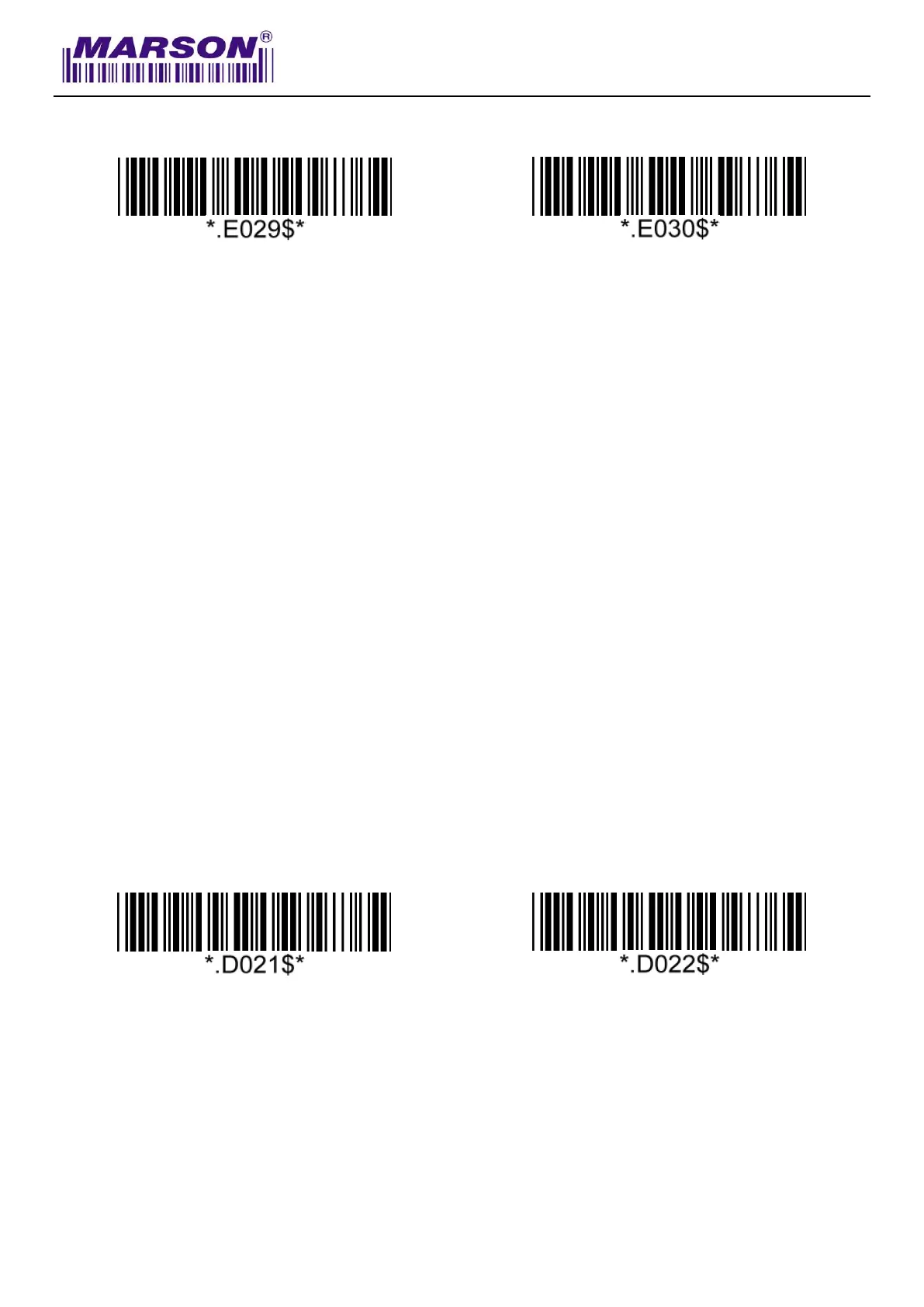
Inverse Barcode
Disable Inverse Barcode*
Enable Inverse Barcode



 To Next Page