MT850 User’s Manual V1.3
27
Data Format
The default Data Format in memory mode is <Date>, <Time>, <Barcode Data>.
Below are configurable items and their setup codes:
Example: Set Data Format as <Barcode Data>, <Date>, <Time>
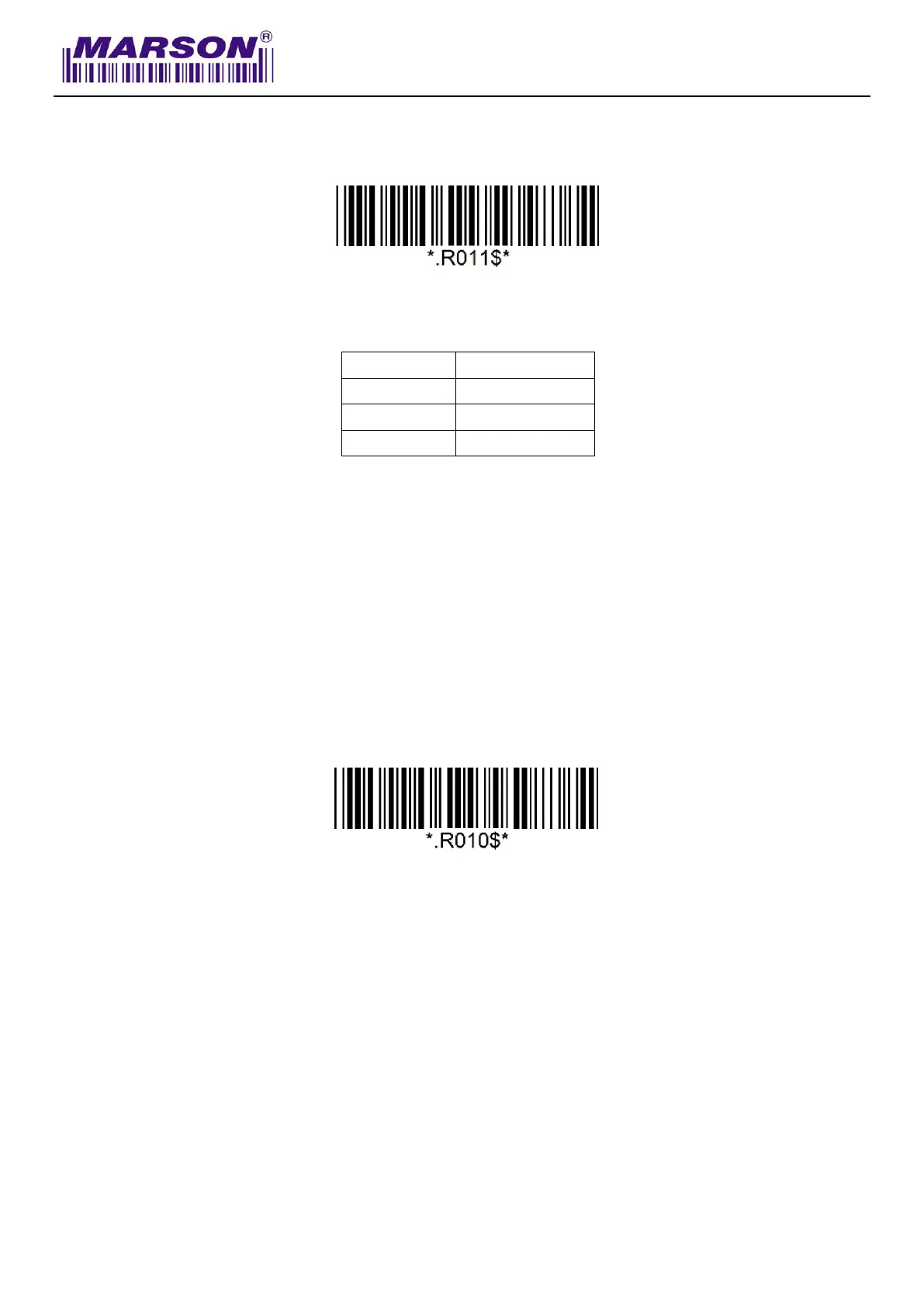
Step1: Scan “Data Format”
Step2: Scan “4” “3” “2” respectively in Appendix – Numbers
Step3: Scan “Data Format”
Field Separator
The field separator in memory mode is comma ( , ) by default. It can be replaced by any
alphanumeric characters.
Example: Set Field Separator as Semicolon ( ; )
Step1: Scan “Field Separator”
Step2: Scan “ ; ” in Appendix – Symbols
Step3: Scan “Field Separator”



 To Next Page