MT850 User’s Manual V1.3
26
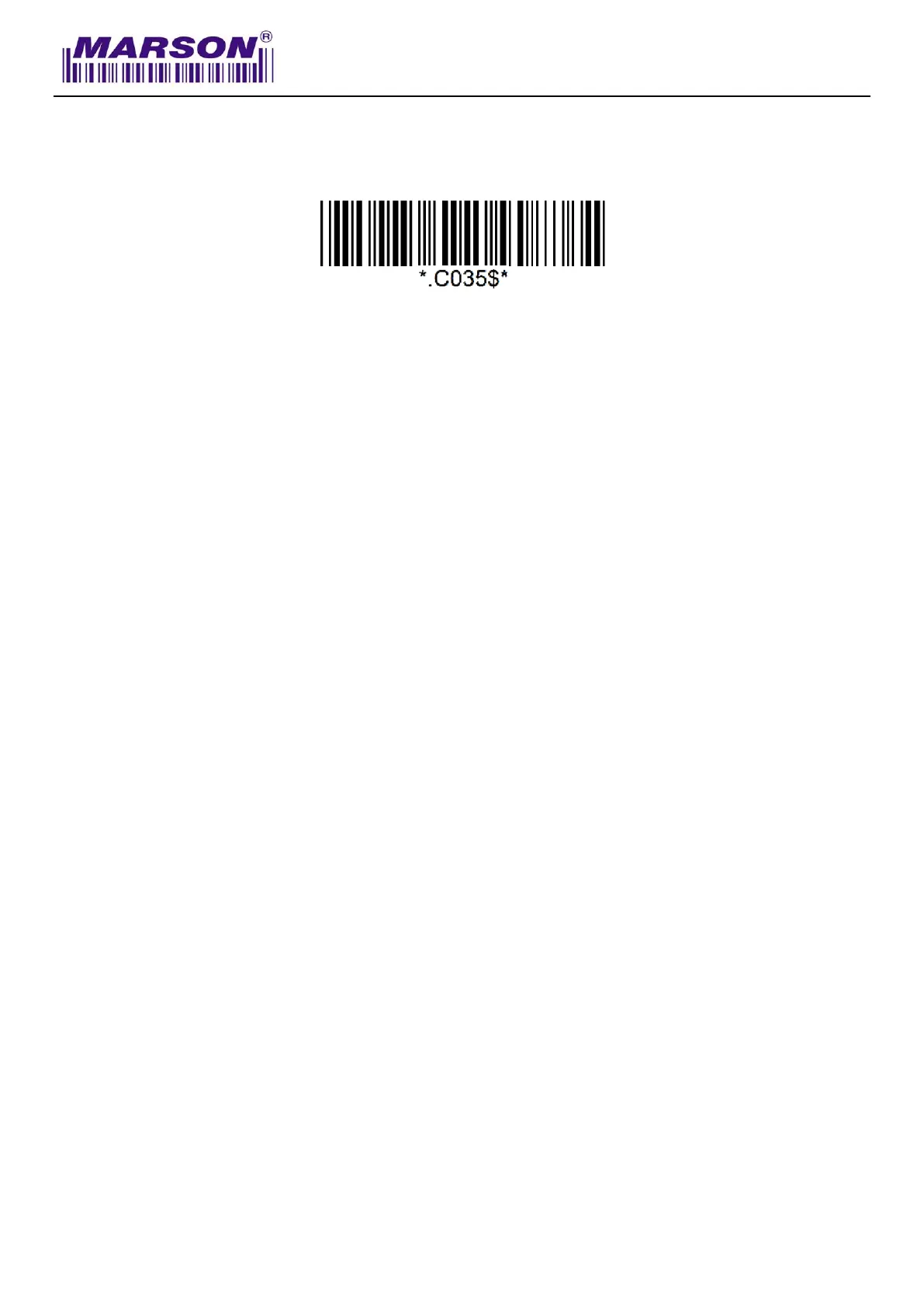
Memory Mode
After scanning the above barcode, the scanner will be able to collect barcode data off-line. The
barcode data will be stored in the format of:
<Date>, <Time>, <Barcode Data> <CR>
To retrieve stored data, please connect the scanner to the host with USB cable, access removable
storage device “MiniScan” from which you may open or copy the file “BARCODE.txt” to your
computer.
To exit Memory Mode, simply scan any interface barcode (e.g. “BT HID”, “BT SPP Master/Slave”,
“USB HID”, “USB VCP”) other than memory mode.
Delete Last Record
To delete last memory data, please press function button once when the scanner is in memory
mode.
Clear All Record
To delete all memory data, please connect the scanner to the host with USB cable, access
removable storage device “MiniScan”, and delete the file “BARCODE.txt”. The scanner will emit
two beeps as indication that the file has been successfully deleted.



 To Next Page