10 0$&(
s e c t i o n 4
CONTROL MODULE
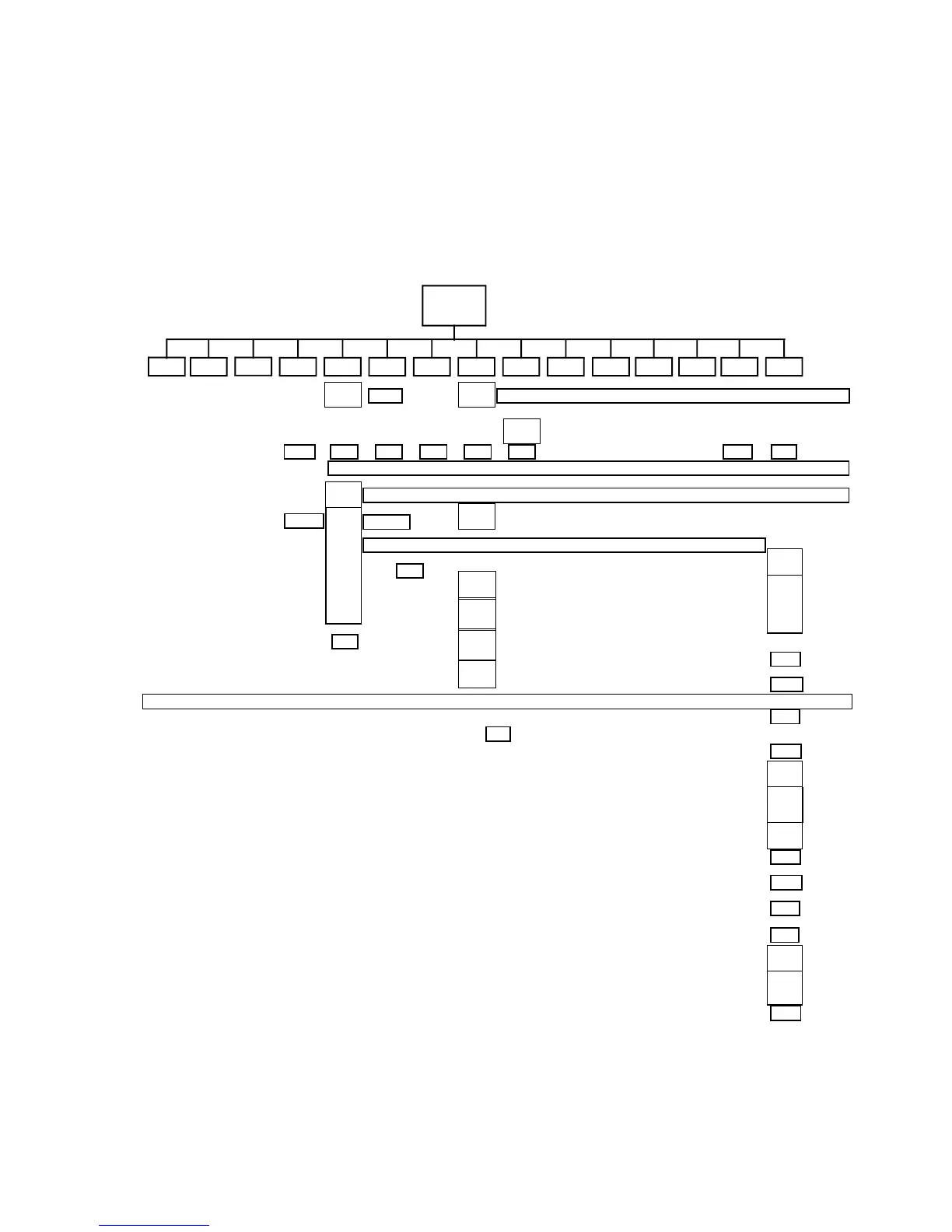
The 4-digit LED control panel on the side of the MAC 600/E allows you to set the address and personalities, read lamp hours and other
information, calibrate effects, control the fixture manually, and run a test routine. Most of these functions may be performed remotely
via the serial link with a Martin MPBB1 or MP-2 uploader
The display can be flipped for easy reading by pressing the [↑] and [↓]keys simultaneously. The intensity is adjustable and the display
can be set to go out 2 minutes after the last key-press.
The DMX or Martin address, depending on the protocol setting, and any error messages are displayed when the MAC 600/E is turned
on. To enter the menu, press [MENU]. Use the [↑] and [↓]keys to move within the menu. To select a function or submenu,
press[ENTER]. To escape a function or menu, press [MENU].
Po HP OFSWAPSTCO CPU dISP
ETYP
Address and protocol selection
3URWRFROVHOHFWLRQPSET Switch between MART, DMX1, DMX2, DMX3,or DMX4 to enable Martin mode or DMX mode
1, 2, 3, or 4.














 To Next Page