Martin VDO Atomic Dot user guide 35
Extend
ed
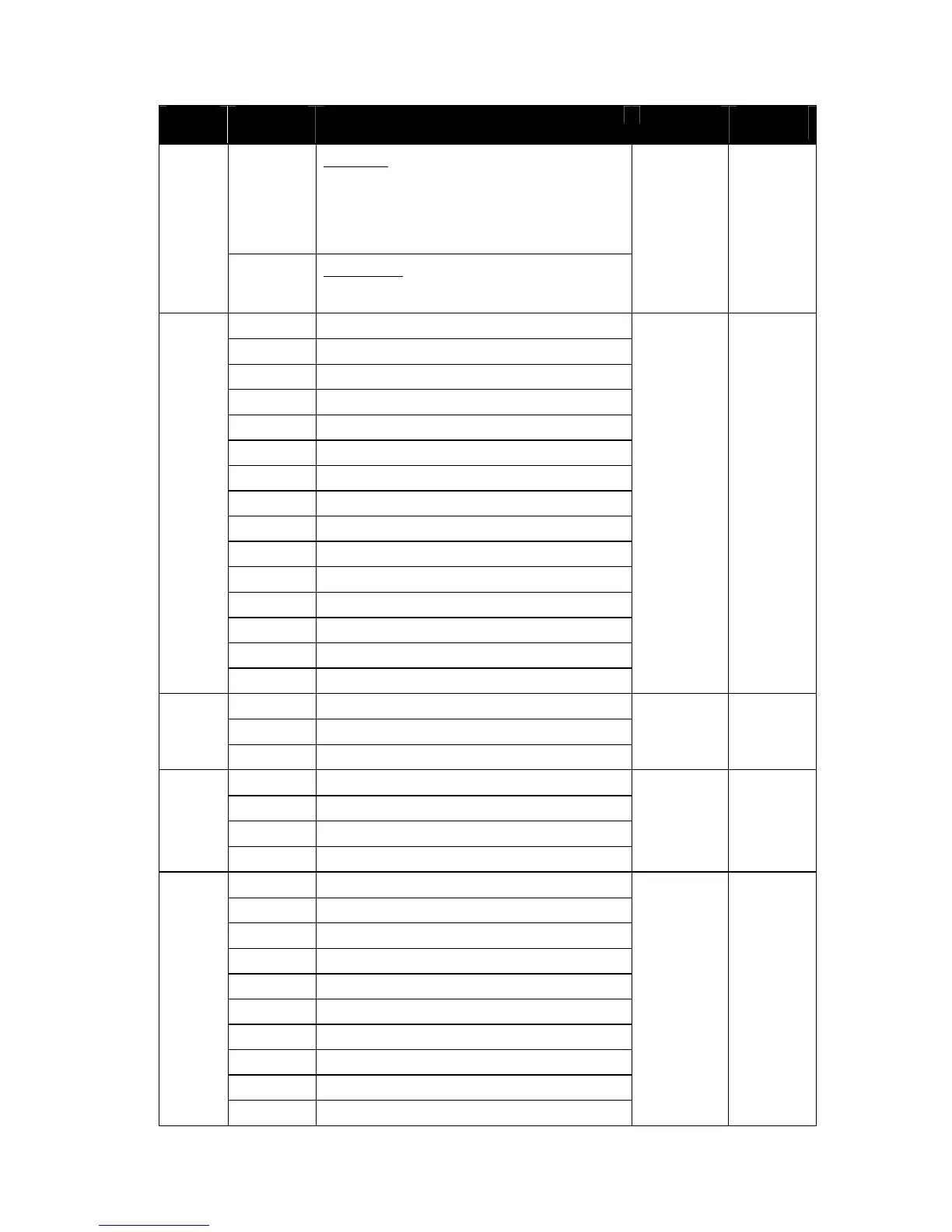
Value Function Fade Status Default
Value
27 - 228 Mix-Mode
Output of beam LED is defined by mix of:
- Channel 1-5
- P3 pixels
(range 27 to 228 performs cross-fade
between the two)
229 - 255 Video-Mode
P3 pixels are used as basis on top of which
channel 1-5 are applied
Control / Settings
0 - 9 No Function
10 - 14 Reset Entire Fixture - 5 sec
15 - 22 No Function
23 Linear Dimming Curve - 1 sec
24 Square Law Dimming Curve - 1 sec
25 Inverse Square Law Dimming Curve - 1 sec
26 S-Curve Dimming Curve - 1 sec
27 - 35 No Function
36 Enable Video Tracking
37 Disable Video Tracking
38 - 58 No Function
59 Strobe Behavior = LED
60 Strobe Behavior = Xenon
7
61 - 255 No Function
Snap 0
FX Select
0 No FX
8
1-255 FX Selection (see table)
Snap 0
FX Speed / Modifier (depending on effect)
0 – 126
Rev Fast → Slow
127 – 128 Stop
9
129 – 255
Slow → Fast
Fade 128
FX Synchronization
0 No Sync
1 Fixture Offset 10 Degree
2 Fixture Offset 20 Degree
3-34 Fixture Offset…
35 Fixture Offset 350 Degree
36 Synchronized
37-100 No Function
101 – 120 Random Start
10
121 - 140 Random Duration
Snap 0












 To Next Page