19
Flex Arm Adjustment
Vertical
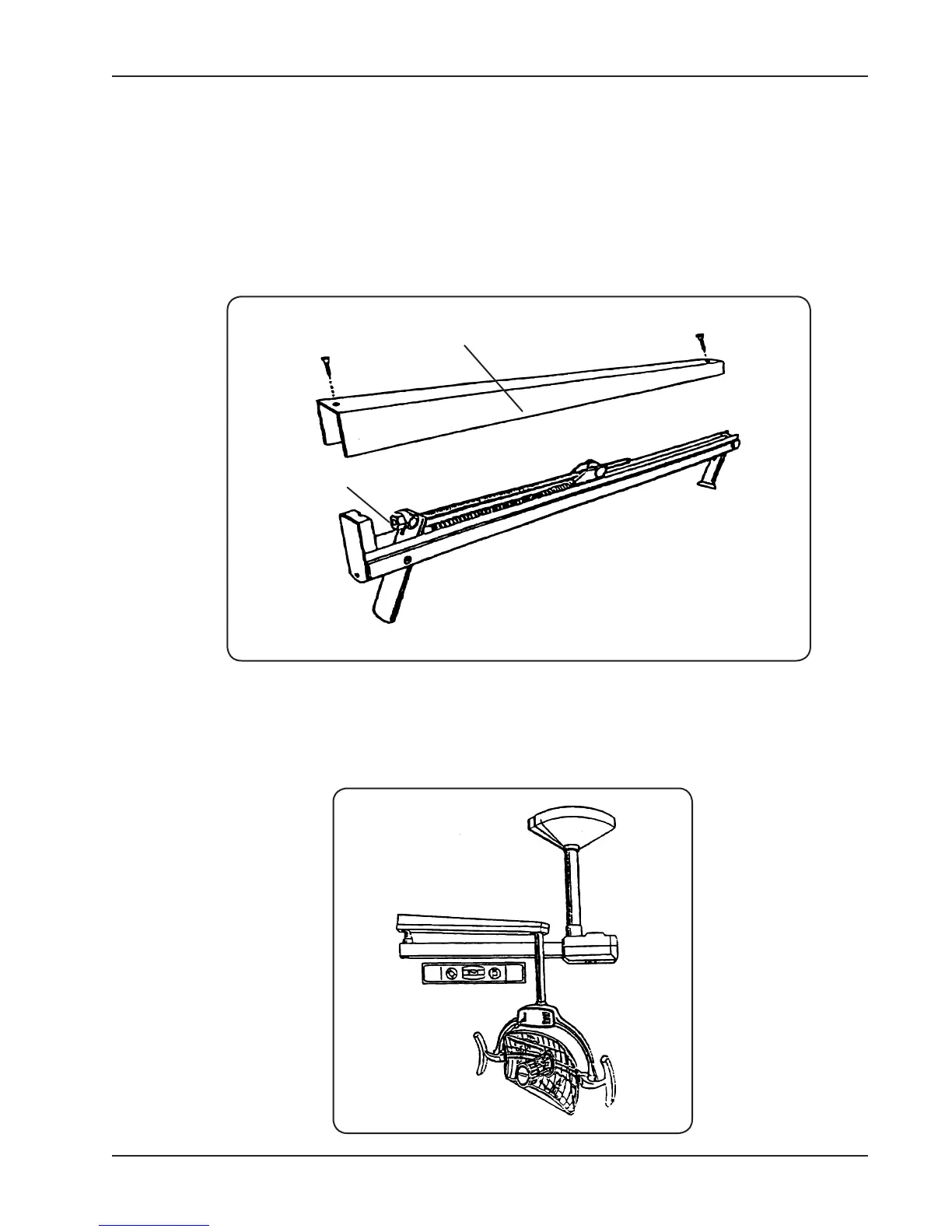
1. Remove the two ex arm cover screws using a at head screwdriver. (See gure 15).
2. Remove the ex arm cover.
3. Using a 1/2” wrench or socket, adjust the tension bolt until the desired tension is set. Turn clockwise for
more tension, counter-clockwise for less tension.
4. Replace cover and end caps.
TENSION
BOLT
FLEX ARM
COVER
Horizontal
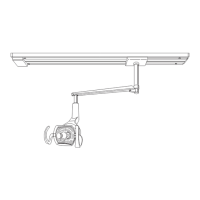
Note: Flex arm sways from side to side and will not hold a steady position.
1. Make certain that the horizontal solid arm is level. (See gure 16).
Figure 15
Figure 16


 To Next Page