www.masimo.com 32 Masimo
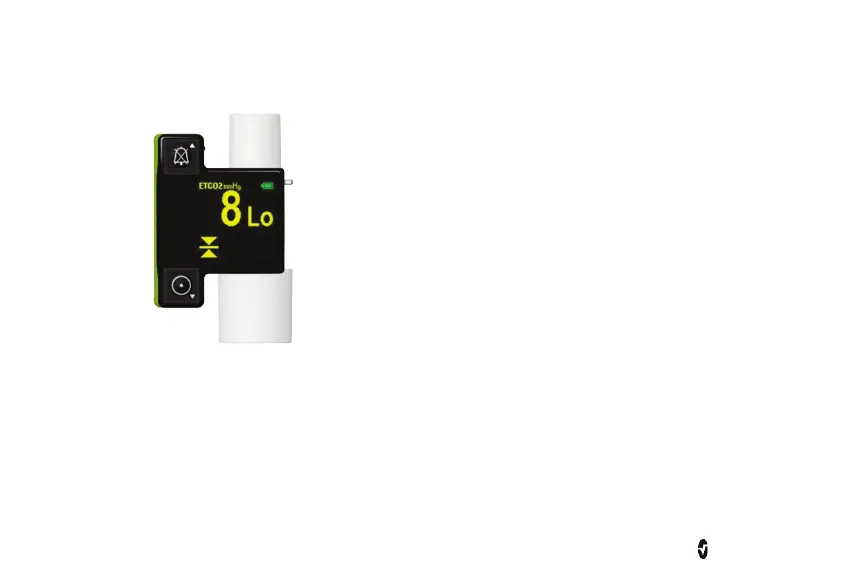
Low EtCO2 Alarm
1. Press and hold the Power On button until the display shows the “Lo ETCO2 Screen” and the EtCO
2
display
shows the current low EtCO
2
alarm limit. See Controls on page 29.
2. Release the Power On button.
3. To adjust the alarm limit: press the Alarm Silence button (▲) to increase, or the Power On button (▼) to
decrease the value. It is possible to switch off the low EtCO
2
alarm by adjusting the limit down to 0. The
EMMA Capnograph will indicate this setting by showing "- -" on the EtCO
2
display during the adjustment
routine.
If no button has been activated for a short period of time, the EMMA Capnograph will automatically
resume normal operation.



 To Next Page