Rad-87 Pulse CO-Oximeter Operator’s Manual
4-31
4
Operation
Setup Menu Level 3, continued
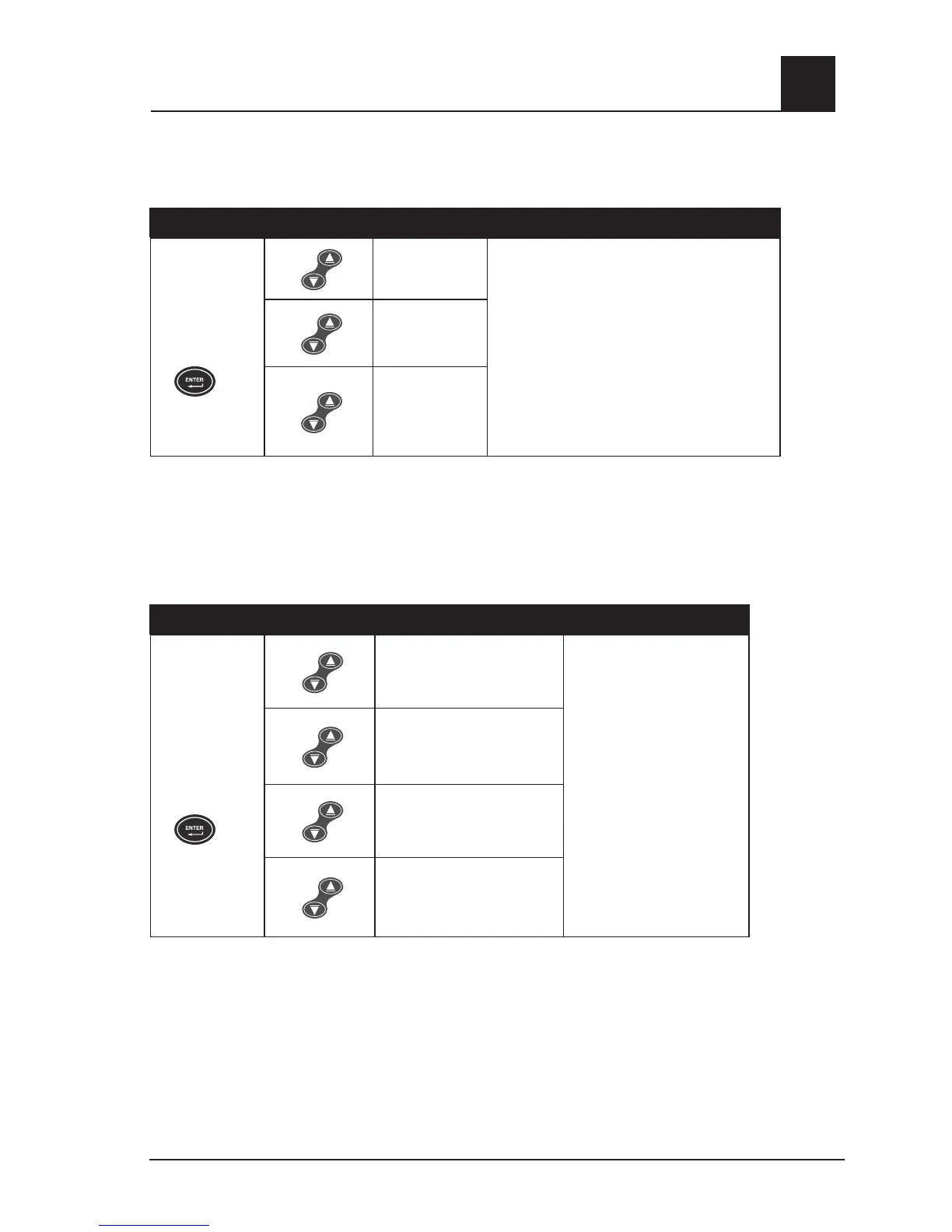
Optical Sensor Off Audible Alarm Latch
BUTTONS SETTING
Press the Enter
Button again
to move to the
next menu.
SEn
Lch
Use Up or Down Button to move between
settings
AND
press the Enter Button to accept the setting
and move to the next menu.
OR
press the Display Button to exit without saving
the new setting and to return to the home
display screen.
On*
Off
(Default)
* Set this option to “On” when it is a requirement for the clinician to go to the instrument bedside and
acknowledge a Sensor Off alarm. Pressing the Alarm Silence Button is required to silence the audible
tone upon correcting the Sensor Off alarm. In the situation where there are valid values after a Sensor
Off alarm has occurred and the instrument is alarming, it is required to press the Alarm Silence Button
to silence the audible tone.
Default Settings
BUTTONS SETTING
Press the Enter
Button again
to move to the
next menu.
No change
(Do not adjust factory
default settings.)
Use Up or Down Button to
move between settings
AND
press the Enter Button
to accept the setting and
move to the next menu.
OR
press the Display Button to
exit without saving the new
setting and to return to the
home display screen.
User Default
(
Set to user settings.*)
Factory Default
(Restore factory default
settings.)
Set Device Profile
(One or more pre-defined
instrument profiles)
* Set the Factory Default to this setting when configuring a Device Profile. Refer to the Device Profile
Setup and Use section of this chapter for additional information and instructions.



 To Next Page