9
ENG
9. Troubleshooting
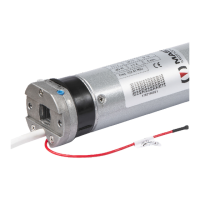
On the electronic board of each actuator (which can be inspected as indicated in Chap. 8), there is a red LED
which indicates the actuator status as in the table.
RED LED FLASHING
FREQUENCY
ACTUATOR
CONDITION
PROBLEM S
OLUTION
OFF Motor is not powered Recheck cable wiring.
FAST AND CONSTANT
Positioning error caused by
an object between the sash
and frame during closing
Recheck cable wiring.
FAST AND CONSTANT
Stroke selection error
in Multiple function
Remove power and check that
the DIP switch selection
is according to operating modes
If this does not solve the problem, please contact your dealer or our technical customer service via email:
support@myapro.it
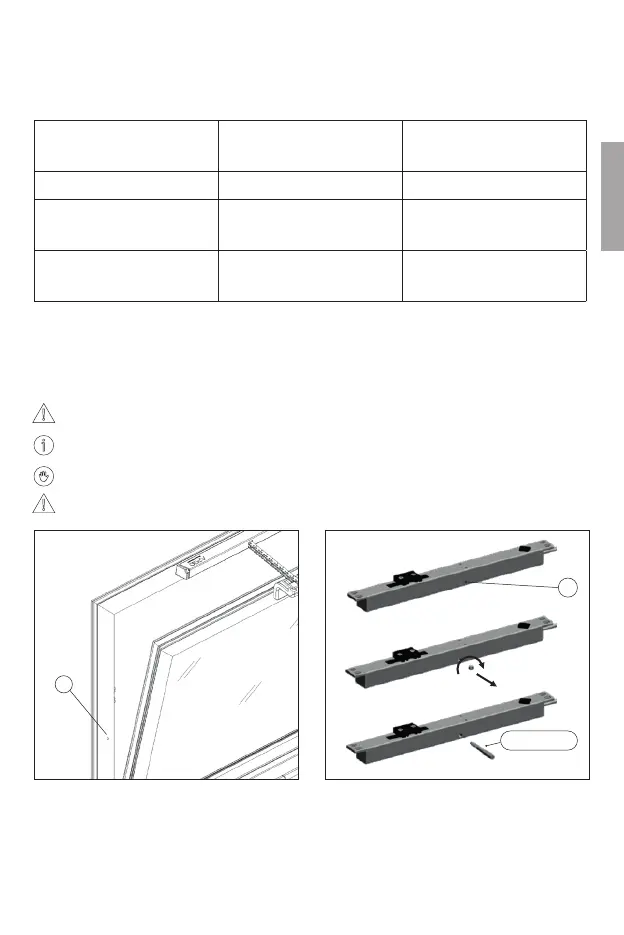
a. Electro-lock emergency operation (A1125.X)
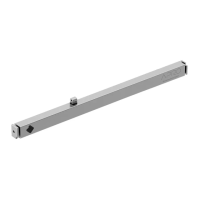
In the event of a failure, this operation must be carried out with a “special key” (Art. 1125.51)
to transmit motion to a gear inside the lock.
The key is not supplied but must be requested separately.
Always refer to specialised personnel for this emergency operation.
The electric lock must be replaced after the emergency operation.
Locate the workpiece
for emergency release. A.
Before using the release key Art. 1125.51, remove
grub screw “B” with a 3 mm hexagonal wrench.
B
cod. 1125.51
A


 To Next Page