No. Name Notes
A
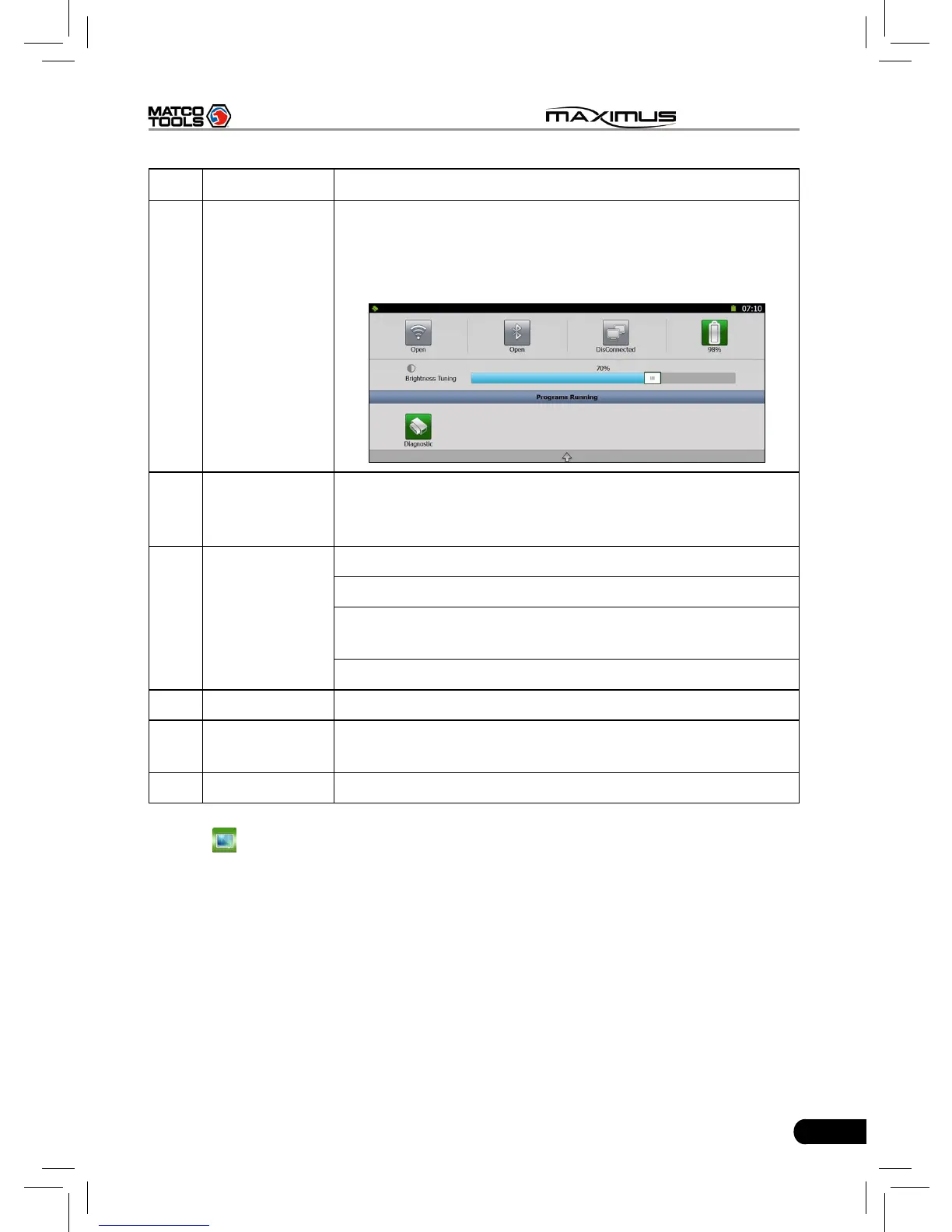
Task status
bar
This area shows the running tasks and the highlighted
one is the currently displayed window. Click the area,
a task list window will pop up, click the desired one to
switch to the corresponding window.
B Shortcut bar
Provides shortcut to some commonly used functions,
such as diagnosing, web browser and settings. Click it
to toggle the function.
C Indicators
Bluetooth: highlights while bluetooth is activated.
Signal: displays the signal is strong or weak.
Battery capacity/power plug: displays the battery power
value/it is connected to external power supply.
Time: shows the current time
D Tools Includes page up & page down buttons.
E
Main view
area
An area for browsing or working
F Operation bar Operations for functions or options in main view area
2. Click
to enter Windows 7 operating system. Please refer to Fig. 2-4.



 To Next Page