G
H
I
J
K
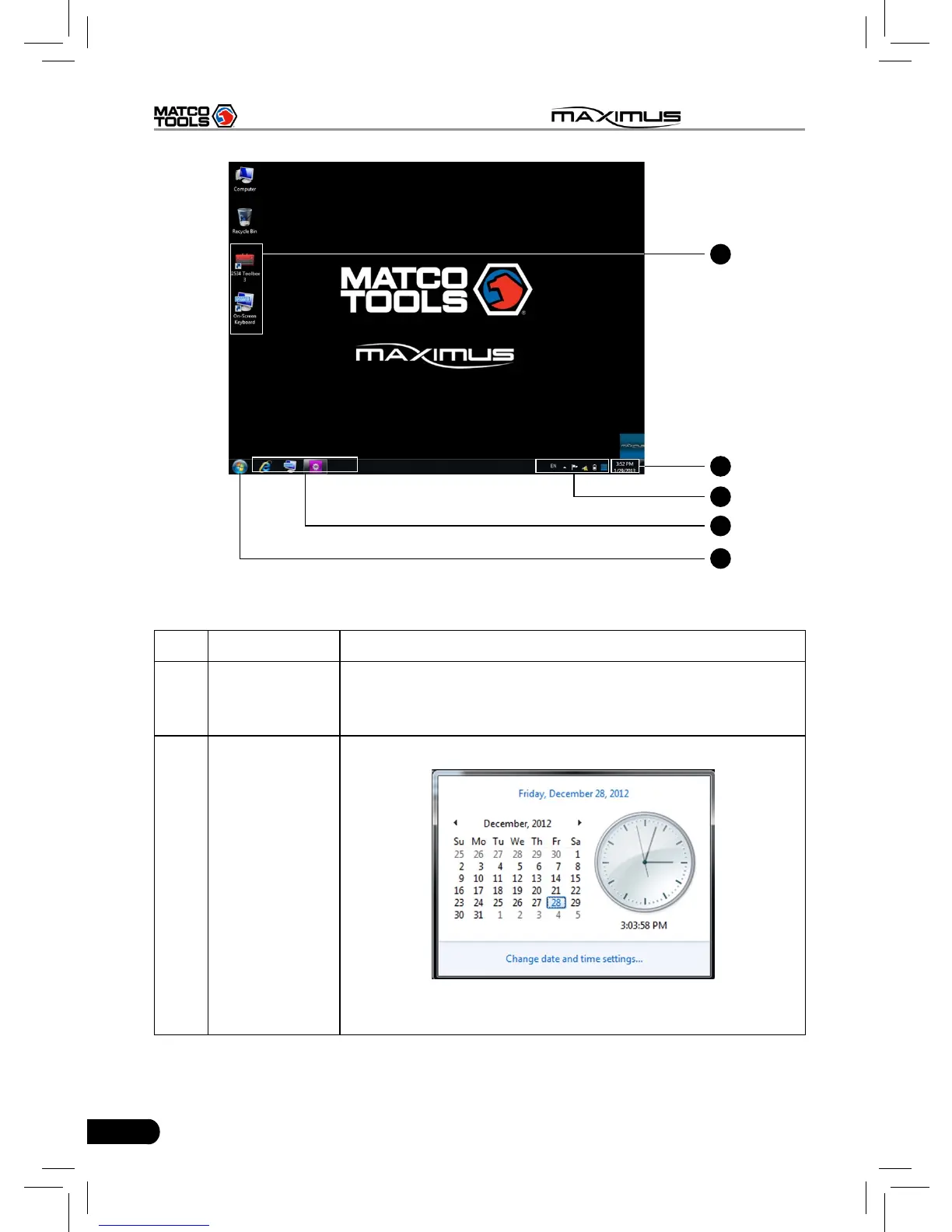
Fig. 2-4
No. Name Notes
G
Program
shortcut
In case you choose to create a desktop icon while
installing a software, it will automatically appear on the
desktop once it has been installed successfully.
H
Time display
area
Click to set time and date.
After setting, Date/Time under System tab in Settings
will keep synchronized with it and vice verse.



 To Next Page