I
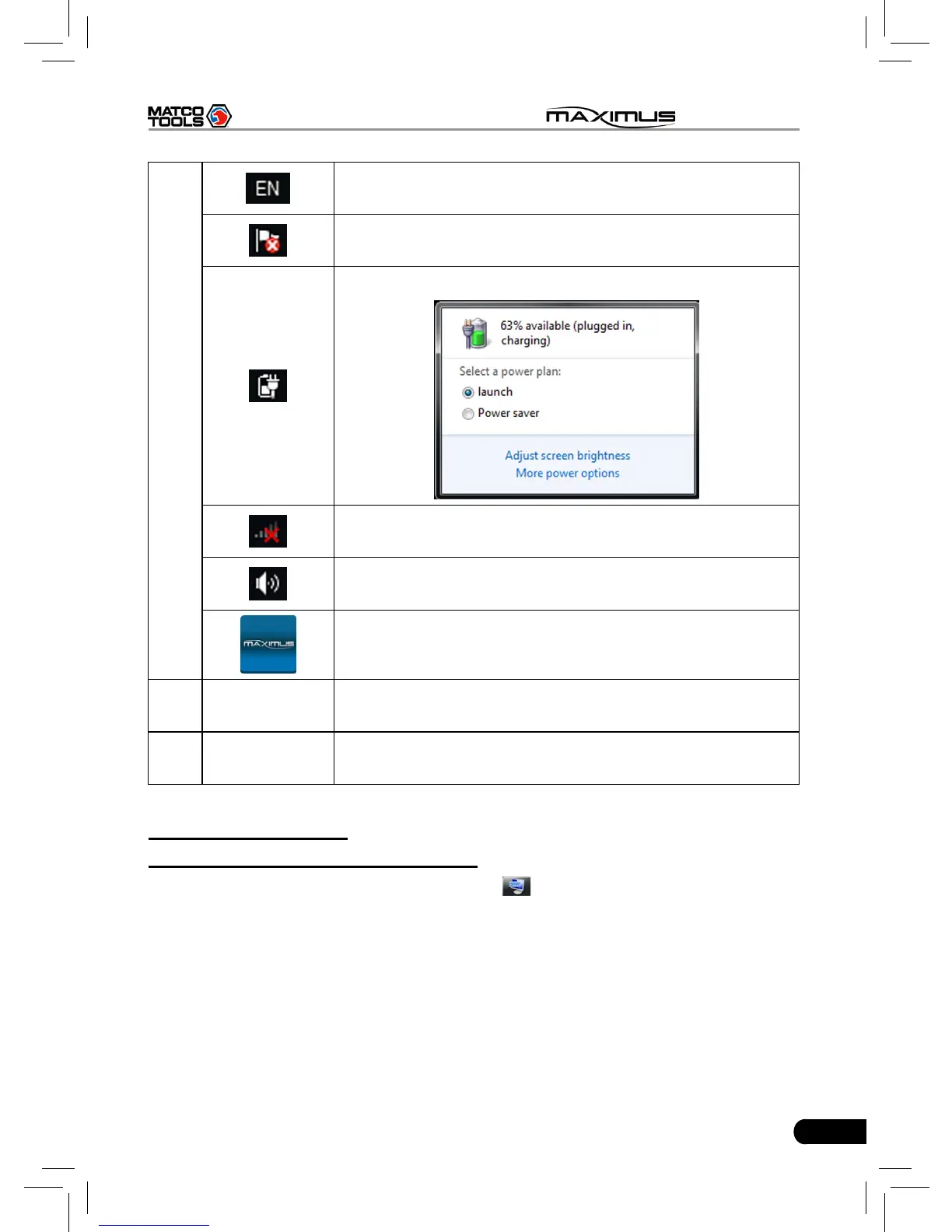
Click it to set the input language.
Click it to view the messages.
Click it to dene a power plan and view power status.
Network icon: Click it to congure network connection.
Click it to adjust volume.
Click it to return to MAXIMUS desktop.
J
Quick Launch
bar
Click the desired icon to launch the corresponding
application.
K Start
Click it to select a desired program from the pull-down
menu and execute it.
C. On-screen keyboard
1. Under Windows 7 operating system
A keyboard application is installed, click
on the desktop, the on-screen
keyboard will pop up. See Fig. 2-5.



 To Next Page