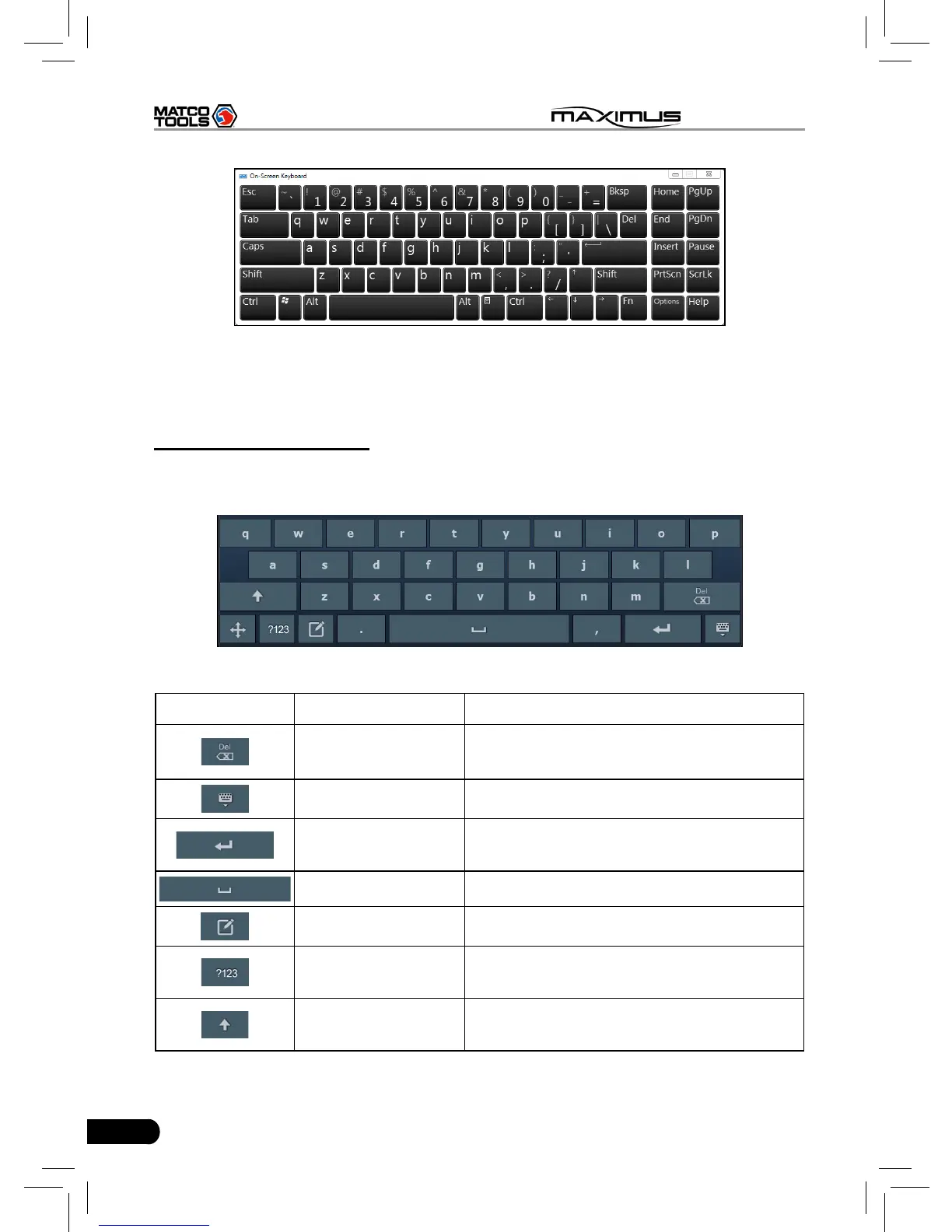
Fig. 2-5
The layout of keyboard is possible to be different, but the operations of keys are
same as that of PAD computer keyboard.
2. On MAXIMUS platform
If you encounter a edit box or input area, click the blank area, a on-screen
keyboard similar to Fig. 2-6 will appear.
Fig. 2-6
Keys Name Functions
Delete
Place the cursor next to the character,
and click this key to erase it.
Hide keyboard Click it to hide on-screen keyboard.
Conrm
the key that causes a carriage return or
line feed.
Space Input a space.
Handwriting Switch to handwriting mode.
Number/symbol
toggle key
Toggle between number and symbol
input mode.
Caps
Toggle between uppercase/lowercase
letters



 To Next Page