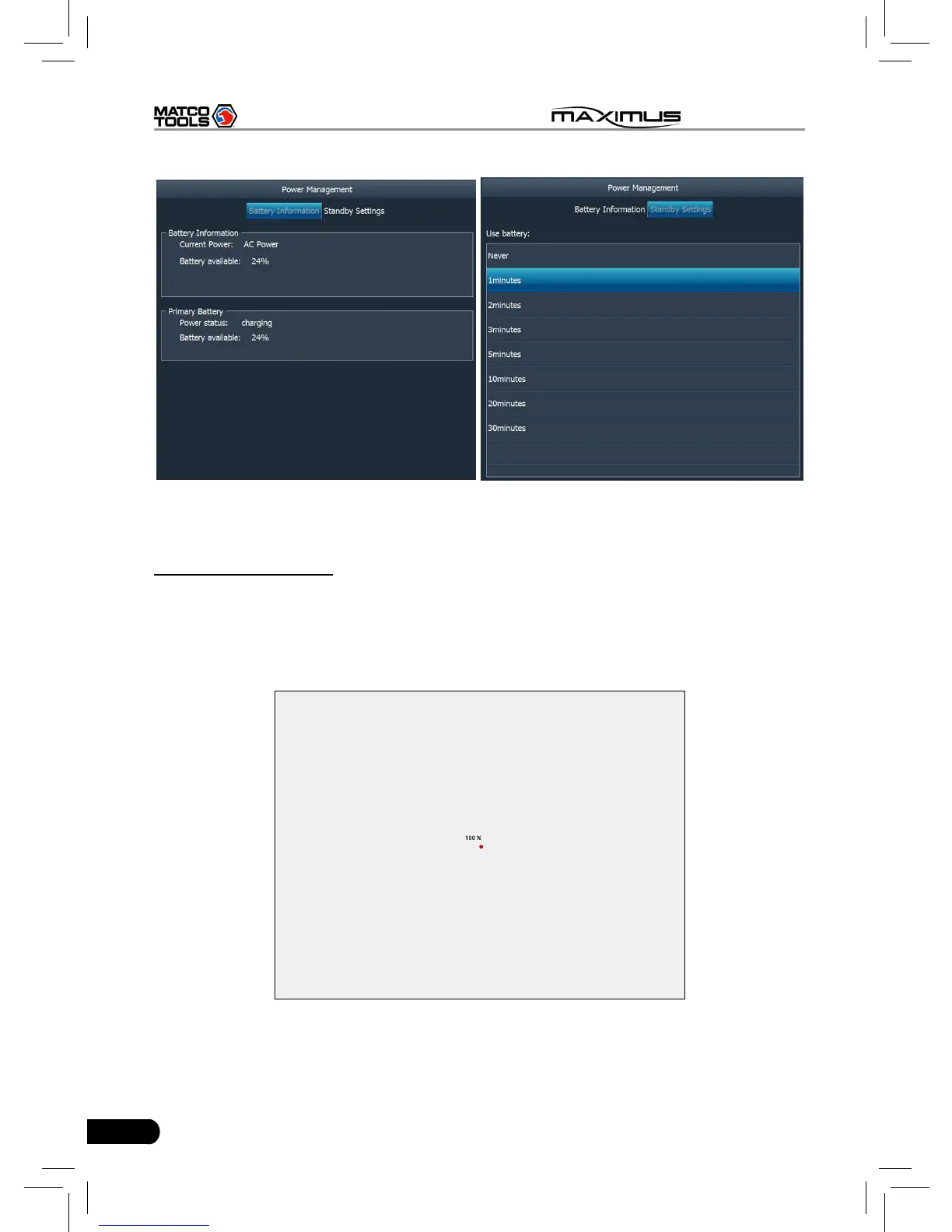
Fig. 2-15 Fig. 2-16
8. Screen calibration
This option lets you calibrate the touch screen.
Click “Screen calibration”, “Please click the button to calibrate the touch screen”
will be displayed on the screen. Click the “Screen Calibration” button to enter
screen calibration interface.
Fig. 2-17
Use the stylus to click the black dot, the dot will change in red and a progress
reading will appear above it. Click and hold the dot until it proceeds to 100%,



 To Next Page