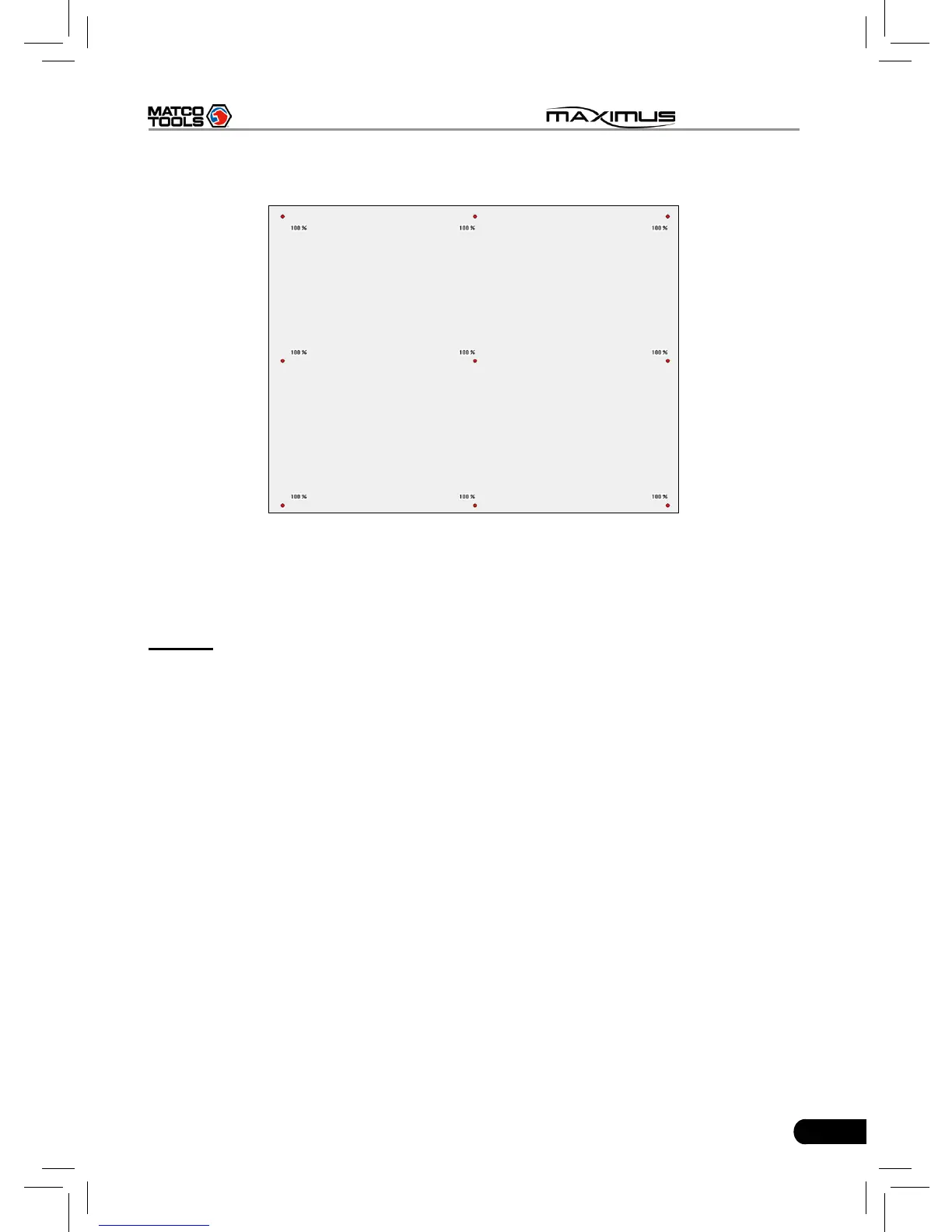
then one calibration has been nished. See Fig. 2-17.
Fig. 2-18
Once all calibrations are made, the screen will display as Fig. 2-18 and the
system will return to “Settings” interface automatically.
9. Wi-Fi
This option allows you to congure Wi-Fi network.
Click “Wi-Fi” and check the box next to “Close” to open it, the system will start
searching wireless network. See Fig. 2-19.



 To Next Page