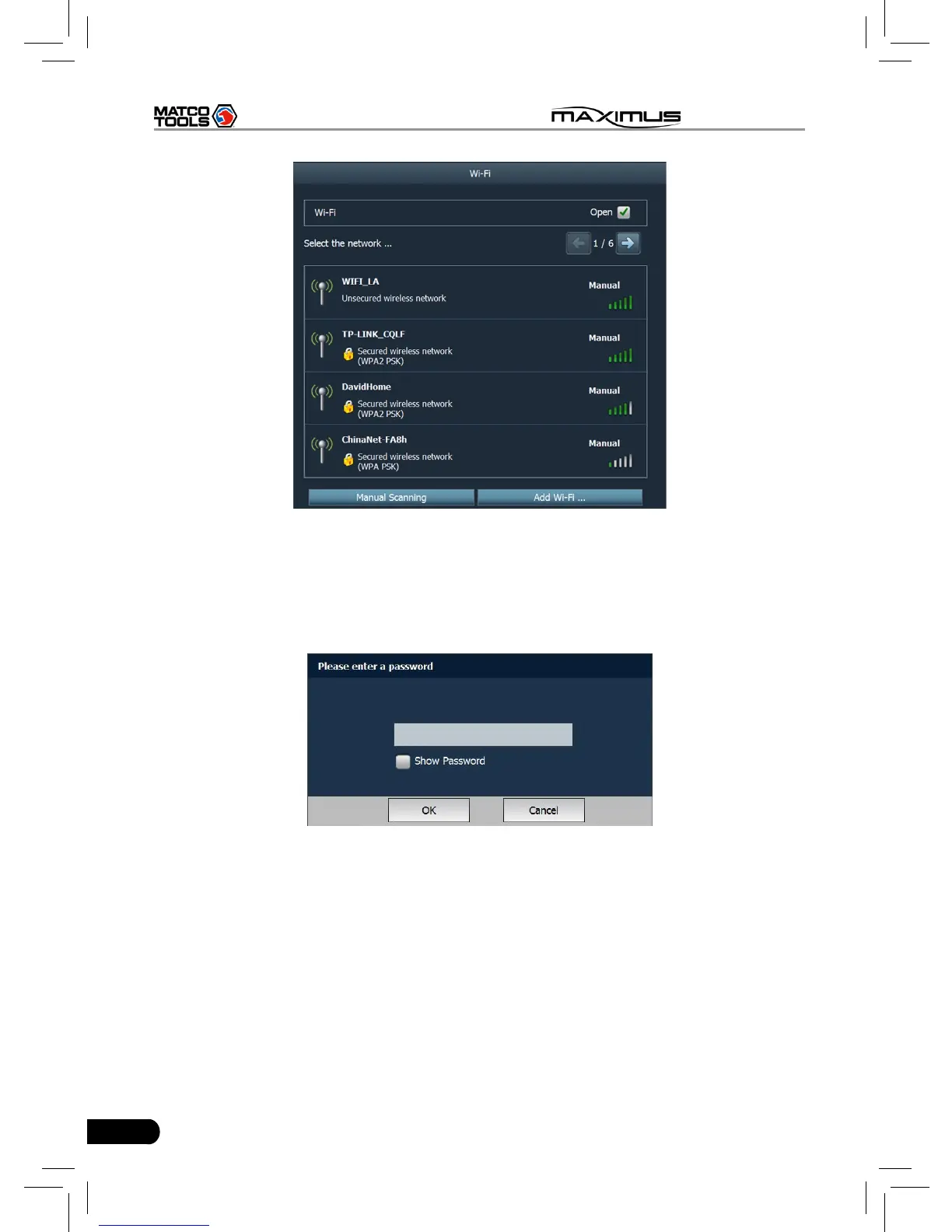
Fig. 2-19
Choose one from the search result list to link. If the desired wireless router is
encrypted, you can not connect to it until correct password is keyed in. Tick off
the “Show Password” to conrm whether the password you input is correct or
not. See Fig. 2-20.
Fig. 2-20
Click “Manual Scanning” to scan manually, the screen will automatically refresh
the search result.
If the wireless network router to be connected is not shown in the search result,
click “Add WLAN” to add the wireless LAN. See Fig. 2-21.



 To Next Page