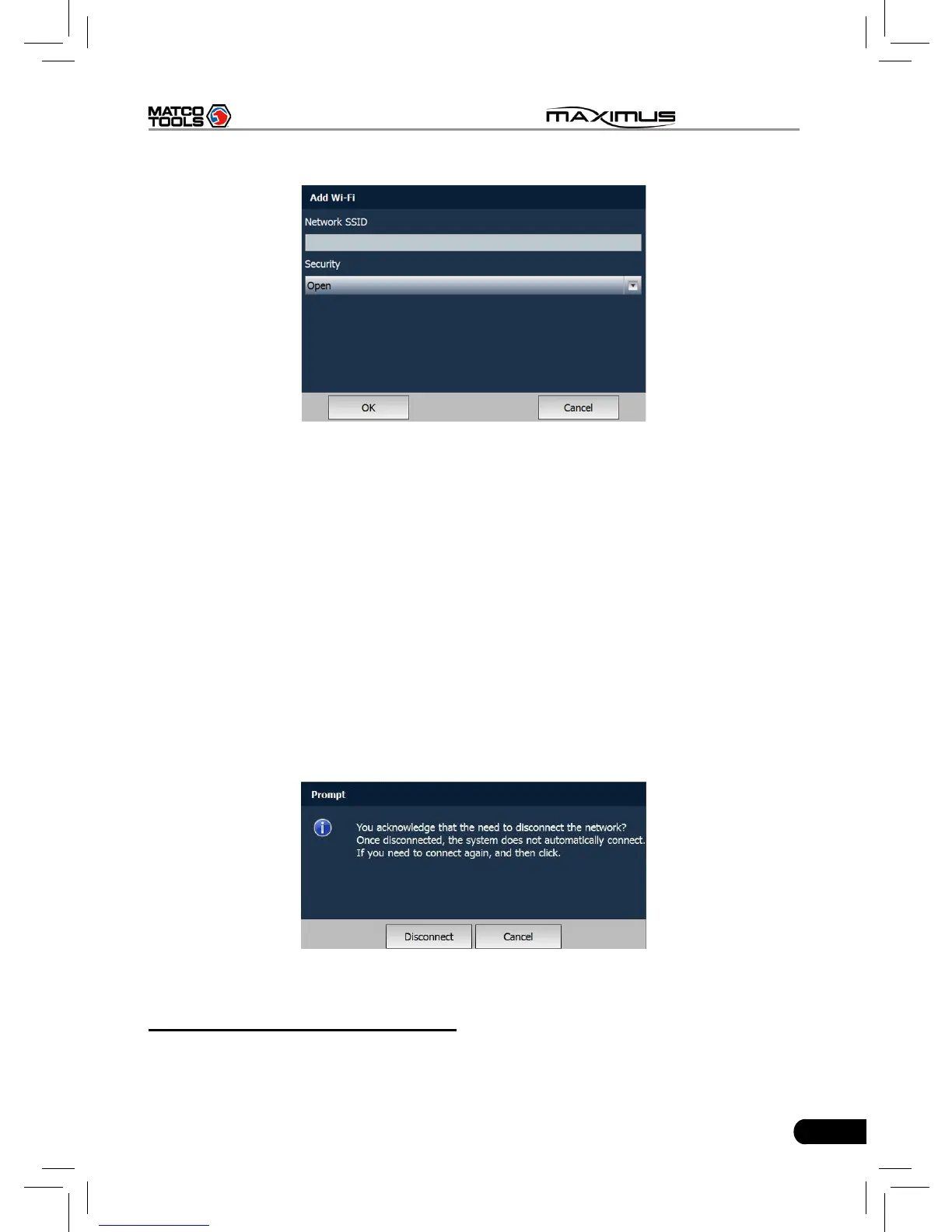
Fig. 2-21
Click the edit box next to Network SSID, the on-screen keyboard will appear.
Use the keyboard to input the wireless router name, and then choose one from
the security type pull-down list. Where,
Open means open network; WEP stands for unscured wireless network and
WPE/WPA2 indicates the encrypted wireless network and you have to enter the
correct password.
After inputting, click “OK” to save your setting. If “Not in the range” appears
under the added wireless network, it indicates the wireless network does not
exist or no signal can be found. In this case, please check if network SSID is
right or not or nd a place with stronger signal to retry.
To disconnect the connected network, just click it, then a prompt message as
indicated in Fig. 2-22 will appear. Click “Disconnect” to disconnect it; click “Cancel”
to abort.
Fig. 2-22
10. Third-party App Conguration
This option enables you to congure the third-party application.
Click “Third-party App Configuration”, a list of the third-party software list will



 To Next Page