19
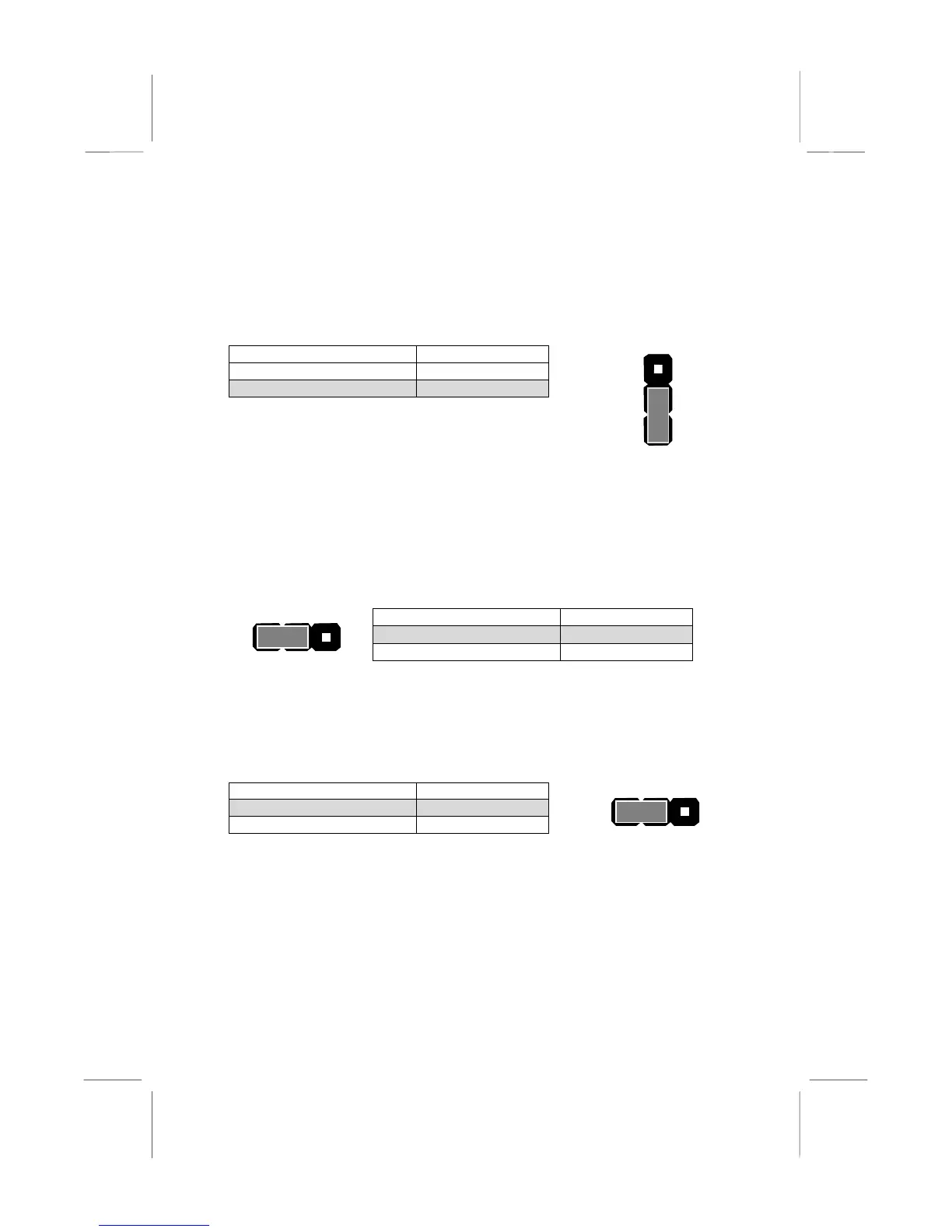
JP2: Keyboard Power On Jumper
This jumper lets you use a typed-in password as a power switch to turn
your system on. If you enable this property, you need to define the
password or the hot keys using the setup utility. See Chapter 3 for more
information.
Function Jumper Cap
Disable keyboard power on Short pins 1-2
Enable keyboard power on Short pins 2-3
JP7: Suspend-to-RAM Jumper
Use this 3-pin jumper to enable the Suspend-to-RAM feature. In a
Suspend-to-RAM condition, the contents of the system’s memory is held
intact, while practically all other components are turned off completely or
slowed down to reduce power consumption.
Function Jumper Cap
Enable Suspend-to-RAM Short pins 1-2
Disable Suspend-to-RAM Short pins 2-3
JP8: Flash BIOS jumper
Use this 3-pin jumper to enable or disable Flash BIOS protection. If
enabled, the existing BIOS cannot be flashed with another version.
Function Jumper Cap
Enable Flash BIOS Short pins 1-2
Disable Flash BIOS Short pins 2-3
JP2
1
2
3
JP7
1 2 3
JP8
1 2 3















 To Next Page