23
Pin Settings
Ratio BF1 BF2 BF3 BF4
7.5 All open 2-3 All open All open
2 All open All open All open All open
*Auto: When all 1-2 pins are shorted, the system bus multiplier ratio will
automatically be determined.
Install the Mainboard in the Case
The mainboard is drilled with a series of holes. Most system cases have
mounting brackets installed in the case which correspond to the holes in
the mainboard. You can secure the mainboard in the system case by
placing the mainboard over the mounting brackets and driving screws
through the mainboard into the mounting brackets.
Note: Do not overtighten the screws as this can stress the
mainboard.
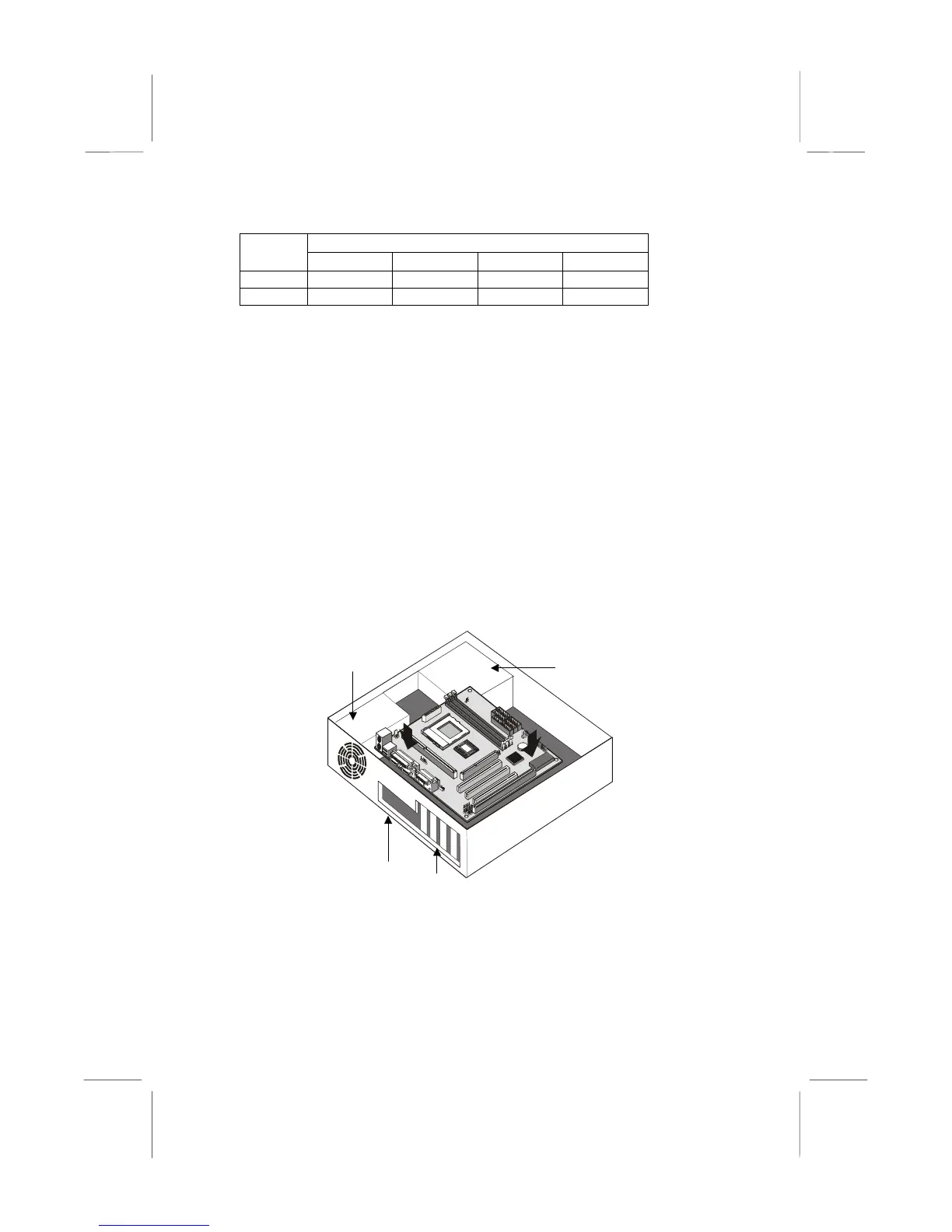
The illustration below shows the mainboard installing in a standard
desktop case.
The illustration below shows the mainboard installing into a tower-type
case.
Power Supply
Unit
Drive
Cage
Expansion
Slots
I/O
Template















 To Next Page