37
Install Options and Extension Brackets
This mainboard has a number of special connectors that allow you to
add optional features to your system. You can install any of the following
items:
♦
Fax/modem card option
♦
Infrared port
♦
24-bit digital audio extension bracket (SPDIF)
Fax/modem Card
You must install the fax/modem card in order to use the built-in
fax/modem. The fax/modem card is an optional item supplied with this
mainboard.
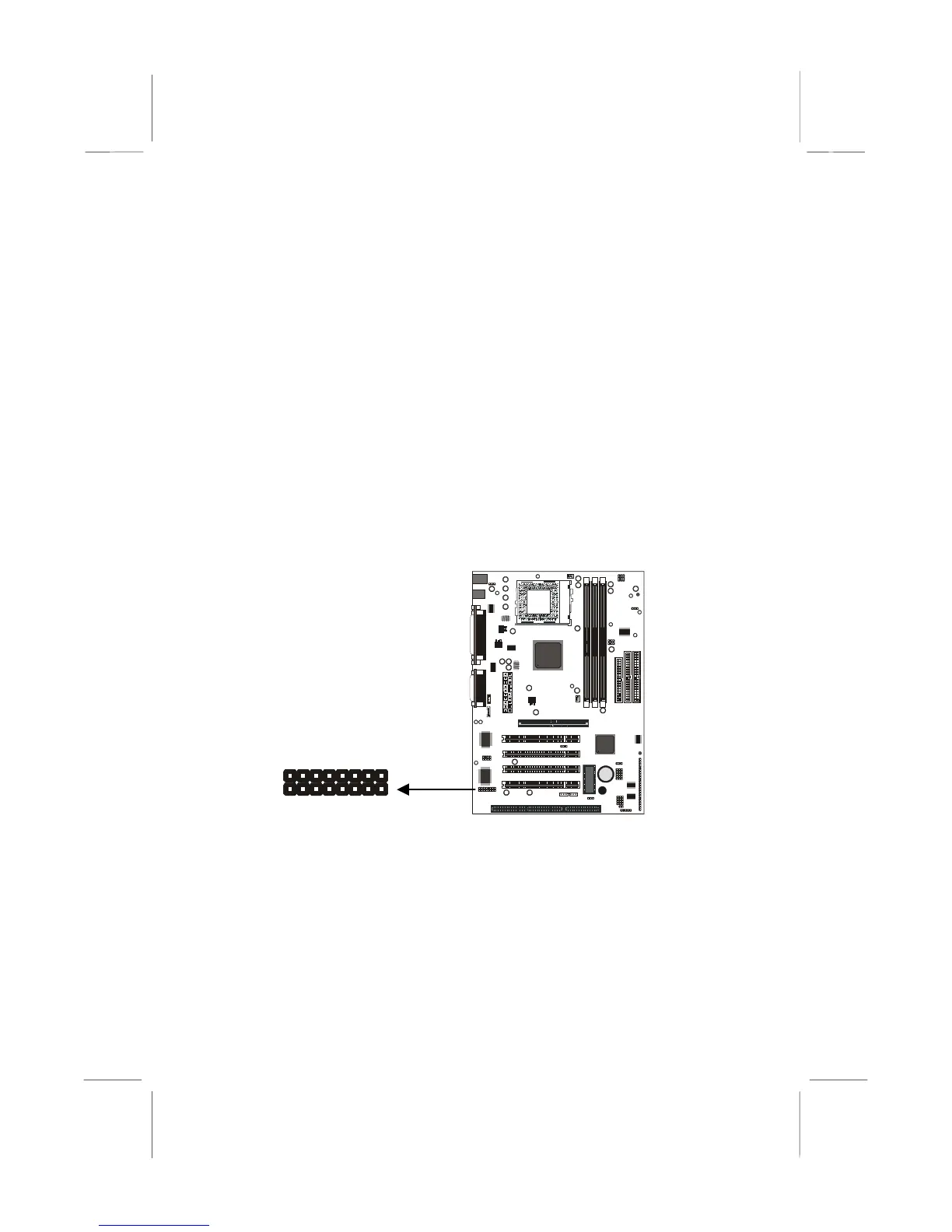
1. Locate the J1 fax/modem connector on the mainboard.
2. Remove the expansion slot blanking plate from the system chassis
that is adjacent to the fax/modem connector.
3. Install the fax/modem card on to the J1 connector as shown below.
The RJ11 Line and Telephone sockets on the bracket are positioned
in the expansion slot with the removed blanking plate.
J1















 To Next Page