34
Using the Expansion Slots
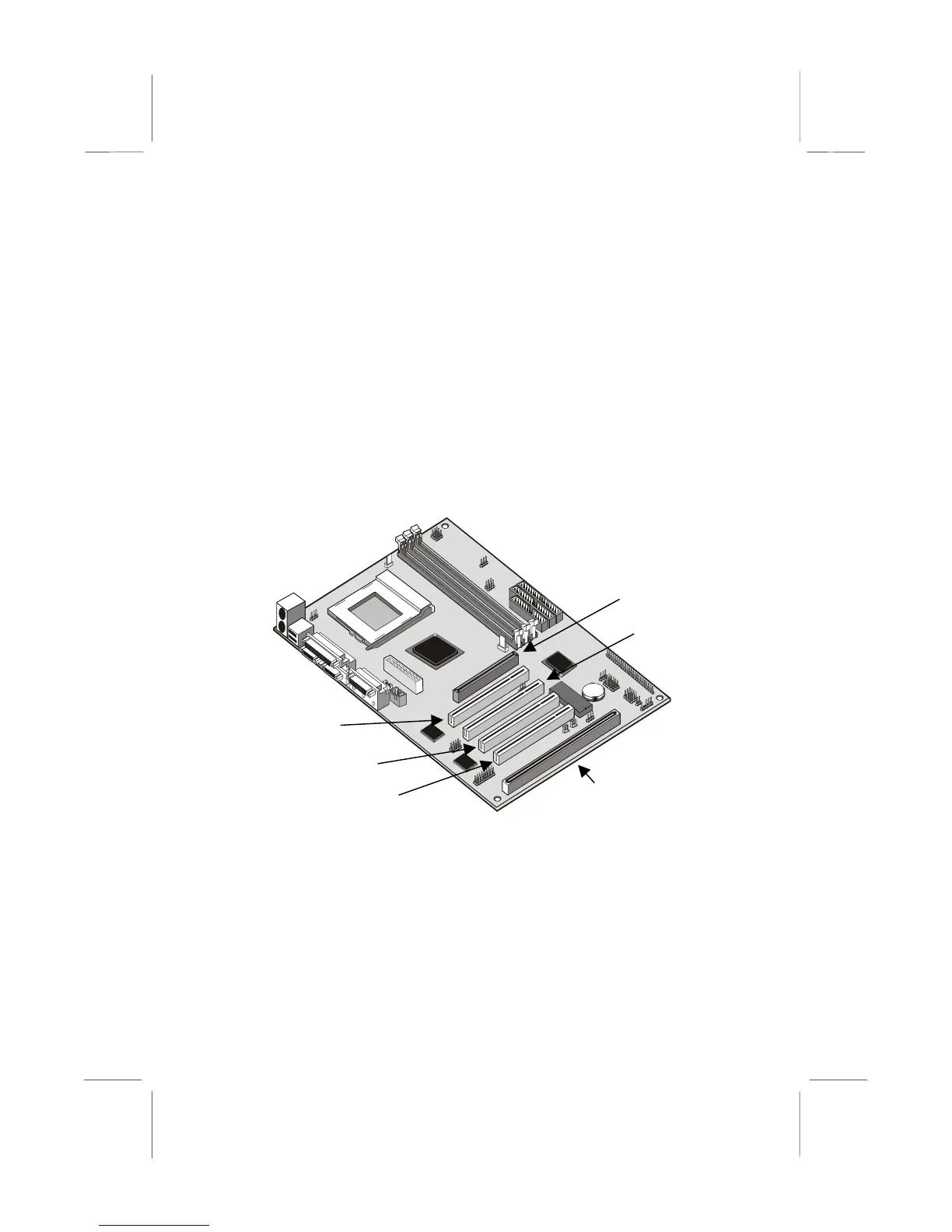
This mainboard has several expansion slots. You can install add-in cards
into these slots to add new features to your system. In order to get your
system started, you must install an add-in graphics adapter. The
mainboard has three kinds of expansion slots.
AGP Slot: The AGP slot can be used to install a graphics adapter that
has the AGP (Accelerated Graphics Port) interface.
PCI Slots: The PCI slots can be used to install add-in cards that have
the 32-bit PCI (Peripheral Components Interconnect) interface.
ISA Slot: The ISA slot can be used to install add-in cards that have the
legacy 8/16-bit ISA (Industry Standard Architecture) interface.
1. Before installing an expansion card, check the documentation for the
card carefully. If the card is not Plug and Play, you may have to
manually configure the card before installation.
2. Select which expansion slot you are going to use for your add-in
card.
3. In the system case, remove the blanking plate from the slot in the
system case that corresponds to the expansion slot that you are
going to use.
PCI1
PCI2
PCI3
ISA1
AGP1
PCI4















 To Next Page