35
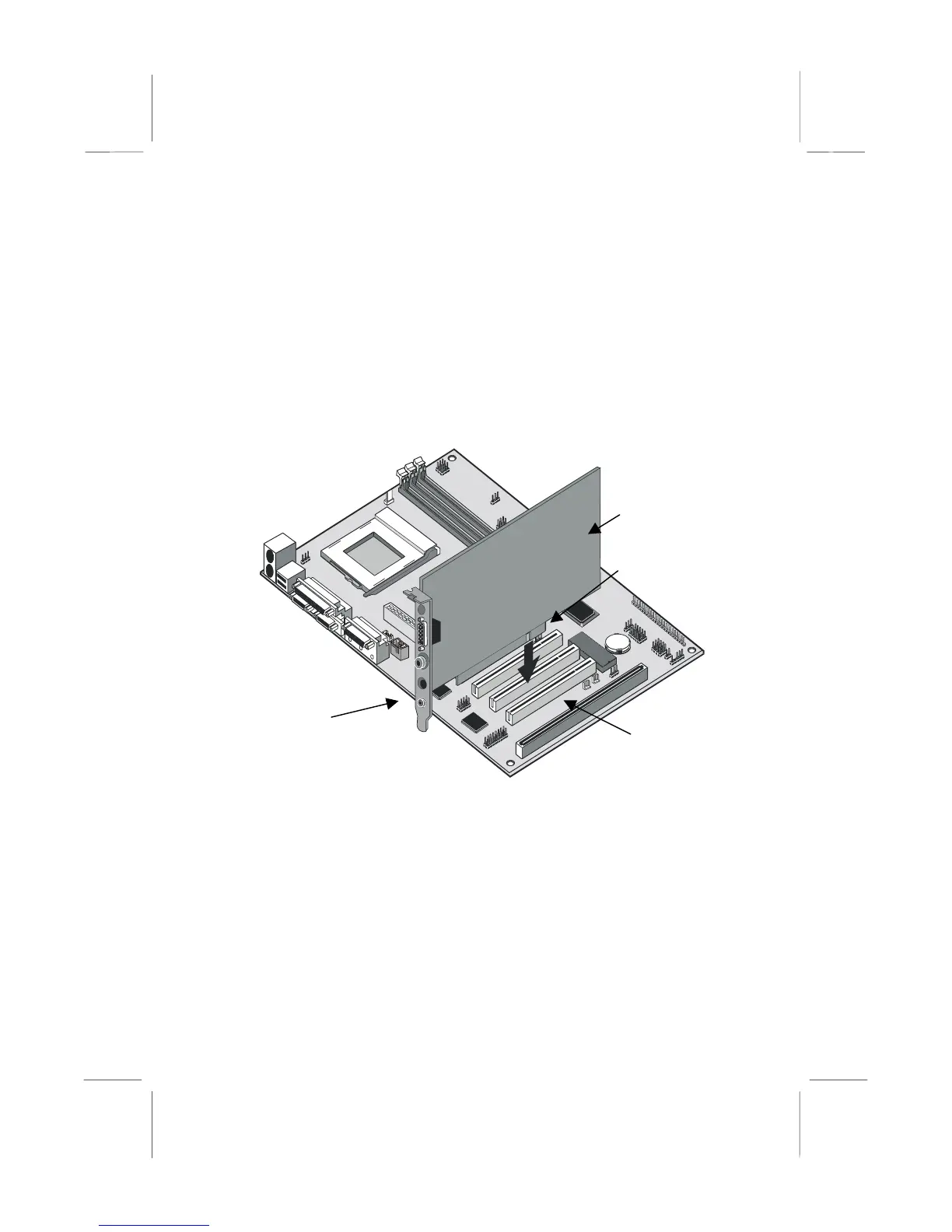
4. Position the edge connector of the add-in card over the expansion
slot. Position the metal bracket of the card in the empty slot in the
system case.
5. Install the edge connector of the add-in card into the expansion slot.
Press down quite firmly so that you are sure that the edge connector
is correctly seated in the slot.
6. Secure the metal bracket of the card in the empty slot in the system
case with a screw.
7. For some add-in cards, for example graphics adapters and network
adapters, you have to install drivers and software before you can
begin using the add-in card.
PCI Add-in card
PCI Slot
Edge connector
Add-in card
metal bracket















 To Next Page