71
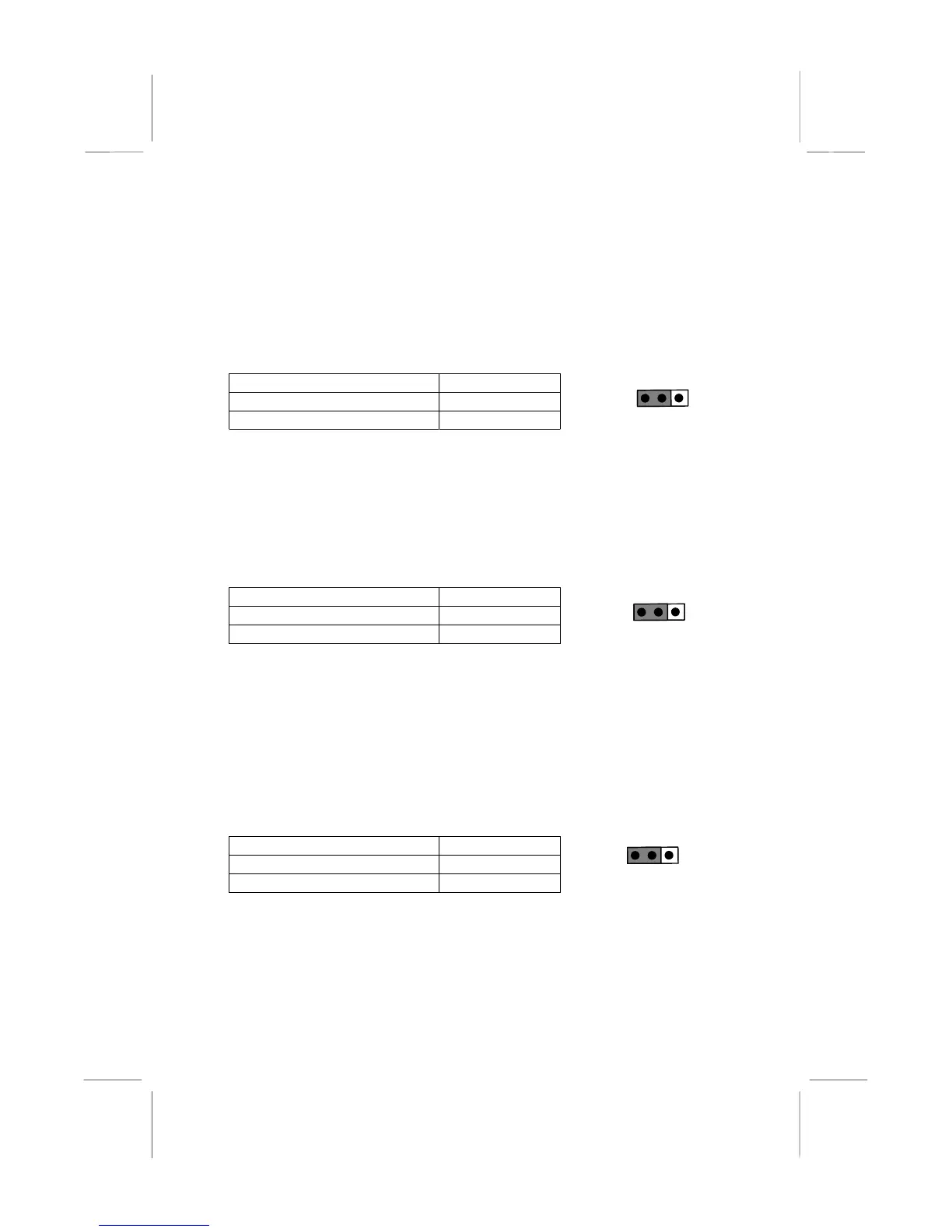
JP9: Set System Bus Frequency to 100 MHz
Use this 3-pin jumper to set the system bus frequency. In the normal
setting, the system automatically selects the correct frequency according
to the kind of processor installed. In the Force 100 MHz setting, the
system uses a 100 MHz system bus even if the processor is designed to
operate with a 66 MHz bus.
Function Jumper Cap
Normal operation Short pins 1-2
Force 100 MHz Short pins 2-3
JP10: Set System Bus Frequency to 133 MHz
Use this 3-pin jumper to set the system bus frequency. In the normal
setting, the system automatically selects the correct frequency according
to the kind of processor installed. In the Force 133 MHz setting, the
system uses a 133 MHz system bus even if the processor is designed to
operate with a 100 MHz bus.
Function Jumper Cap
Normal operation Short pins 1-2
Force 133 MHz Short pins 2-3
Note: When both JP9 and JP10 have the 2-3 pins shorted, the
board is set to force a 66 MHz FSB processor to run on a 133
MHz system bus.
JP11, JP12, JP13: Select Celeron or Joshua Processor for
Socket-370
Use these 3-pin jumper sets to select the processor type you are using in
the PGA370 processor socket.
Function Jumper Cap
Intel Celeron Short pins 1-2
Cyrix Joshua Short pins 2-3
1 2 3
JP11
JP12
JP13
1 2 3
JP9
1 2 3
JP10















 To Next Page