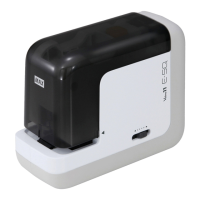
REPLACING THE STAPLE CARTRIDGE (No. 70FE)
If the staples run out in the cartridge, the LED lamp on top of the machine
will be illuminated in red in order to inform of replacement of cartridge.
In this case, the paper cannot be stapled, even if it is inserted.
Replace the cartridge as instructed below.
WARNING
Disconnect the power cord when loading the staple cartridge. It could
cause an injury when the stapler is abruptly activated.
(1) Disconnect the power cord from a
plug socket.
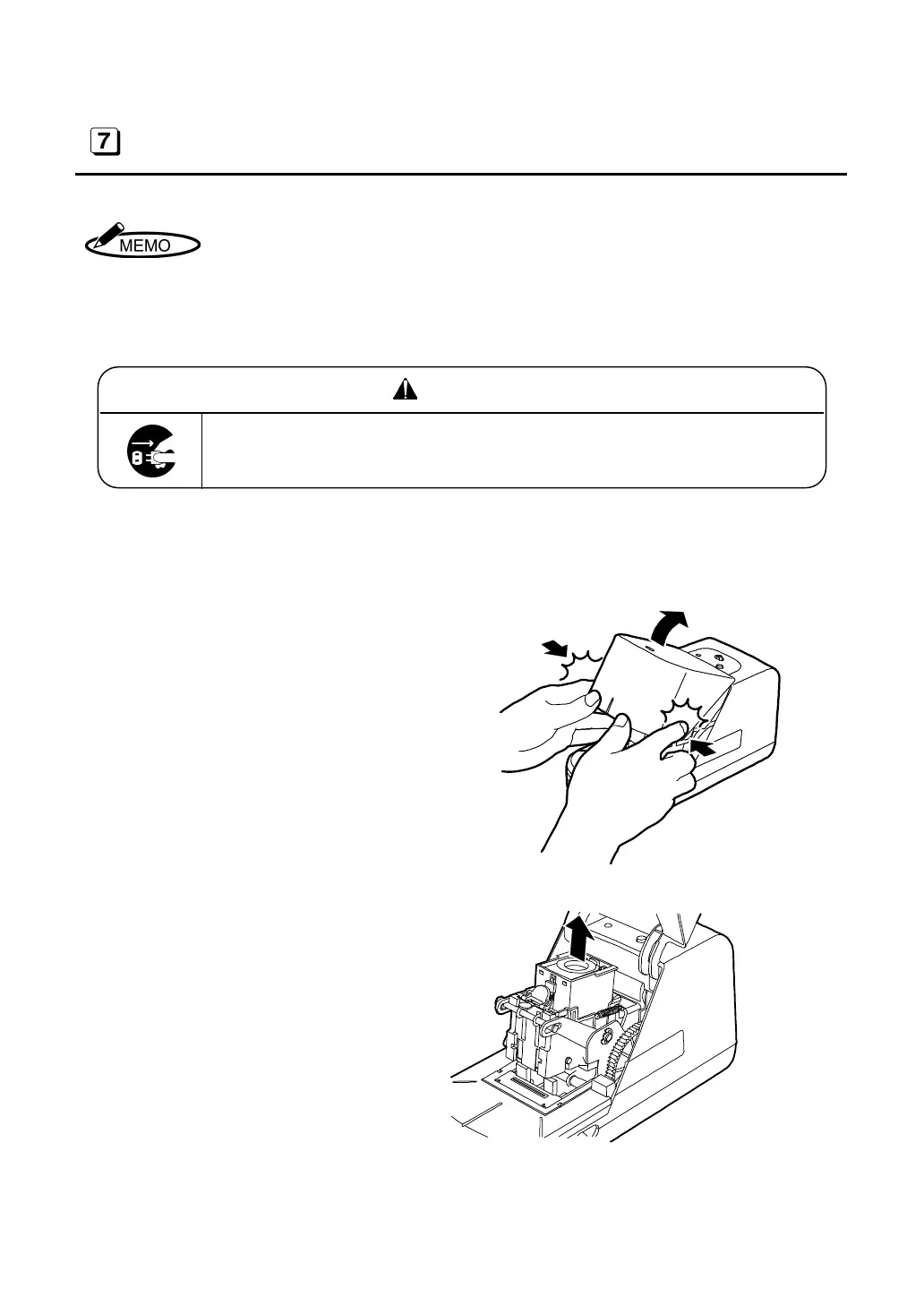
(2) Open the case cap.
(3) Hold the cartridge and pull it upward
to detach it.
(4) Load a new cartridge.
12



 To Next Page