EasyManua.ls Logo

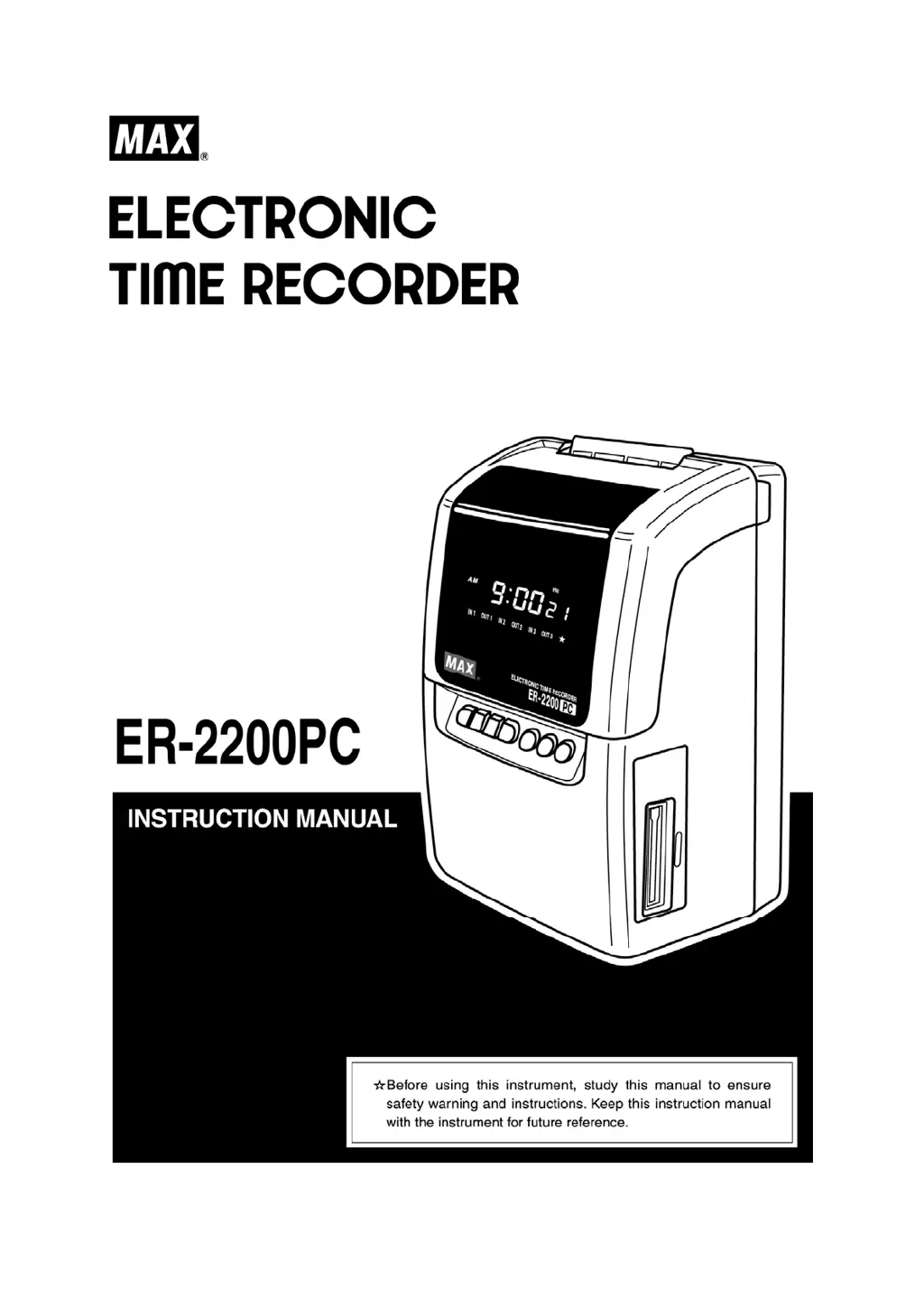
Max ER-2200PC - User Manual

Max ER-2200PC
25 pages
Print Icon
To Next Page IconTo Next Page
Loading...

Questions and Answers

  • J
    Jacob HarveyAug 11, 2025
    Why is my Max Time Clocks printing faint?
    • J
      John GomezAug 11, 2025
      If your Max Time Clocks is printing faintly, it might be due to the ink ribbon. Check if the ink ribbon has been used for too long or if it is inserted correctly.
  • J
    jacobstamiAug 21, 2025
    What to do if card insertion is obstructed in Max ER-2200PC?
    • A
      Amanda BaileyAug 21, 2025
      If you are experiencing obstruction when inserting a card into your Max Time Clocks, ensure that you are inserting the card on the correct side. Also, check the card for any bends or damage.
  • K
    kennethjenkinsAug 31, 2025
    Why is there deviation in the printing line position on Max ER-2200PC?
    • A
      Amy DavisSep 1, 2025
      If there is deviation in the printing line position on your Max Time Clocks, consider these points: Avoid inserting the card too strongly. Do not pull out the card during the printing process or keep holding the card when it is automatically being pulled inside. Also, ensure the card is not damp.

Max ER-2200PC Specifications

General IconGeneral
Time Format12/24 Hour
Automatic Column ShiftYes
Automatic Daylight Saving Time AdjustmentYes
Print ColorBlack
Communication InterfaceRS-232
Recording MethodAutomatic or Manual
MountingWall Mount
Memory BackupYes